
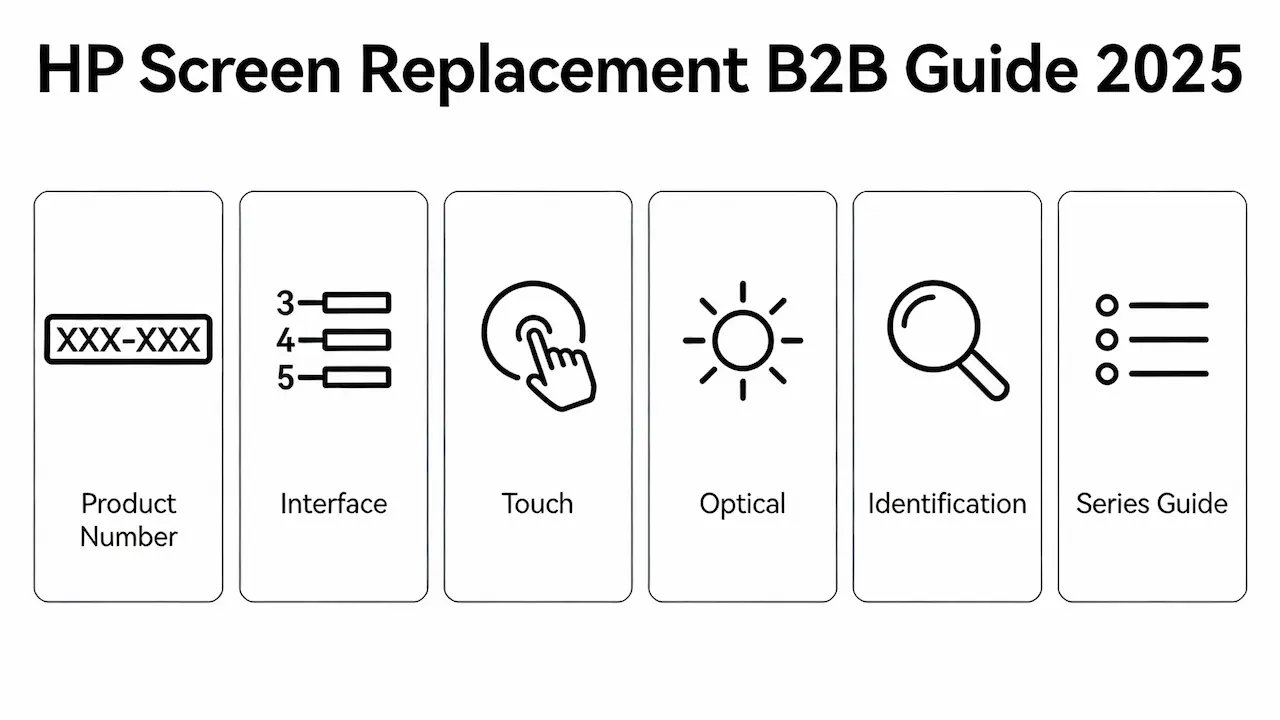
Why “Just Size” Fails: The 4 Critical Dimensions of HP Screen Compatibility
HP has used over 300 distinct LCD panel variants across its Pavilion, Envy, Spectre, ProBook, and OMEN lines since 2010—even within the same marketing model like “HP Pavilion 15.” Assuming compatibility based on screen size alone leads to a 68% return rate among independent repair shops (iFixit, 2024). True compatibility requires alignment across four technical dimensions: physical mounting, electrical interface, optical performance, and firmware-level identification (EDID). This guide equips resellers with the framework to eliminate mismatches before purchase.
Dimension 1: Decoding HP’s Dual Naming System – Marketing vs. Product Number
HP assigns every laptop two identifiers:
- Marketing Name: e.g., HP Envy x360 13-ey0013dx (consumer-facing)
- Product Number: e.g., 9T7Q5UA#ABA (hardware-defining)
The Product Number—found on the bottom service tag or in BIOS—encodes CPU generation, region, and screen configuration. For example, 9T7Q5UA ships with a 400-nit OLED panel, while 9T7Q4UA uses a 300-nit IPS. Swapping panels between these models causes EDID mismatch, resulting in black screens post-BIOS update. Always source using the exact Product Number, not the retail name.
Dimension 2: Interface Standards – eDP Pin Count, Lane Count & Voltage
Most modern HP laptops use Embedded DisplayPort (eDP), but critical differences exist:
| HP Series | Typical Interface | Lane Count | Backlight Voltage | Risk of Mismatch |
|---|---|---|---|---|
| Pavilion / Stream | eDP 30-pin | 2-lane | 3.3V | Flicker, premature LED failure |
| Spectre / OMEN | eDP 40-pin | 4-lane | 5V or dual-voltage | No image, T-con burnout |
A 30-pin panel cannot physically fit a 40-pin socket—but even with adapters, voltage mismatch degrades backlight drivers within weeks. Always verify lane count and VCC specs via the original panel label (e.g., BOE NV156FHM-N61) or HWiNFO EDID readout.
Dimension 3: Touch vs. Non-Touch – More Than Just a Digitizer
Touchscreen HP models (e.g., Envy x360, Spectre Fold) require:
- A bonded digitizer layer (adds ~1.2mm thickness)
- A secondary I²C flex cable (10–12 pins) routed through the hinge
- Motherboard support for HID-compliant touch controllers
Installing a non-touch panel in a touch chassis leaves a visible gap behind the bezel or prevents lid closure. Conversely, forcing a touch panel onto a non-touch board triggers USB enumeration errors during boot. In a documented case with an AUO B133HAN04.0 panel, this caused Windows to hang at logo—resolved only by EDID spoofing.
Dimension 4: Optical Performance Tiers – Nits, Gamut & Viewing Angle
HP segments displays by market tier, directly impacting resale value:
| Tier | Resolution | Panel Type | Brightness | sRGB | Common Models |
|---|---|---|---|---|---|
| Entry | 1366×768 | TN | 200–220 nits | 60% | Stream 14, Pavilion dv |
| Mainstream | 1920×1080 | IPS | 250–300 nits | 95% | ProBook 450, Envy 16 |
| Premium | 2880×1800 | OLED | 400+ nits | 100% DCI-P3 | Spectre 16, OMEN Transcend |
Swapping a 220-nit TN panel into a 300-nit IPS chassis creates visible dimming and color shift—a top cause of customer returns. Always match luminance (nits) and panel technology to the original spec.
How to Identify Your Exact HP Panel – Three Field-Tested Methods
- EDID Read via HWiNFO: Run → “Monitors” → Note Panel Model, Max Luminance, Interface. Works even with cracked but lit screens.
- Decode Product Number: Cross-reference on HP Support Site under “Product Specifications.” Odd suffixes often = touch.
- Physical Label Inspection: Remove bezel → read label (e.g., LG LP156WF6-SPB1). This is your only reliable sourcing key.
🔍 Pro Tip: Panels from BOE, INNOLUX, HKC, AUO, Samsung, and Sharp dominate HP’s supply chain. Knowing the OEM helps predict quality grade and availability.
Your Series-Specific Replacement Guide (Navigate by HP Family)
To eliminate guesswork, we’ve built dedicated compatibility guides for every major HP line. Each includes verified panel lists, brightness specs, and repair difficulty ratings.
5.1 → HP Pavilion Screen Replacement Guide
Covers all models from dv2000 (2006) to 15-eg0xxx (2025), including gaming variants.
5.2 → HP Envy / x360 Screen Replacement Guide
Includes ey0013dx, OLED options, and 13.5″ 3:2 aspect ratio panels.
5.3 → HP Spectre Screen Replacement Guide
Details OLED burn-in risks, privacy shutter integration, and micro-bezel tolerances.
5.4 → HP Stream Screen Replacement Guide
Focuses on 11.6″ and 14″ HD TN panels—low-cost, high-turnover inventory.
5.5 → HP Gaming (OMEN / Victus) Screen Replacement Guide
Covers 144Hz–300Hz high-refresh panels with RTX thermal considerations.
5.6 → HP ProBook Screen Replacement Guide
Business-grade panels with MIL-STD durability and anti-glare coatings.
5.7 → HP Mini / Netbook Screen Replacement Guide
Legacy 10.1″–12.1″ models (2008–2013)—still in education fleets worldwide.
Model-Specific x360 Guides (Live as of January 2026)
For technicians managing high-volume x360 repairs, we’ve published granular compatibility guides down to the exact screen size and sub-model. These complement the series-level guides above with OEM panel cross-references, touch FPC routing diagrams, and eDP pinout validation.
HP Envy x360 Series
- HP Envy x360 13 Screen Replacement Guide
- HP Envy x360 14 Screen Replacement Guide
- HP Envy x360 15 Screen Replacement Guide
HP Pavilion x360 Series
- HP Pavilion x360 14 Screen Replacement Guide
- HP Pavilion x360 15 Screen Replacement Guide
- HP Pavilion x360 16 Screen Replacement Guide
HP Spectre x360 Series
FAQ: B2B Sourcing Questions Answered
How much does it cost to replace an HP laptop screen for bulk orders?
- Bulk pricing ranges from 25 to 60 per unit, depending on panel type (HD TN vs. QHD OLED), order volume, and OEM source (e.g., BOE vs. AUO). Direct partnerships with panel factories reduce costs by 18–32% versus gray-market distributors.
Can I buy wholesale HP laptop screens directly from OEM suppliers?
Yes. Authorized distributors like [SUP] provide factory-direct access to BOE, INNOLUX, and HKC inventory—including OEM-overrun panels tested to HP’s 500-hour aging standard. No intermediaries, no markup.
What is the MOQ for bulk purchasing laptop screens?
For in-stock models, MOQ starts at 10 units per SKU. Custom or low-volume panels may require 50+. Always confirm availability before committing to large orders.
Is it worth replacing HP screens in bulk for resale?
Absolutely—if you source OEM-grade compatible panels with verified EDID and Grade A quality. Margins of 40–70% are achievable when avoiding retail channels. The key is precision compatibility, not just low cost.
How much do laptop screens cost when sourced from bulk suppliers?
FHD IPS panels average 32–45 in bulk (100+ units), while OLED/Mini-LED can exceed 120.Compare this to Amazon retail prices of $80–$200—your margin is built on technical accuracy, not guesswork.



