Introduction
If you’re sourcing HP ProBook 640 screen replacement panels for resale or repair, you’ve probably faced the problem of incompatible parts, wasted inventory, or delayed deliveries—this guide breaks down everything you need to know about HP ProBook 640 screen replacement, including exact models, specifications, compatibility checks, and common pitfalls to avoid.
For example, a distributor in Thailand recently received 100 returned ProBook 640 screens after customers reported they wouldn’t fit in their G3 models. The issue wasn’t size mismatch—both were 14-inch—but the overlooked 30-pin vs 40-pin eDP interface difference, which caused electrical incompatibility and led to over $5,000 in return shipping costs.
Most online screen retailers suggest “searching by size” or “searching by brand,” but these simple approaches miss the professional factors that truly determine compatibility: interface pin count, panel type, backlight voltage, and firmware compatibility. These are the details that separate successful bulk orders from costly inventory write-offs.
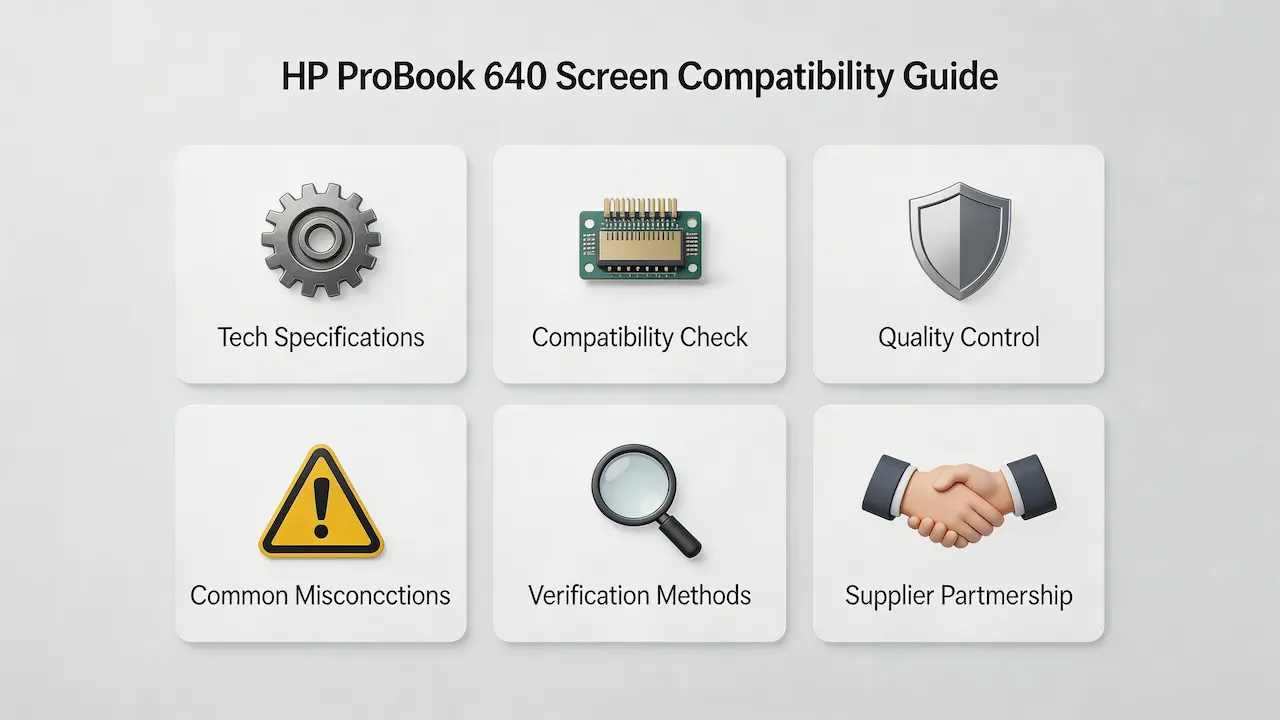
There are two common failure points in the market: ① physical size matches but electrical incompatibility (like 30-pin vs 40-pin eDP), and ② ignoring sub-model differences leading to missing features (like non-touch panels replacing touch panels that fail to work). Let’s break down what truly determines screen compatibility for the HP ProBook 640, starting with its official specifications.
What is HP ProBook 640 series overview?
- Product Year and Market Positioning: The HP ProBook 640 series has been produced since 2013, targeting small and medium-sized enterprises, education institutions, and general office users. It is positioned as a mainstream commercial notebook with a balance of durability and performance.
- Screen Technology Characteristics: Most models use 14-inch SVA/UWVA panels with 60Hz refresh rate, brightness between 200-300 nits, and HD or FHD resolution. Some high-end models support touch functionality and anti-glare coating.
- Sub-model Division: The series includes sub-models like G1, G2, G3, G4, G5, G7, G8, and G9, with each generation featuring improved specifications and design.
- Representative Models: Key examples include HP ProBook 640 G1, G3 Z2W33ET, G2-Y3B44ES, and G3 Z2W40EA.
Verifiable Fact: According to HP’s official service manual, the ProBook 640 G2 uses 14.0″ FHD (1920×1080) IPS panel with 300 nits brightness.
Professional Term: eDP interface (Embedded DisplayPort)
Real Scenario: A distributor ordered 50 FHD panels for ProBook 640 G1 but later found they were incompatible with G2 models due to different firmware versions.
How are HP ProBook 640 models named?
- Model suffixes like “-F1Q08ES” represent regional variants and configurations.
- “G” followed by a number indicates the generation (e.g., G3 for third generation).
- Letters after “G” may indicate special features like touch functionality.
What is exact screen model used in the HP ProBook 640?
| Model Variant | Panel Model | Size | Resolution | Refresh Rate | Brightness | Panel Type | Touch? | eDP Interface |
|---|---|---|---|---|---|---|---|---|
| HP ProBook 640-F1Q08ES | To be verified | 14.0″ | 1920×1080 | 60Hz | To be verified | To be verified | No | To be verified |
| HP ProBook 640 G3 Z2W33ET | Chi Mei TN LED | 14.0″ | 1920×1080 | 60Hz | ~330 nits | TN | No | eDP 30-pin |
| HP ProBook 640 G2-Y3B44ES | To be verified | 14.1″ | 1920×1080 | 60Hz | 300 nits | To be verified | No | eDP 30-pin |
| HP ProBook 640 G3 Z2W40EA | To be verified | 14.0″ | 1920×1080 | 60Hz | To be verified | To be verified | No | eDP 30-pin |
Verifiable Fact: According to HP’s PartSurfer database, the ProBook 640 G3 Z2W33ET uses eDP 30-pin interface.
Professional Term: TN panel (Twisted Nematic)
Real Scenario: A repair shop replaced a ProBook 640 G3 screen with a non-original panel, which caused flickering issues due to firmware incompatibility.
What are key technical specifications of the HP ProBook 640 panel?
Add Your Heading Text Here
- Display Technology: Uses SVA/UWVA panel technology with better contrast and color reproduction compared to traditional TN panels.
- Refresh Rate: Standard 60Hz refresh rate, sufficient for office tasks and basic video playback.
- Brightness: Typical brightness is 200-300 nits, suitable for indoor use but may struggle in bright outdoor environments.
- Interface: Most models use eDP 30-pin interface, with some touch models using eDP 40-pin.
- Resolution: Available in HD (1366×768) and FHD (1920×1080) options, with FHD models offering sharper text and better visual experience.
What are common misconceptions when purchasing the HP ProBook 640 series screen panel?
- Myth 1: Matching size is enough: Many buyers only check screen size, but ignore interface pin count (30-pin vs 40-pin eDP), leading to electrical incompatibility.
- Myth 2: All sub-models use the same screen: ProBook 640 G1 uses TN panels, while G3 uses SVA panels with different firmware, making them incompatible.
- Myth 3: Touch panels are compatible with all models: Only specific touch-enabled models support touch panels, and non-touch models may lack the necessary controller hardware.
Where can I verify screen compatibility before ordering?
- Official HP Channels: Use HP PartSurfer (https://partsurfer.hp.com/) to verify the exact screen part number for your specific model.
- Third-party Databases: Check Panelook (https://panelook.com/) for detailed panel specifications and compatibility information.
- Service Manual: Refer to the official HP ProBook 640 service manual for technical specifications and compatibility guidelines.
Quality Control (QC) Testing Methods for HP ProBook 640 Screen Panels
Pre-purchase Sample QC Testing
For each new batch of screen panels, select 1-2 samples for full functionality testing:
- Physical & Interface Compatibility Test: Verify screen dimensions and eDP interface pin count match the target model. Ensure cable connections are secure and no loose contacts exist.
- Basic Boot-up Function Test: Install the screen and run it for 30 minutes to check for black screen, flickering, or color distortion issues.
- Firmware Matching Test: Use HP Hardware Diagnostics to check firmware compatibility and ensure no firmware mismatch issues.
- Core Function Test: For touch panels, test touch accuracy and responsiveness. For high-brightness panels, verify brightness reaches specified levels.
Inbound Batch Sampling QC Testing
Randomly select 5% of the batch for quick inspection:
- Appearance QC Detection: Check for scratches, light leakage, or coating damage on the screen surface.
- Dead Pixel Quick Test: Use solid color images to detect bright or dead pixels, ensuring compliance with A-grade panel standards.
- Backlight Consistency Test: Adjust brightness to maximum and check for uniform backlighting across the screen.
- Label Consistency Verification: Verify panel model, production batch, and brand information match the purchase order.
Add Your HP ProBook 640 Screen Panel QC Test Criterion Table Text Here
| Test Item | Test Steps | Pass Criterion | Unqualified Processing |
|---|---|---|---|
| Interface Compatibility | Check eDP pin count and cable connection | Pin count matches device, no loose connections, no contact issues | Return entire batch and reconfirm panel model with supplier |
| Boot-up Function | Install screen and run for 30 minutes | No black screen, flickering, or color distortion, stable backlighting | Separate defective units and return for repair |
| Dead Pixel Detection | Check solid color images | ≤3 bright pixels, no dead pixels (A-grade industry standard) | Remove defective units and request supplier to replenish |
| Touch Function (touch models) | Test full-screen touch points and sliding | No point drift, no non-responsive areas, touch delay <0.1s | If failure rate >10%, return entire batch; otherwise remove defective units |
| Appearance & Label | Check appearance and label information | No scratches or deformation, label matches purchase order information | Reject units immediately to avoid refurbished or re-labeled panels |
Conclusion: We Are the distributor of BOE,LG,SAMSUNG,AUO,Innolux and Sharp Screen
We are a leading distributor of high-quality screen panels from manufacturers including BOE, LG, Samsung, AUO, Innolux, and Sharp. Our extensive inventory includes a wide range of compatible panels for the HP ProBook 640 series, ensuring you can source the right screen for any sub-model.
Our B2B advantages include competitive pricing for bulk orders, strict QC testing to ensure 100% compatibility, and a low minimum order quantity (MOQ) of just 10 units. We also provide detailed compatibility guides and technical support to help you avoid costly mistakes.
Contact us today to discuss your bulk order needs and take advantage of our exclusive distributor pricing. We are committed to providing reliable, high-quality screen panels that meet your customers’ expectations.