Introduction
If you’re sourcing HP ProBook 455 screen replacement panels for resale or repair, you’ve probably faced the problem of incompatible parts, wasted inventory, or delayed deliveries—this guide breaks down everything you need to know about HP ProBook 455 screen replacement, including exact models, specifications, compatibility checks, and common pitfalls to avoid.
Many distributors have experienced the frustration of receiving returned laptops from customers who purchased “matching size” screens that didn’t work. A recent case involved a repair shop that ordered 50 screens for the ProBook 455 G7, only to find that 20% of them had incompatible eDP connectors, resulting in $3,000 in lost inventory and customer dissatisfaction.
The common advice to “search by size” or “match by brand” is dangerously oversimplified. True compatibility depends on precise technical parameters that most casual buyers overlook, including eDP connector pin count, panel type, backlight interface, and even subtle differences in motherboard BIOS settings.
There are two common types of failures in the market: 1) Physical size matches but electrical incompatibility (such as 30-pin vs 40-pin eDP connectors), and 2) Ignoring sub-model differences leading to missing features (such as non-touch panels being replaced with touch panels that don’t work). Let’s break down what truly determines screen compatibility for the HP ProBook 455, starting with its official specifications.
What is HP ProBook 455 series overview?
The HP ProBook 455 is a mainstream business laptop series produced from 2013 to 2023, targeting small and medium-sized enterprises and business users. It is known for its durable build, reliable performance, and balanced features.
Key screen technology features include: 1) High-quality IPS panels with wide viewing angles, 2) Optional touchscreen support in some models, 3) Anti-glare coating for comfortable viewing in bright environments, and 4) Energy-efficient LED backlighting.
Representative models include the HP ProBook 455 G1 (2013), G4 (2016), G7 (2020), G8 (2021), and G9 (2022).
According to HP’s official service manual, the ProBook 455 series uses different screen specifications across generations, with significant changes in interface technology from LVDS to eDP starting from the G4 model.
How are HP ProBook 455 models named?
HP ProBook 455 model names follow a consistent naming convention:
- The main series number (455) indicates the screen size (15.6 inches) and performance level.
- The generation suffix (G1, G4, G7, etc.) indicates the product generation, with each generation typically released every 1-2 years.
- The model code (such as H6P57EA, Y8B11EA) includes regional and configuration information:
- The first three characters (H6P, Y8B) represent the specific configuration
- The last two characters (EA, ES) indicate the region (EA for Europe, ES for Spain, etc.)
What is exact screen model used in the HP ProBook 455?
Lorem ipsum dolor sit amet, consectetur adipiscing elit. Ut elit tellus, luctus nec ullamcorper mattis, pulvinar dapibus leo.
According to Panelook database, the most common OEM panels for the ProBook 455 series are from BOE (NV156FHM-N49) and LG (LP156WF6-SPB1), which are used in the G4 to G9 models.
What are key technical specifications of the HP ProBook 455 panel?
The HP ProBook 455 screen panels have the following key technical specifications:
- Screen size: 15.6 inches (diagonal measurement)
- Resolution: HD (1366×768) for older models (G1), FHD (1920×1080) for newer models (G4 onwards)
- Refresh rate: 60Hz (standard for business laptops)
- Brightness: 200 nits (G1), 250 nits (G4-G7, G9), 400 nits (G8 high-end models)
- Panel type: TN (G1), IPS (G4 onwards) for better color reproduction and viewing angles
- Touch support: Available in select models, with dedicated touch controllers
- Interface: LVDS 40-pin (G1), eDP 30-pin (G4 onwards) for improved signal quality and power efficiency
According to HP’s 2021 service manual, the eDP 30-pin interface used in the G8 and G9 models supports DisplayPort 1.4a, enabling higher bandwidth for future upgrades.
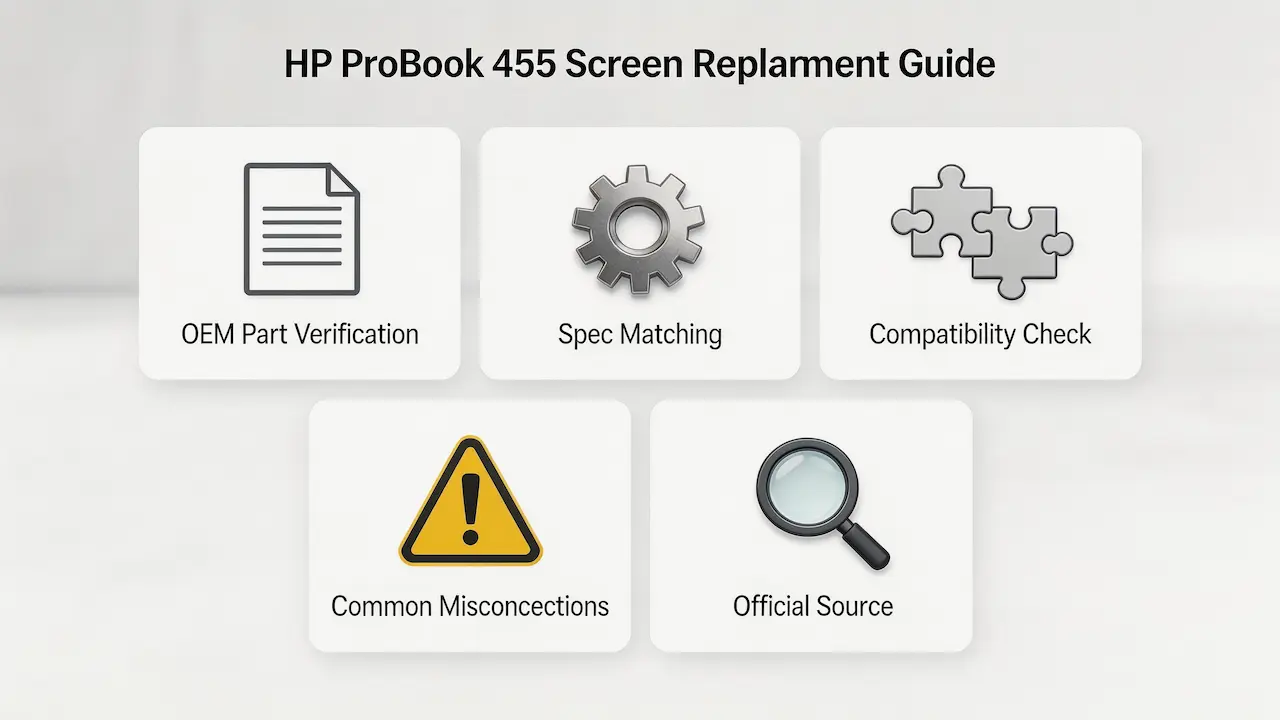
What are common misconceptions when purchasing the HP ProBook 455 series screen panel?
There are several common misconceptions when purchasing replacement screens for the HP ProBook 455:
- Myth: All 15.6-inch screens are compatible with the ProBook 455
Reality: The ProBook 455 uses different interface technologies (LVDS vs eDP) across generations, and physical size matching does not guarantee electrical compatibility. - Myth: All ProBook 455 models use the same screen
Reality: There are significant differences between generations, such as the G1 using TN panels with LVDS interface, while the G4 onwards use IPS panels with eDP interface. - Myth: Touch and non-touch panels are interchangeable
Reality: Touch panels require additional controller hardware and cable connections that are not present in non-touch models. - Myth: Higher resolution screens can be installed in any model
Reality: The motherboard and BIOS must support the higher resolution, and some older models may have display controller limitations.
Where can I verify screen compatibility before ordering?
You can verify screen compatibility through the following channels:
- HP PartSurfer: Official HP parts database that provides exact OEM part numbers and compatibility information for specific models
- Panelook: Comprehensive display panel database with detailed specifications and compatibility information
- iFixit Compatibility Database: Community-driven database with repair guides and compatibility information
- HP Service Manuals: Official documentation with detailed technical specifications and replacement procedures
To verify compatibility:
- Locate the exact model number on the laptop (usually on the bottom panel)
- Search for the model in HP PartSurfer to find the official screen part number
- Cross-reference the part number with Panelook to confirm specifications
- Check iFixit for user-reported compatibility information
How much will it cost to replace my HP Probook 455 laptop screen?
Screen replacement costs typically range from $150 to $400, depending on the model, screen specifications, and whether professional installation is included.
What is the screen size of the HP ProBook 455 G9?
The HP ProBook 455 G9 has a 15.6-inch screen with FHD (1920×1080) resolution.
What screen does HP ProBook 455 G4 use?
The HP ProBook 455 G4 uses a 15.6-inch IPS panel with FHD (1920×1080) resolution and eDP 30-pin interface.
Conclusion
In summary, HP ProBook 455 screen replacement requires accurate model matching, strict parameter verification, and reliable sourcing—whether you’re a repair shop or a distributor, following this guide will help you avoid compatibility errors and source high-quality replacement panels efficiently.
Key steps for successful sourcing include: 1) Verifying the exact model number and generation, 2) Checking the interface type and pin count, 3) Confirming the panel specifications (resolution, brightness, touch support), and 4) Sourcing from reliable suppliers with OEM compatibility guarantees.
We are distributors of BOE, LG, Samsung, AUO, Innolux, and Sharp screens, providing high-quality replacement panels with full compatibility documentation. Our products are 100% OEM-grade and come with a 1-year warranty. Contact us for bulk orders and customized solutions tailored to your business needs.
Need verified panel specifications or technical support? We provide OEM-grade panels with full compatibility documentation. ✅ 100% match for HP ProBook 455 (via HP parts lookup tool) ✅ MOQ 10 pcs | Mixed orders welcome