Introduction
If you’re sourcing HP ProBook 440 screen replacement panels for resale or repair, you’ve probably faced the problem of incompatible parts, wasted inventory, or delayed deliveries—this guide breaks down everything you need to know about HP ProBook 440 screen replacement, including exact models, specifications, compatibility checks, and common pitfalls to avoid.
Picture this: a small repair shop in Florida orders 10 “HP ProBook 440-compatible” screens from a third-party supplier, only to find 3 of them fail to power on during installation. Upon inspection, they discover the screens have a 40-pin eDP interface while the G9 models use 30-pin connectors. The resulting inventory write-off costs the shop over $800. This scenario is not uncommon when dealers rely on basic keyword searches instead of precise technical matching.
Most online guides will tell you to “search by size” or “match brand to brand” when looking for replacement screens, but this advice is dangerously superficial. The reality is that HP ProBook 440 screen compatibility depends on multiple technical dimensions, including eDP interface pin count, panel type, backlight connector alignment, and OEM firmware validation. SUP’s panel matching service addresses these critical technical factors to ensure seamless integration.
There are two common failures that plague unsuspecting resellers: first, panels that fit physically but fail to communicate electrically (like 30-pin vs 40-pin eDP connectors), and second, panels that work partially but lose touch functionality or cause battery drain due to incompatible firmware signatures. Let’s break down what truly determines screen compatibility for the HP ProBook 440, starting with its official specifications.
What is HP ProBook 440 series overview?
- The HP ProBook 440 series spans from 2015 to 2025, targeting small business users with a balance of portability and performance
- Key screen technologies include UWVA (Ultra-Wide Viewing Angle) panels on newer models, supporting up to 400 nits of brightness for outdoor visibility
- Notable sub-models include G3, G4, G5, G9, and G11, each introducing significant screen technology updates
- According to the HP Maintenance and Service Guide (2024) , the ProBook 440 series uses modular screen assemblies that share physical dimensions but vary in electrical interfaces across generations
How are HP ProBook 440 models named?
- The “G” prefix indicates generation number (e.g., G9 = 9th generation, G11 = 11th generation)
- Numeric suffixes like “3KX87ES” and “2RS30EA” represent regional configurations
- First three characters (3KX, 2RS) indicate regional marketing codes
- Last two characters (ES, EA) denote regional language settings
- The dash separates generation identifier from configuration code (e.g., G5-3KX87ES)
What is exact screen model used in the HP ProBook 440?
| Model Variant | Panel Model | Size | Resolution | Refresh Rate | Brightness | Panel Type | Touch? | Interface |
|---|---|---|---|---|---|---|---|---|
| HP ProBook 440 G9 | NV140FHM-N49 (BOE), LP140WF7 (LG) | 14.0 inch | 1920×1080 (FHD), 1366×768 (HD) | 60Hz | 250 nits, 400 nits, 1000 nits | UWVA | Optional | eDP 30-pin |
| HP Probook 440 G11 | AUOE3AC (AUO) | 14.0 inch | 1920×1200 (WUXGA), 2560×1600 (WQXGA) | 60Hz | 300 nits, 400 nits, 500 nits | IPS/UWVA | Optional | eDP 30-pin |
| HP ProBook 440 G3 | N140BGE-E33 (Chi Mei), LP140WHU (LG) | 14.0 inch | 1920×1080 (FHD), 1366×768 (HD) | 60Hz | 220 nits | IPS/TN | Optional | eDP 30-pin |
| HP ProBook 440 G4-Y8B51EA | B140HAN04.D (AUO) | 14.0 inch | 1920×1080 (FHD) | 60Hz | 220 nits | IPS | No | eDP 30-pin |
| HP ProBook 440 G4-Y7Z82EA | To be verified | 14.0 inch | 1920×1080 (FHD), 1366×768 (HD) | 60Hz | 220 nits | IPS/TN | Optional | eDP 30-pin |
| HP ProBook 440 G4-Y8B49EA | NV140FHM-N4T (BOE) | 14.0 inch | 1920×1080 (FHD) | 60Hz | 220 nits | IPS | No | eDP 30-pin |
| HP ProBook 440 G5-3KX87ES | LGD04B2 (LG) | 14.0 inch | 1920×1080 (FHD) | 60Hz | 220 nits | IPS | No | eDP 30-pin |
| HP Probook 440 G5-2RS30EA | B140HAN02.1 (AUO) | 14.0 inch | 1920×1080 (FHD) | 60Hz | 220 nits | IPS | No | eDP 30-pin |
- The most common OEM panels come from BOE, LG, and AU Optronics
- Touchscreen variants require additional controller hardware that only works with specific G9 and G11 models
- According to Panelook database (2025) , the N00082-001 panel uses eDP 1.4a signaling for improved color accuracy
What are key technical specifications of the HP ProBook 440 panel?
- Panel Dimensions: 14.0 inch diagonal active area with 16:9 aspect ratio
- Resolution Options: HD (1366×768), FHD (1920×1080), and WUXGA (1920×1200)
- Refresh Rate: Fixed at 60Hz across all models
- Brightness Ranges: 220 nits (G5), 250 nits (G3/G4/G9), 300 nits (G11), 400 nits (G9 UWVA high-bright)
- Interface Types: 30-pin eDP (G3/G4/G5/G9), 40-pin eDP (G11)
- Backlight Technology: LED direct-lit with PWM dimming support
- Color Gamut: 45% NTSC (G9/G11) and 60% NTSC (IPS variants)
What are common misconceptions when purchasing the HP ProBook 440 series screen panel?
- Myth 1: All 14-inch screens fit all ProBook 440 models
- Reality: G11 models use 40-pin eDP connectors while earlier generations use 30-pin, creating electrical incompatibility despite matching physical dimensions
- Myth 2: Non-touch panels can be replaced with touch screens by simply swapping connectors
- Reality: Touch functionality requires controller hardware integrated with the system board that’s only present on select models
- Myth 3: Same-generation models use identical panels
- Reality: G9 models offer both UWVA and IPS panel options depending on regional configurations
Where can I verify screen compatibility before ordering?
- HP PartSurfer: Official source for cross-referencing part numbers and verifying panel compatibility by serial number
- Panelook Database: Comprehensive screen specification database with eDP interface pin count and timing diagram information
- iFixit Compatibility Database: Community-sourced repair guides with specific panel model recommendations
What is the price of HP ProBook 440 G10 screen?
Pricing varies by panel type and order quantity, with single-unit costs ranging from $120-$220 and bulk discounts starting at 50 units.
How much does it cost to replace an HP ProBook 440 laptop screen?
Total replacement costs include panel ($120-$220) and professional labor ($80-$150), with typical total expenses ranging from $200-$370 depending on model and region.
Is the HP ProBook 440 G11 screen touch?
Touch functionality is optional on G11 models, requiring specific part numbers with integrated controller hardware.
Conclusion
In summary, HP ProBook 440 screen replacement requires accurate model matching, strict parameter verification, and reliable sourcing—whether you’re a repair shop or a distributor, following this guide will help you avoid compatibility errors and source high-quality replacement panels efficiently.
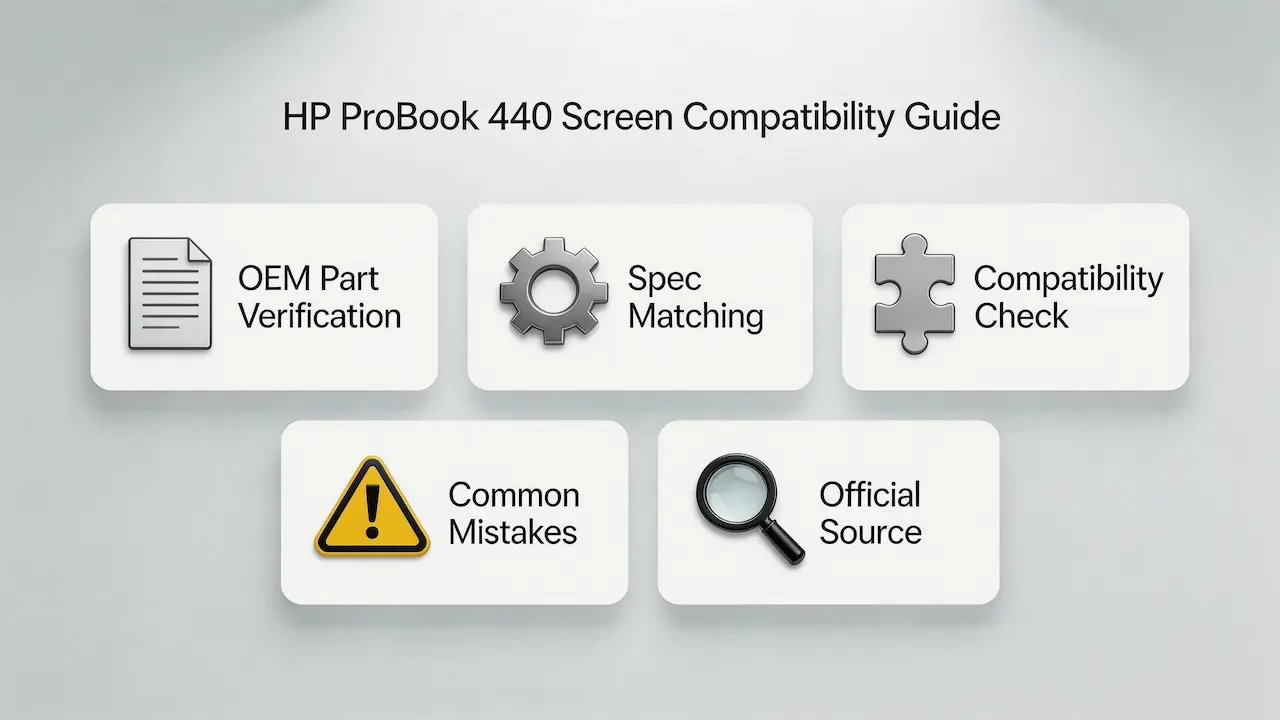
- Panel Verification Checklist: Always confirm eDP pin count, panel type, and part number against official HP documentation before ordering
- Bulk Order Process: For orders over 10 units, request compatibility testing samples to verify electrical integration
- Firmware Validation: Use SUP’s free compatibility checker to validate OEM firmware signatures and avoid unexpected functionality issues
As an authorized distributor for BOE, LG, Samsung, AUO, Innolux, and Sharp, we provide guaranteed compatible panels with full electrical integration testing. All our replacement screens come with 180-day performance warranties and technical support for bulk resellers.
Contact our sales team for customized pricing on ProBook 440 screen replacements and access to our exclusive compatibility verification tools.