A B2B distributor recently faced a costly mistake when they received a return of 50 HP Pavilion 14-dv laptops. The customer had purchased screens that matched the physical dimensions but failed to work properly due to incompatible eDP interfaces. This scenario highlights the critical importance of understanding not just the physical dimensions, but also the technical specifications and compatibility requirements when sourcing replacement screens for the HP Pavilion 14-dv series.
Many online guides suggest simply searching by “screen size” or “brand,” but this oversimplified approach often leads to compatibility issues. The reality is that screen compatibility for the HP Pavilion 14-dv series depends on multiple technical factors, including eDP interface pin count, panel type, backlight configuration, and OEM part numbers.
There are two common types of failures when sourcing replacement screens for the HP Pavilion 14-dv series:
- Physical size matches but electrical compatibility fails (e.g., 30-pin vs 40-pin eDP interface)
- Sub-model differences are ignored, leading to missing features (e.g., non-touch screen replacement for a touch model)
Let’s break down what truly determines screen compatibility for the HP Pavilion 14-dv series, starting with its official specifications.
What is the HP Pavilion 14-dv series overview?
The HP Pavilion 14-dv series is a line of mid-range consumer laptops introduced in 2021, targeting students and business users seeking a balance of performance and portability. The series features 14-inch IPS panels with Full HD resolution, offering good color accuracy and wide viewing angles.
Key screen features of the HP Pavilion 14-dv series include:
- IPS panel technology for improved color reproduction and viewing angles
- Full HD (1920×1080) resolution for sharp visuals
- Micro-edge bezel design for a more immersive viewing experience
- Optional touchscreen functionality on select models
- Anti-glare coating to reduce reflections in bright environments
According to the HP Maintenance and Service Guide (2021), the Pavilion 14-dv series uses two main types of panels: non-touch screens with eDP 30-pin interface and touch screens with eDP 40-pin interface.
How are HP models named?
HP Pavilion 14-dv models follow a specific naming convention that provides important information about the configuration:
- 14-dv: Indicates the series (14-inch Pavilion dv)
- First set of numbers: Represents the specific model within the series (e.g., 0067 in dv0067tx)
- Suffix letters: Indicate specific features or regional variations:
- tx: Intel Core i7 processor with NVIDIA graphics
- ns: Standard configuration for European markets
- sa: Specific configuration for UK markets
- TU: Intel Core i5/i7 processor with integrated graphics
- na: North American market configuration
- ng: German market configuration
What is the exact screen model used in the HP Pavilion 14-dv?
The HP Pavilion 14-dv series uses several different screen panels depending on the specific model and configuration. Here is a comprehensive list of screen models used in various Pavilion 14-dv variants:
| Model Variant | Panel Model | Size | Resolution | Refresh Rate | Brightness | Panel Type | Touch? | Interface |
|---|---|---|---|---|---|---|---|---|
| HP Pavilion 14-dv0301ng | B140HAK03.0 / N140HCN-EA1 | 14.0 inch | 1920×1080 | 60Hz | 250 nits | IPS | No | eDP 40-pin |
| HP Pavilion 14-dv0067tx | B140HAK03.0 / N140HCN-EA1 | 14.0 inch | 1920×1080 | 60Hz | 250 nits | IPS | No | eDP 40-pin |
| HP Pavilion 14-dv0065tx | B140HAK03.0 / N140HCN-EA1 | 14.0 inch | 1920×1080 | 60Hz | 250 nits | IPS | No | eDP 40-pin |
| HP Pavilion 14-dv0005ns | B140HAK03.0 / N140HCN-EA1 | 14.0 inch | 1920×1080 | 60Hz | 250 nits | IPS | No | eDP 40-pin |
| HP Pavilion 14-dv0511sa | B140HAK03.3 / NV140FHM-T01 | 14.0 inch | 1920×1080 | 60Hz | 250 nits | IPS | Yes | eDP 40-pin |
| HP Pavilion 14-dv0006ns | B140HAN05.2 | 14.0 inch | 1920×1080 | 60Hz | 250 nits | IPS | No | eDP 30-pin |
| HP Pavilion 14-dv0000ns | B140HAN05.2 | 14.0 inch | 1920×1080 | 60Hz | 250 nits | IPS | No | eDP 30-pin |
| HP Pavilion 14-dv0020ns | B140HAN05.2 | 14.0 inch | 1920×1080 | 60Hz | 250 nits | IPS | No | eDP 30-pin |
| HP Pavilion 14-dv0058TU | B140HAN05.2 | 14.0 inch | 1920×1080 | 60Hz | 250 nits | IPS | No | eDP 30-pin |
| HP Pavilion 14-dv0001ns | B140HAN05.2 | 14.0 inch | 1920×1080 | 60Hz | 250 nits | IPS | No | eDP 30-pin |
| HP Pavilion 14-dv0021ns | B140HAN05.2 | 14.0 inch | 1920×1080 | 60Hz | 250 nits | IPS | No | eDP 30-pin |
| HP Pavilion 14-dv0007na | B140HAK03.3 / NV140FHM-T01 | 14.0 inch | 1920×1080 | 60Hz | 250 nits | IPS | Yes | eDP 40-pin |
| HP Pavilion 14-dv0357ng | LGD0619 | 14.0 inch | 1920×1080 | 60Hz | 400 nits | IPS | No | eDP 40-pin |
| HP Pavilion 14-dv1000ns | B140HAN05.2 | 14.0 inch | 1920×1080 | 60Hz | 250 nits | IPS | No | eDP 30-pin |
| HP Pavilion 14-dv2014TU | B140HAN05.2 | 14.0 inch | 1920×1080 | 60Hz | 250 nits | IPS | No | eDP 30-pin |
| HP Pavilion 14-dv1013ns | B140HAN05.2 | 14.0 inch | 1920×1080 | 60Hz | 250 nits | IPS | No | eDP 30-pin |
| HP Pavilion 14-dv2009ns | B140HAN05.2 | 14.0 inch | 1920×1080 | 60Hz | 250 nits | IPS | No | eDP 30-pin |
What are the key technical specifications of the HP Pavilion 14-dv panel?
The HP Pavilion 14-dv series uses IPS panels with the following key technical specifications:
- Screen Size: 14.0 inch diagonal
- Resolution: Full HD (1920 x 1080 pixels)
- Aspect Ratio: 16:9
- Panel Type: IPS (In-Plane Switching)
- Brightness: 250 nits (standard models), 400 nits (premium models)
- Color Gamut: 45% NTSC (standard models), 72% NTSC (premium models)
- Refresh Rate: 60Hz
- Interface: eDP 30-pin (non-touch models), eDP 40-pin (touch models)
- Backlight: WLED (White LED) edge-lit
- Touch Technology: In-Cell On-Cell (on touch models)
According to Panelook database data, the IPS panels used in the Pavilion 14-dv series offer wide viewing angles of up to 178 degrees, ensuring consistent color reproduction from different viewing positions.
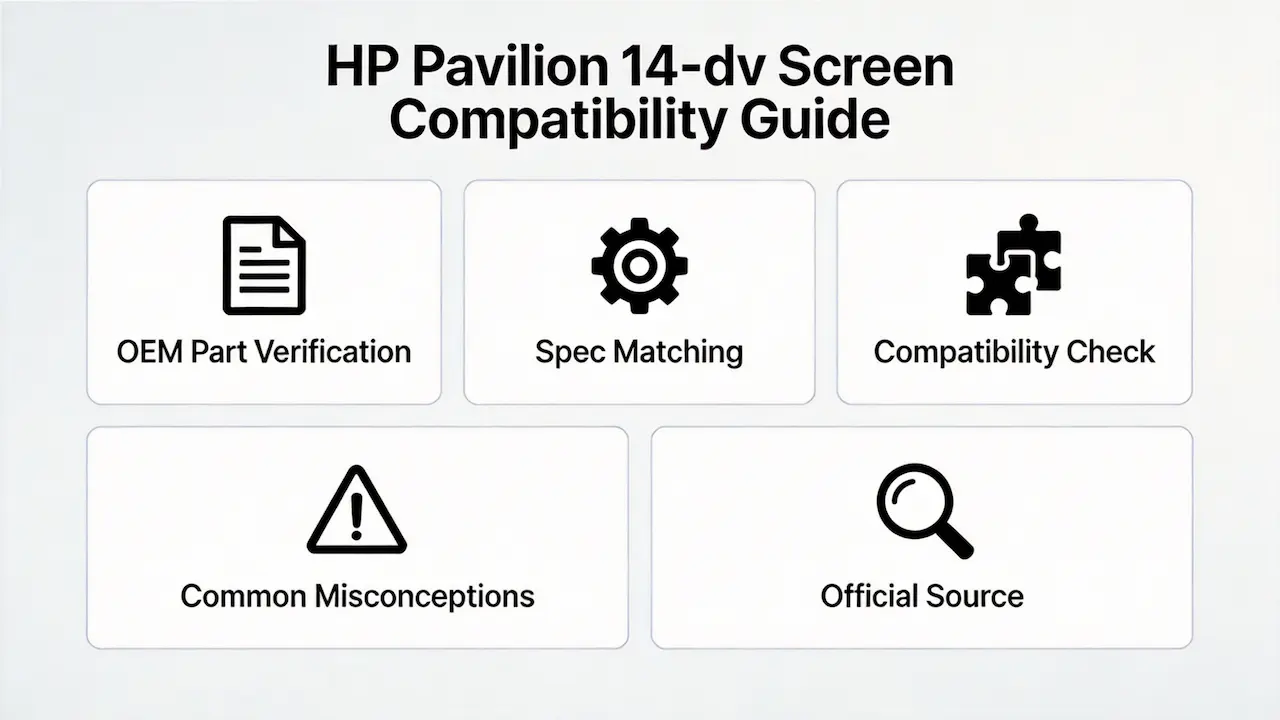
What are the common misconceptions when purchasing the HP Pavilion 14-dv series screen panel?
There are several common misconceptions when purchasing replacement screens for the HP Pavilion 14-dv series:
- Misconception 1: Only screen size matters
Many buyers assume that any 14-inch screen will work with the Pavilion 14-dv series, but this is not the case. The eDP interface pin count (30-pin vs 40-pin) is a critical factor that determines compatibility. - Misconception 2: All Pavilion 14-dv models use the same screen
While the Pavilion 14-dv series shares a similar design, different models use different screen panels with varying specifications. It’s important to verify the exact model and OEM part number before purchasing a replacement screen. - Misconception 3: Touch and non-touch screens are interchangeable
Touch and non-touch screens have different interface requirements and cannot be easily interchanged. Touch models require a 40-pin eDP interface, while non-touch models use a 30-pin interface. - Misconception 4: Higher resolution screens are always better
While higher resolution screens offer sharper visuals, the HP Pavilion 14-dv series has BIOS limitations that prevent upgrading to 4K resolution panels. The maximum supported resolution is 1080p.
Where can I verify screen compatibility before ordering?
There are several reliable sources to verify screen compatibility for the HP Pavilion 14-dv series:
- HP PartSurfer: HP’s official parts database allows you to search by product number to find compatible replacement parts, including screen panels.
- Panelook Database: A comprehensive database of LCD panel specifications, including technical details and compatibility information.
- HP Maintenance and Service Guide: Provides detailed information about the screen specifications and replacement procedures for the Pavilion 14-dv series.
- Reliable B2B Suppliers: Authorized distributors and suppliers often provide compatibility information and can help verify the correct screen panel for specific models.
Frequently Asked Questions (FAQ)
What screen does HP Pavilion 14-dv use?
The HP Pavilion 14-dv series uses 14-inch IPS panels with Full HD (1920×1080) resolution. Specific panel models vary depending on the exact sub-model and configuration.
Is HP Pavilion 14-dv screen touch?
Some models in the HP Pavilion 14-dv series feature touchscreen functionality, while others do not. It’s important to verify the exact model and OEM part number to determine if touch functionality is supported.
What is the resolution of HP Pavilion 14-dv?
All models in the HP Pavilion 14-dv series feature Full HD (1920×1080) resolution, providing sharp and clear visuals for both work and entertainment.
Can I upgrade HP Pavilion 14-dv to 4K?
No, the HP Pavilion 14-dv series has BIOS limitations that prevent upgrading to 4K resolution panels. The maximum supported resolution is 1080p.
Are HP Pavilion 14-dv screens the same across models?
No, different models in the HP Pavilion 14-dv series use different screen panels with varying specifications. It’s important to verify the exact model and OEM part number to ensure compatibility when sourcing replacement screens.
Conclusion
We are distributors of BOE, LG, Samsung, AUO, Innolux, and Sharp screens, providing high-quality replacement panels for the HP Pavilion 14-dv series. Our extensive inventory includes both standard and premium panels, ensuring that you can find the right screen for your specific needs.
As a B2B supplier, we offer several advantages, including bulk ordering options, competitive pricing, and a commitment to OEM compatibility. We understand the importance of reliable and compatible replacement screens, and we work closely with our customers to ensure that they receive the right products for their applications.
Contact us for bulk orders and let us help you find the perfect replacement screen for the HP Pavilion 14-dv series. Our team of experts is ready to assist you with any questions or concerns you may have.