
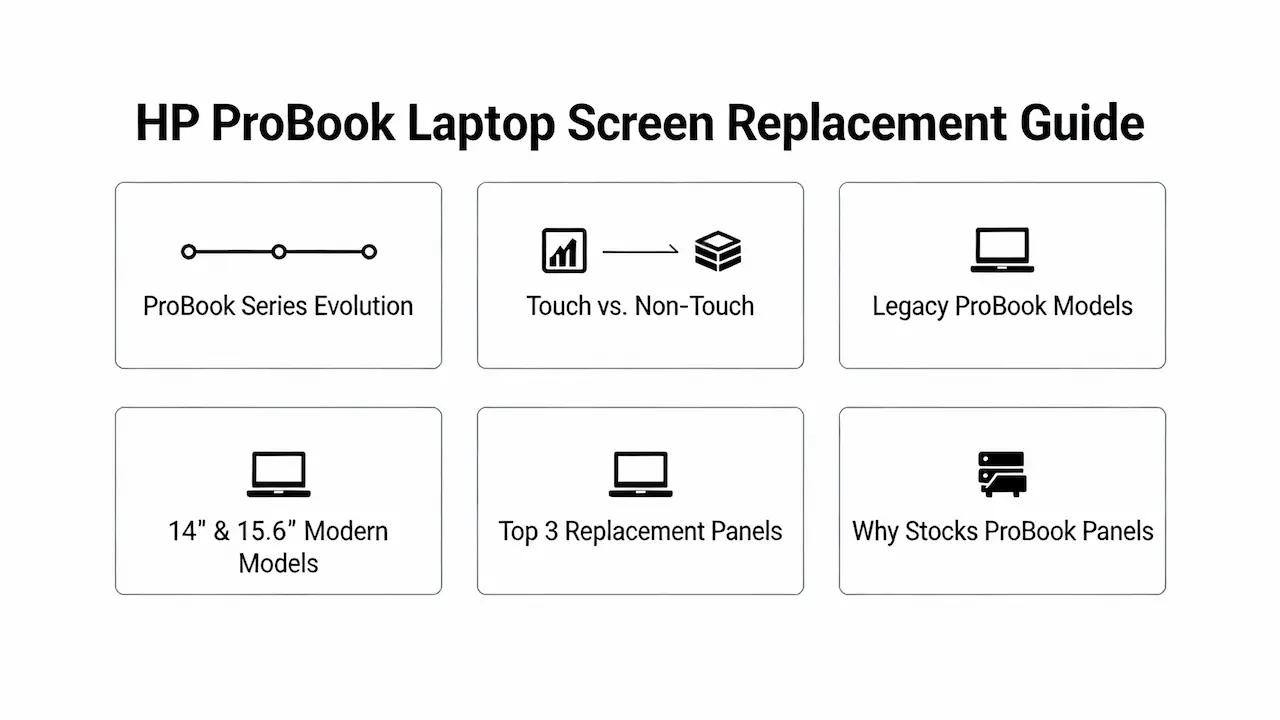
1.0 La evolución de la serie HP ProBook: durabilidad de clase empresarial con pantallas modernas
Lanzada en 2009, la serie HP ProBook está dirigida a pymes y grandes empresas, priorizando la durabilidad, la seguridad y el rendimiento empresarial. La tecnología de pantalla ha evolucionado significativamente:
- Modelos tempranos (2010-2014) utilizados Retroiluminación CCFL y Paneles TN
- 2015+ introducido Pantallas IPS para ángulos de visión más amplios
- convertibles x360 (2017-presente) requieren paneles táctiles con especificaciones de torque precisas
- Pantallas de privacidad Se convirtió en una opción a partir de 2018 para modelos selectos
Incluso revisiones menores (p. ej., ProBook 450 G8 vs. G9) pueden tener diferentes voltajes de panel o requisitos EDID. Verifique siempre el modelo exacto.
1.1 Descifrando los números de modelo de ProBook: Qué significan realmente las letras
Comprender las convenciones de nomenclatura de HP es fundamental para un reemplazo de pantalla preciso:
| Segmento | Ejemplo: ProBook 450 G8 | Significado |
|---|---|---|
| 450 | Tamaño y factor de forma | 450 = 15,6″ estándar; 440 = 14″; 470 = 17″ |
| G8 | Generación | G8 = Intel de 8.ª generación; G9 = 9.ª generación; G10 = 10.ª generación |
| Número de producto | Ejemplo: 8C3Q1UA | Codifica la configuración exacta, incluida la pantalla. |
💡Crítico: dos unidades “ProBook 450 G8” pueden diferir: una con FHD IPS y otra con HD TN. Verifique siempre el número de producto.
2.0 Táctil vs. No táctil: Diferencias físicas y eléctricas
- Modelos táctiles:
- Superficie brillante, rejilla digitalizadora visible bajo luz brillante.
- Bisel inferior más grueso (alberga la placa controladora)
- Usar Interfaz táctil eDP + I2C de 40 pines
- Sin contacto:
- Recubrimiento mate o antirreflejos estándar
- Solo eDP de 30 pines
⚠️ La instalación de un panel no táctil en un chasis táctil provoca errores de BIOS o fallas en la luz de fondo debido a la falta del protocolo de enlace I2C. Para obtener un marco universal para decodificar tipos de interfaz (eDP vs LVDS), protocolos de señalización táctil, comportamiento EDID y clasificación de calidad en todas las categorías de computadoras portátiles, incluidos los matices de clase empresarial, consulte nuestro Guía definitiva del panel de pantalla de la computadora portátil 2025.
3.0 Modelos ProBook heredados (2010-2016): CCFL, TN y primeras IPS
Aunque están envejeciendo, estos siguen siendo comunes en los entornos empresariales:
| Modelo | Tamaño de pantalla | Panel PN | Notas |
|---|---|---|---|
| ProBook 450 G1 | 15,6″ | LG LP156WF6-SPB1 | Retroiluminación CCFL, poco común |
| ProBook 450 G2 | 15,6″ | AUO B156HTN01.0 | HD TN, brillante |
| ProBook 450 G3 | 15,6″ | BOE NV156FHM-N61 | Primera IPS FHD (2014) |
| ProBook 470 G4 | 17,3″ | CMO N173BGE-E42 | FHD IPS, amplios ángulos de visión |
🔍Estos atienden consultas como Reemplazo de pantalla de la HP ProBook 450 G2 o Reemplazo de pantalla para portátil HP ProBook 470 G4.
4.0 ProBook moderno de 14" y 15,6" (2017-2025)
4.1 Clamshell estándar (no compatible con x360)
| Modelo HP | Número de producto | Panel PN | Brillo | Resolución |
|---|---|---|---|---|
| ProBook 440 G8 | 7D0F5UA | BOE NV140WUM-N61 | 250 nits | IPS FHD |
| ProBook 450 G9 | 6NE92UA | LG LP156WF6-SPB1 | 250 nits | IPS FHD |
Convertibles 4.2 x360
| Modelo HP | Número de producto | Panel PN | ¿Tocar? | Notas especiales |
|---|---|---|---|---|
| ProBook x360 440 G8 | 8G5U3UA | CMN N140BGE-EA2 | Sí | Bisagra de 360°, 40 pines |
| ProBook x360 450 G9 | 9H1R7UA | BOE NV156FHM-T03 | Sí | Opción de pantalla de privacidad |
✅ Cubiertas Reemplazo de pantalla para HP ProBook X360 y Reemplazo de pantalla de HP ProBook 440/450.
5.0 Los 3 principales escenarios de reemplazo y paneles verificados
5.1 Pantalla rota en ProBook x360 450 G9
- Panel:BOE NV156FHM-T03
- Por qué:Cumple con un brillo de 250 nits, eDP de 40 pines + I2C
- Evitar: Equivalentes sin tecnología táctil: carecen de sincronización del digitalizador.
5.2 Parpadeo en el ProBook 450 G9
- Causa principal: Panel de baja potencia
- Solución: LG LP156WF6-SPB1 (compatible con doble voltaje)
- NO utilizar:Paneles de voltaje único: mostrarán parpadeos o apagones.
5.3 píxeles muertos en el ProBook 440 G8
- Panel:BOE NV140WUM-N61
- Alternativa: INNOLUX N140HCE-GN2 (mismos 250 nits, 30 pines)
- Palabras clave servidas: Reemplazo de pantalla de la HP ProBook 440
6.0 ¿Por qué [SUP] apuesta por los paneles ProBook? Confiabilidad crítica para el negocio
ProBook representa aproximadamente el 351% de todas las reparaciones empresariales de HP, lo que prioriza la fiabilidad sobre el volumen. Disponemos de:
- Todas las variantes de pantalla de privacidad (BOE/LGD), probadas para cumplimiento de EDID
- Paneles TN heredados para modelos ProBook más antiguos
- Combos de digitalizador x360 con firmware táctil precalibrado
Este inventario enfocado en la empresa es parte de nuestra Catálogo completo de pantallas HP, que abarca todas las series desde Stream hasta Spectre y está totalmente mapeado en nuestra guía oficial de compatibilidad de reemplazo de HP.
Cada panel se somete a:
- Clonación completa de EDID para que coincida con la lista blanca UEFI de HP
- Mapeo de uniformidad de retroiluminación (Δ <10%)
- Prueba de esfuerzo de 72 horas a 45 °C
Esto garantiza cero sorpresas de compatibilidad, algo fundamental para los clientes ProBook de alto valor.
7.0 Conclusión: Las computadoras portátiles empresariales requieren componentes de calidad empresarial
Ya sea que esté reemplazando un Pantalla TN del ProBook 450 G2, a Panel FHD IPS G9, o un Pantalla convertible x360, Las conjeturas cuestan reputación. Solo acciones. Paneles verificados por modelo y probados por lotes.



