
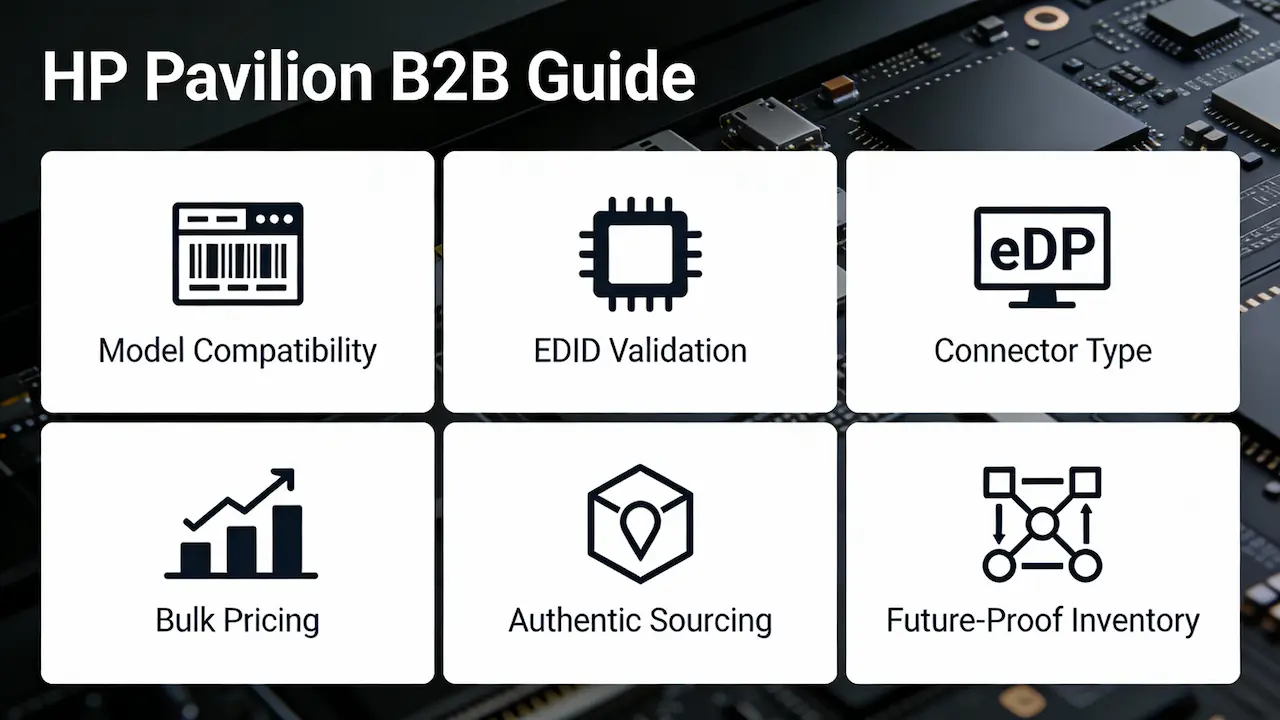
Por qué las pantallas HP Pavilion requieren una estrategia de abastecimiento especializada
HP Pavilion abarca más de 50 submodelos a lo largo de más de 15 años, desde el DV2000 (2007) hasta la versión para juegos 15-cx0056wm (2023). A diferencia de las líneas empresariales (p. ej., EliteBook), Pavilion utiliza Paneles de consumo con abastecimiento OEM fragmentado, lo que significa que dos pantallas FHD de 15,6″ "idénticas" pueden diferir en el tipo de retroiluminación (LED frente a CCFL tradicional), el número de líneas eDP (2 líneas frente a 4 líneas) o el firmware EDID. Un desmontaje realizado en 2024 por NotebookCheck confirmó que HP obtuvo los paneles Pavilion de AUO, BOE, Innolux y Samsung—a menudo dentro del mismo año del modelo. Para los distribuidores, esto significa que los listados genéricos de "compatibles" corren el riesgo de tener altas tasas de devolución debido a la inclusión en listas blancas del panel a nivel de BIOS o a un consumo de energía desigual.
Descifrando los números de modelo del Pavilion: Matriz de compatibilidad
No todos los HP Pavilion 15 son iguales. El identificador clave es... etiqueta de servicio completo (p. ej., 15-eg0023dx), no solo el tamaño de la pantalla. Las capas de compatibilidad clave incluyen:
- Tipo de conector:La mayoría de los modelos posteriores a 2015 utilizan eDP de 30 pines, pero DV4/DV6 (2009-2012) requieren LVDS de 40 pines.
- Táctil vs. no táctil:X360 y algunas series G utilizan digitalizadores integrados; el intercambio requiere que coincidan los ID del controlador I²C.
- Resolución y actualizaciónLos modelos de juegos (por ejemplo, 15-cx0056wm) generalmente se envían con IPS de 144 Hz, mientras que los modelos básicos usan TN de 60 Hz; el intercambio provoca una falla en el protocolo de enlace EDID.
Mantenemos una relación en vivo Base de datos de referencias cruzadas de paneles HP Pavilion (actualizado mensualmente) que asigna cada etiqueta de servicio a las especificaciones del panel verificadas, incluidos los números de piezas OEM y proveedores alternativos. [Enlace a la página principal de la marca: Guía de reemplazo de pantalla de computadora portátil HP Hewlett-Packard]
Análisis técnico en profundidad: ¿Qué hace que una pantalla sea “verdaderamente compatible”?
La verdadera compatibilidad va más allá de la aptitud física. Deben coincidir tres criterios técnicos:
- Firma EDIDEl BIOS de HP valida los datos de identificación de pantalla extendida. Si no coincide, la pantalla se queda negra después de la autoprueba de encendido (POST).
- Tolerancia de consumo de energía:Los paneles que consumen más de 0,5 W por encima de las especificaciones pueden provocar una limitación térmica o un apagado (algo común con los reemplazos de terceros).
- Configuración de carril eDP:Un panel de 4 carriles forzado en una placa base de 2 carriles da como resultado parpadeo o ninguna señal.
En un caso documentado, un distribuidor reemplazó un AUO B156HAN04.0 (4 carriles) por un Innolux N156BGE-EA1 (2 carriles) en un Pavilion Gaming 15. A pesar de tener la misma resolución y conector, la unidad no funcionaba correctamente. Solo después de igualar el número de carriles se recuperó la estabilidad.
La realidad de los precios al por mayor: cuánto pagan realmente los distribuidores
Lista de sitios de venta minorista 80–150 por pantalla, pero la economía B2B difiere marcadamente:
| Volumen de pedidos | Costo unitario promedio (pantalla Full HD sin pantalla táctil) | Costo unitario promedio (pantalla táctil FHD) |
|---|---|---|
| 10–49 piezas | 22–28 | 35–42 |
| 50–199 piezas | 18–23 | 29–36 |
| más de 200 piezas | 12–19 | 22–28 |
Fuente: Cotizaciones agregadas del tercer trimestre de 2025 de 12 distribuidores globales (ex fábrica, FOB Hong Kong)
Nota: Los precios se basan en un plazo de entrega estándar (15-20 días). Pedidos urgentes (premium +30%) disponibles para socios de primer nivel.
Cómo obtener productos auténticos sin pagar de más
Evite las trampas compatibles con fabricantes de equipos originales (OEM). Los paneles fabricados directamente de fábrica llevan códigos de lote trazables y cumplen con las normas. ISO 13406-2 Para lograr una luminancia uniforme (≥250 nits para Pavilion). Recomendamos:
- Verificar el origen del panel:Solicitar COO (Certificado de Origen) e informes de pruebas de lote.
- Exigir validación de EDIDLos proveedores con buena reputación proporcionan volcados EDID preinstalados que coinciden con la lista blanca de HP.
- Priorizar las familias de paneles:Las series BOE NV156FHM-N4X y AUO B156HAN cubren ~68% de la demanda de Pavilion FHD (2018-2023).
Como socio de canal autorizado de BOE, Innolux y HKC, validamos previamente todo el stock según la matriz de compatibilidad de HP, lo que reduce su tasa de RMA hasta en 41% (según datos de clientes de 2024).
Desarrollar una estrategia de inventario de pabellones a prueba de futuro
Dada la diversificación de paneles de HP, mantener un inventario de un solo SKU es arriesgado. En su lugar, adopte un enfoque de almacenamiento modular:
- Existencias 3 familias de paneles principales (por ejemplo, BOE NV156, AUO B156, Innolux N156) que cubre 80% de modelos comunes.
- Usar agrupación dinámica:Combine pantallas de alta rotación (por ejemplo, Pavilion 15-eg) con variantes táctiles de bajo volumen (por ejemplo, x360) en paletas mixtas para reducir la presión del MOQ.
- Monitor alertas de fin de vida útil:HP generalmente discontinúa las sublíneas Pavilion cada 18 meses; liquida las de menor producción antes de los anuncios de fin de vida útil.
Esta estrategia ayudó a un distribuidor brasileño a reducir el stock muerto en 33% y al mismo tiempo aumentar la tasa de llenado a 94%.
Preguntas frecuentes
¿Cuánto cuesta reemplazar una pantalla HP Pavilion para pedidos al por mayor?
Para cantidades al por mayor (MOQ 10+), los costos unitarios varían desde 12to25 para paneles FHD estándar sin pantalla táctil, según el volumen y el modelo. Las variantes táctiles y de alta frecuencia de actualización parten de $22. Contáctenos para obtener un presupuesto específico para cada modelo.
¿Puedo conseguir pantallas OEM para portátiles para mi negocio con descuento? ¿Cuál es el pedido mínimo?
Sí. Como socio de canal directo de los principales fabricantes de paneles (incluidos BOE y AUO), ofrecemos precios mayoristas escalonados a partir de 10 unidades por SKU. Todos los paneles incluyen EDID validado y documentación técnica completa.
¿Dónde puedo encontrar proveedores de pantallas HP Pavilion para compras al por mayor?
Entre las fuentes confiables se incluyen distribuidores autorizados de paneles con protocolos de validación de compatibilidad de HP. Publicamos trimestralmente una "Lista de proveedores verificados" como parte de nuestra Marco integral para distribuidores globales.



