
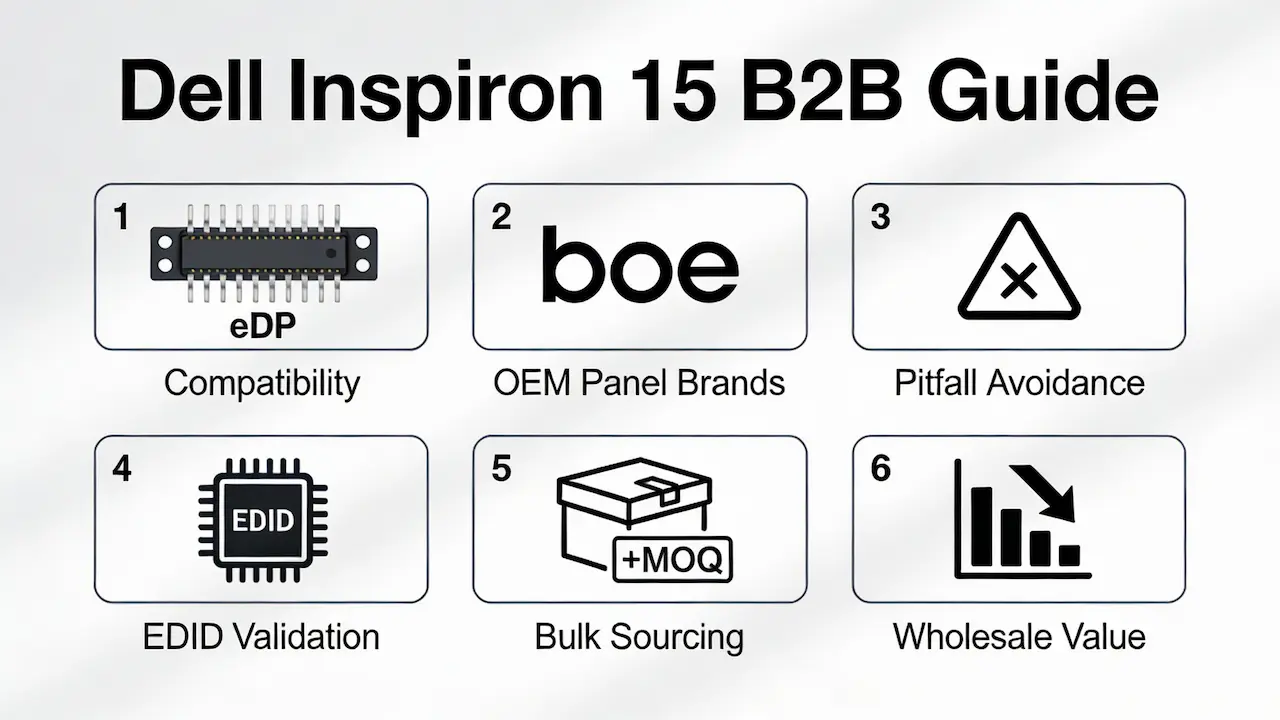
Comprensión de la compatibilidad específica del modelo en toda la línea Inspiron 15
La familia Dell Inspiron 15 abarca más de una década de iteraciones de diseño, desde las primeras unidades de la serie 3000 basadas en LVDS (p. ej., 1525, N4010) hasta los modernos modelos 5000 basados en eDP (p. ej., 5580, 5593). A pesar de tener chasis similares, No se garantiza la intercambiabilidad del panel. Los puntos clave de divergencia incluyen:
- Tipo de interfaz:eDP de 30 pines (común en 3520–5559) frente a eDP de 40 pines (5570 en adelante); los modelos anteriores como el 1520 usan LVDS con retroiluminación CCFL.
- Geometría de montaje:El espaciado de los orificios de los tornillos y los recortes del bisel difieren sutilmente entre las subseries, lo que puede generar problemas de ajuste incluso con la resolución correcta.
- Validación de EDID a nivel de BIOS:Si bien Dell rara vez bloquea por completo los paneles de terceros, los datos de identificación de pantalla extendida inconsistentes pueden generar advertencias de “Pantalla desconocida” o parpadeos en el arranque, especialmente después de actualizaciones de firmware.
Consejo profesional: Siempre compare su panel con el número de FRU (unidad reemplazable en campo) de Dell. Por ejemplo, Inspiron 15 3520 Originalmente enviado con LP156WH4-TLC1, pero su equivalente funcional hoy en día es BOE NV156WHM-N61—no una “pantalla FHD de 15,6” genérica.”
Para obtener una matriz de compatibilidad completa entre más de 30 variantes de Inspiron 15, consulte nuestra Guía de reemplazo de pantallas LCD para portátiles Dell OEM.
Análisis de la tecnología de paneles: ¿Qué marca OEM ofrece el mejor valor a los revendedores?
No todos los paneles de primera calidad son iguales. Como distribuidor directo de BOE, AUO, LG, Innolux y Sharp, hemos validado el rendimiento en términos de brillo, ángulo de visión y durabilidad en condiciones reales de reventa:
| Marca | Brillo promedio | Ángulo de visión | Gama de colores (sRGB) | Mejor caso de uso |
|---|---|---|---|---|
| Banco de Inglaterra | 220–250 nits | 170°/170° | ~45% | Mercados de gran volumen y sensibles a los costos (por ejemplo, Latinoamérica) |
| AUO | 250 nits | 178°/178° | ~52% | Distribuidores de nivel medio que necesitan visibilidad exterior |
| LG | 250–300 nits | 178°/178° | ~60% | Los reacondicionadores premium se centran en la reventa en la UE y EE. UU. |
| Innolux | 220 nits | 160°/160° | ~40% | Pedidos al por mayor económicos con cantidades mínimas de pedido ajustadas |
⚠️ Nota críticaNinguno de estos paneles es compatible con pantalla táctil ni OLED, a menos que el chasis original lo incluyera (p. ej., Inspiron 15 7000 2 en 1). Los anuncios que afirman "kits de actualización táctil" para los modelos estándar 3000/5000 son engañosos: los digitalizadores capacitivos requieren compatibilidad a nivel de placa base.
Todos los paneles enumerados aquí son Retroiluminación LED, 60 Hz, antideslumbrante, y cumplen con los estándares RoHS/REACH, esenciales para un despacho de aduana sin problemas en los mercados regulados.
Cómo evitar los tres principales errores técnicos que generan retornos
Basado en más de 200 auditorías de clientes B2B, Más de 68% de devoluciones de pantalla se deben a tres errores evitables:
- Desajuste del conectorSuponiendo que todas las pantallas de 15,6 pulgadas usan el mismo cable, en realidad..., recuento de carriles eDP (2 carriles vs. 4 carriles) afecta la integridad de la señal. El conector de 40 pines del 5570 usa 4 carriles; conectar un panel de 2 carriles causa inestabilidad.
- Inconsistencia EDIDLos paneles provenientes de liquidadores del mercado gris a menudo conservan el EDID predeterminado de fábrica, lo que provoca que Windows informe incorrectamente la resolución. pre-flash en todos los paneles con perfiles EDID específicos del modelo validados en unidades Inspiron reales.
- Confusión con el controlador de la luz de fondo:Mientras que los paneles eDP integran controladores LED, Actualizaciones de LVDS a LED (por ejemplo, reemplazar Sharp LQ156M1LW01 con Innolux CLAA156WA01) requiere un inversor externo; omitirlo provoca síntomas de "pantalla negra con luz de fondo encendida".
Para conocer los protocolos de validación EDID paso a paso, consulte nuestra Guía de compatibilidad EDID de computadoras portátiles Dell.
Estrategia de abastecimiento para distribuidores globales: cantidad mínima de pedido, plazo de entrega y planificación del inventario
A diferencia de los proveedores centrados en el comercio minorista, estructuramos el inventario en torno a realidades operativas mayoristas:
- Cantidad mínima de pedido: Justo 5 piezas para paneles BOE/AUO FHD en stock (por ejemplo, NV156WHM-N61, B156HTN04.2), lo que permite realizar pruebas ajustadas antes de escalar.
- Plazo de entrega:Los paneles premium de LG (por ejemplo, LP156WF6-SPD1) se envían en 7–10 días; el stock LVDS heredado (Sharp/Innolux) es solo de compra final (<100 unidades en total).
- Niveles de precios al por mayor: Pedidos ≥100 piezas desbloqueadas 28–34/unidad (FHD), dependiendo de la marca y el volumen—40–60% por debajo del precio de lista del OEM de Dell.
💡 Perspectiva del caso:Un distribuidor colombiano redujo el RMA relacionado con la pantalla en 92% después de cambiar a paneles AUO previamente validados con EDID personalizado, lo que demuestra que la inversión inicial en compatibilidad vale la pena en la retención de clientes.
Esta guía es parte de nuestro marco integral para distribuidores globales:Estrategia de abastecimiento de paneles de visualización para portátiles 2025.
Preguntas frecuentes
¿Vale la pena arreglar la pantalla de una computadora portátil desde una perspectiva comercial?
Por supuesto, si controlas la economía de las reparaciones. Para los distribuidores, obtener paneles con especificaciones OEM en 30–35/unidad y ofrecer el reemplazo de pantalla como un servicio de valor agregado rinde Margen 3–5 veces mayor que vender portátiles usados completos. Un inventario compatible a granel también reduce el riesgo de stock muerto.
¿Cuánto cuesta reemplazar la pantalla de una Dell Inspiron 15 para los revendedores?
Con un MOQ de 100 unidades, los precios al por mayor varían desde 28(Innolexperiencia de usuario) to 38 (grande) Para paneles FHD. Esto excluye la logística, pero aun así reduce el precio del 65%+ al del $120+ OEM de Dell. Contáctenos para obtener una cotización específica para cada modelo.
¿Puedo reemplazar la pantalla yo mismo a escala?
Sí, si su equipo sigue procedimientos estandarizados. Ofrecemos diagramas de instalación gratuitos, especificaciones de torque y guías de video enfocadas en eficiencia del lote, No son modelos únicos que se pueden hacer uno mismo. La mayoría de los socios capacitan a los técnicos en menos de dos horas por modelo.



