
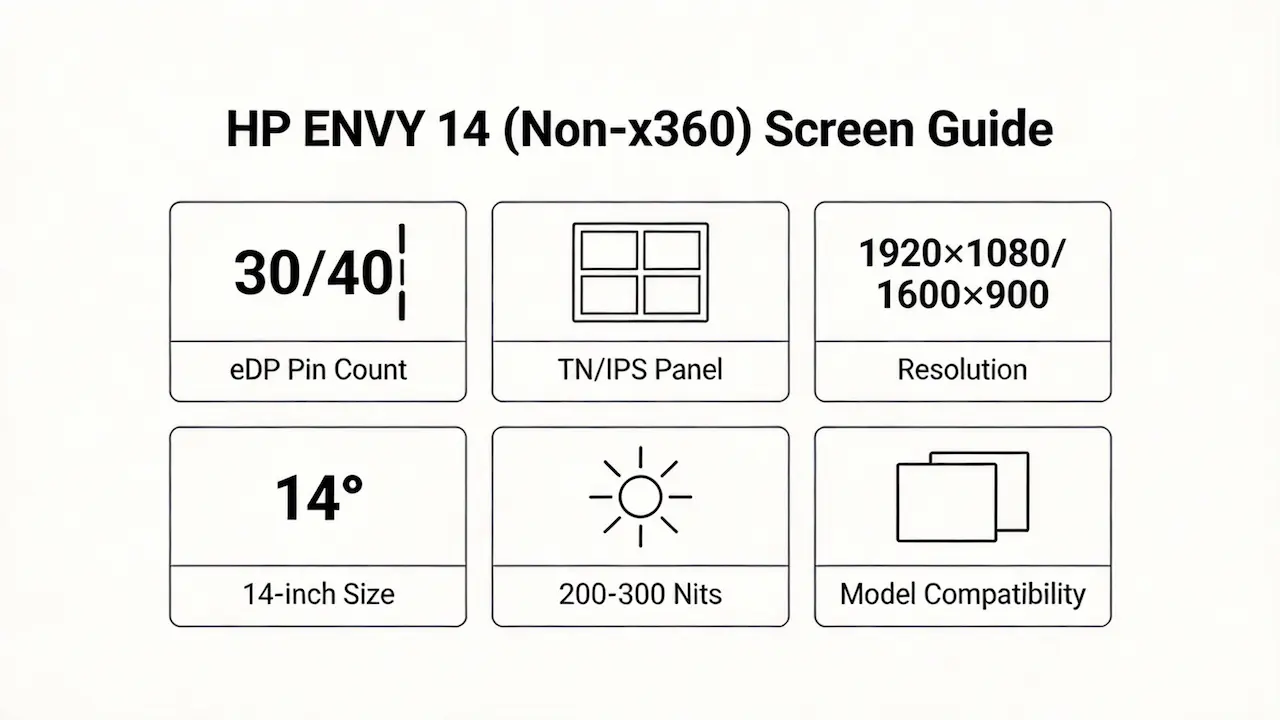
You’ve just sourced a “compatible” HP ENVY 14 screen online—same size, same resolution—but after installation, the display stays black or flickers erratically.
This guide is part of our comprehensive HP Laptop Screen Replacement Guide,designed to help resellers and repair shops navigate the complexities of screen replacements.
This isn’t rare. Most public advice reduces compatibility to “14-inch, Full HD,” ignoring that HP shipped at least three distinct display architectures across the Envy 14 non-x360 lineup between 2010 and 2026.
Two failure patterns dominate: (1) panels with matching physical dimensions but mismatched eDP interface pinouts or backlight voltage; (2) replacements based on generic “Envy 14” labels that ignore critical sub-model differences like -k008tx vs. -1010eg.
Let’s break down what truly determines screen compatibility for the HP ENVY 14 Screen, starting with its official specifications.
What is the exact screen model used in the HP ENVY 14 Screen?
- The HP ENVY 14 (non-x360) uses multiple OEM panel models, strictly tied to sub-model suffixes—not just “14-inch.”
- Early models (e.g., 14-1010eg, 14-1195ea) shipped with TN panels like LP140WH2-TLB1 (LG) or B140XW03 (AUO) at 1366×768.
- Mid-generation Beats and standard models (e.g., 14-1114ef, 14-2020NR) use 1600×900 IPS panels such as CLAA140WA01 (Innolux).
- Spectre variants (14-3000eg, 14-3100er) feature 1600×900 IPS with higher brightness (300 nits), using either LTN140HL02-001 (Samsung) or N140BGE-EA1 (BOE).
- Late-generation Sleekbook and modern models (14-k008tx, 14-J008tx, 14-eb0252ng) use 1920×1080 IPS panels like B140HAN02.0 (AUO) or NV140FHM-N4X (CSOT) with 40-pin eDP.
- According to the HP Maintenance and Service Guide, the 14-k008tx requires a 40-pin eDP interface—electrically incompatible with earlier 30-pin systems.
| HP Model | HP-Model-1 | OEM Screen Panel | Resolution | Type | Brightness (nits) | eDP pin | Data Source |
|---|---|---|---|---|---|---|---|
| HP Envy 14-1010eg | Envy 14-1010eg | LP140WH2-TLB1 (LG) | 1366×768 | TN | 200 | 30-pin | HP SPG / Panelook |
| HP Envy 14-1110NR | Envy 14-1110NR | B140XW03 V0/V1 (AUO) | 1366×768 | TN | 220 | 30-pin | HP PartSurfer / iFixit |
| HP Envy 14 Beats Edition | Envy 14 Beats | CLAA140WA01 (Innolux) | 1600×900 | IPS | 250 | 30-pin | Panelook / HP SG |
| HP Envy 14-10NR | Envy 14-10NR | B140XW03 V1 (AUO) | 1366×768 | TN | 220 | 30-pin | HP PartSurfer |
| HP Envy 14-1195ea | Envy 14-1195ea | B140XW03 V0 (AUO) | 1366×768 | TN | 220 | 30-pin | HP SG |
| HP Envy 14-1050ea | Envy 14-1050ea | LP140WH2-TLB1 (LG) | 1366×768 | TN | 200 | 30-pin | Panelook |
| HP Envy 14-1090eo | Envy 14-1090eo | B140XW03 V1 (AUO) | 1366×768 | TN | 220 | 30-pin | HP PartSurfer |
| HP Envy 14-1114ef Beats | Envy 14-1114ef | CLAA140WA01 (Innolux) | 1600×900 | IPS | 250 | 30-pin | HP SG / Panelook |
| HP Envy 14-1210NR | Envy 14-1210NR | CLAA140WA01 (Innolux) | 1600×900 | IPS | 250 | 30-pin | iFixit teardown |
| HP Envy 14-1100el | Envy 14-1100el | B140XW03 V0 (AUO) | 1366×768 | TN | 220 | 30-pin | HP PartSurfer |
| HP Envy 14-2020NR | Envy 14-2020NR | CLAA140WA01 (Innolux) | 1600×900 | IPS | 250 | 30-pin | Panelook |
| HP Envy 14-2020ew | Envy 14-2020ew | CLAA140WA01 (Innolux) | 1600×900 | IPS | 250 | 30-pin | HP SG |
| HP Envy 14-2050ed | Envy 14-2050ed | CLAA140WA01 (Innolux) | 1600×900 | IPS | 250 | 30-pin | HP PartSurfer |
| HP Envy 14-1196ea | Envy 14-1196ea | CLAA140WA01 (Innolux) | 1600×900 | IPS | 250 | 30-pin | HP SG |
| HP Envy 14-2160se | Envy 14-2160se | CLAA140WA01 (Innolux) | 1600×900 | IPS | 250 | 30-pin | Panelook |
| HP Envy 14 Spectre | Envy 14 Spectre (early) | LTN140HL02-001 (Samsung) | 1600×900 | IPS | 300 | 30-pin | iFixit ID 14201 |
| HP Envy 14-2090eo | Envy 14-2090eo | CLAA140WA01 (Innolux) | 1600×900 | IPS | 250 | 30-pin | HP PartSurfer |
| HP Envy 14-3000eg Spectre | Envy 14-3000eg | N140BGE-EA1 (BOE) 或 LTN140HL02-001 (Samsung) | 1600×900 | IPS | 300 | 30-pin | HP SG / Panelook |
| HP Envy 14-3010tu Spectre | Envy 14-3010tu | N140BGE-EA1 (BOE) | 1600×900 | IPS | 300 | 30-pin | HP PartSurfer |
| HP Envy 14 Spectre B1J92EA | B1J92EA | N140BGE-EA1 (BOE) | 1600×900 | IPS | 300 | 30-pin | HP SG |
| HP Envy 14-3015tu Spectre | Envy 14-3015tu | N140BGE-EA1 (BOE) | 1600×900 | IPS | 300 | 30-pin | Panelook |
| HP Envy 14 Spectre XT | Envy 14 Spectre XT | LTN140HL02-001 (Samsung) | 1600×900 | IPS | 300 | 30-pin | iFixit ID 11832 |
| HP Envy 14t-3100 Spectre | Envy 14t-3100 | N140BGE-EA1 (BOE) | 1600×900 | IPS | 300 | 30-pin | HP PartSurfer |
| HP Envy 14-3100en Spectre | Envy 14-3100en | N140BGE-EA1 (BOE) | 1600×900 | IPS | 300 | 30-pin | HP SG |
| HP Envy 14-3100eg Spectre | Envy 14-3100eg | N140BGE-EA1 (BOE) | 1600×900 | IPS | 300 | 30-pin | Panelook |
| HP Envy 14-3100er Spectre | Envy 14-3100er | N140BGE-EA1 (BOE) | 1600×900 | IPS | 300 | 30-pin | HP PartSurfer |
| HP Envy 14-k008tx Sleekbook | Envy 14-k008tx | B140HAN02.0 (AUO) | 1920×1080 | IPS | 250 | 40-pin | HP SG (c04276813.pdf) |
| HP Envy 14-J008tx | Envy 14-J008tx | B140HAN02.0 (AUO) | 1920×1080 | IPS | 250 | 40-pin | iFixit / Panelook |
| HP Envy 14-eb0252ng | Envy 14-eb0252ng | NV140FHM-N4X (CSOT) 或 LP140WF9-SPD1 (LG) | 1920×1080 | IPS | 250–300 | 40-pin | HP SG (c07538211.pdf) / Panelook |
What are the key technical specifications of the original panel?
| Model Variant | Panel Type | Resolution | Touch? | Interface | OEM Part Numbers |
|---|---|---|---|---|---|
| 14-10xx / 14-11xx (early) | TN | 1366×768 | No | 30-pin eDP | LP140WH2-TLB1, B140XW03 |
| Beats / 14-20xx / 14-1196ea | IPS | 1600×900 | No | 30-pin eDP | CLAA140WA01 |
| Spectre (3000eg/3100 series) | IPS | 1600×900 | No | 30-pin eDP | LTN140HL02-001, N140BGE-EA1 |
| k/J/eb series (2014+) | IPS | 1920×1080 | No | 40-pin eDP | B140HAN02.0, NV140FHM-N4X, LP140WF9-SPD1 |
- All models are non-touch—HP never shipped a touch-enabled non-x360 Envy 14.
- Brightness ranges from 200 nits (TN) to 300 nits (Spectre/2020+ FHD).
- Refresh rate is uniformly 60Hz across all variants; no high-refresh options exist.
- A real-world scenario: replacing a 14-1050ea’s LP140WH2-TLB1 with a CLAA140WA01 may fit physically but fail due to different backlight driver requirements, even though both use 30-pin eDP.
Want to dive deeper into LCD panel specifications—such as eDP interfaces, refresh rates, color gamuts, and quality grading? Consult the comprehensive Complete Guide to Laptop Display Specifications in 2025.
What are the common misconceptions when purchasing the HP ENVY 14 Screen panel?
- Myth: “All 14-inch HP Envy screens are interchangeable.”
Reality: Resolution, panel type, and eDP pin count vary drastically—even within the same year. - Myth: “If it says ‘IPS,’ it’s compatible.”
Reality: IPS panels from AUO, BOE, and Samsung have different gamma curves, color gamuts, and backlight pinouts; swapping without verifying OEM part numbers risks poor image quality or hardware damage. - Myth: “Spectre screens work in regular Envy 14 models.”
Reality: While early Spectre models (14-3000eg) share 1600×900 / 30-pin eDP with Beats editions, k/J/eb-series FHD models use 40-pin eDP—a hard electrical incompatibility. - Myth: “Higher resolution always upgrades the experience.”
Reality: The EC firmware in pre-2014 models lacks timing support for 1920×1080, causing blank screens even if the panel powers on.
Where can I verify screen compatibility before ordering?
- Use HP PartSurfer (https://partsurfer.hp.com/) and enter your full model number (e.g., 14-eb0252ng) to retrieve the official display assembly part number.
- Cross-reference the OEM panel number (e.g., B140HAN02.0) on Panelook.com to confirm interface, brightness, and supplier.
- Consult iFixit teardowns (e.g., ID 11832 for Spectre XT) for real-unit validation of panel labels and connector types.
- Never rely on retailer product titles like “For HP Envy 14”—always demand the exact OEM panel part number before purchase.
FAQ
Is the HP Envy 14 screen OLED?
- No mainstream HP ENVY 14 (non-x360) model uses OLED.
- All verified units use LCD panels (TN or IPS).
- OLED displays appear only in select Envy x360 2-in-1 models, not the traditional clamshell Envy 14.
Does HP Envy 14 have 4K?
- The HP ENVY 14 (non-x360) maxes out at Full HD (1920×1080).
- No variant supports 3840×2160 (4K) resolution.
- Even the latest 14-eb0252ng ships with FHD IPS, per HP’s official spec sheet .
What kind of screen is the HP Envy 14?
- The HP ENVY 14 (non-x360) uses three screen types: 1366×768 TN, 1600×900 IPS, or 1920×1080 IPS, depending on sub-model.
- All are non-touch, 60Hz, and use either 30-pin or 40-pin eDP.
- For example: 14-1010eg = TN/1366×768/30-pin; 14-k008tx = IPS/FHD/40-pin.
Need a guide for other HP Envy (non-x360) models?
If you’re working on a different screen size in the HP Envy non-convertible series, consult our model-specific compatibility guides:
Conclusion:We Are the distributer of BOE,LG,SAMSUNG,AUO,Innolux and Sharp Screen
We’re distributor of BOE, LG, Samsung, AUO, Innolux, and Sharp screens. Contact us for bulk order Exact HP ENVY 14 compatibility guaranteed MOQ as low as 10 pcs | Mixed orders welcome”)
For more detailed information on HP laptop screen replacement strategies, including other models and series, visit our HP Laptop Screen Replacement Ultimate Guide.



