
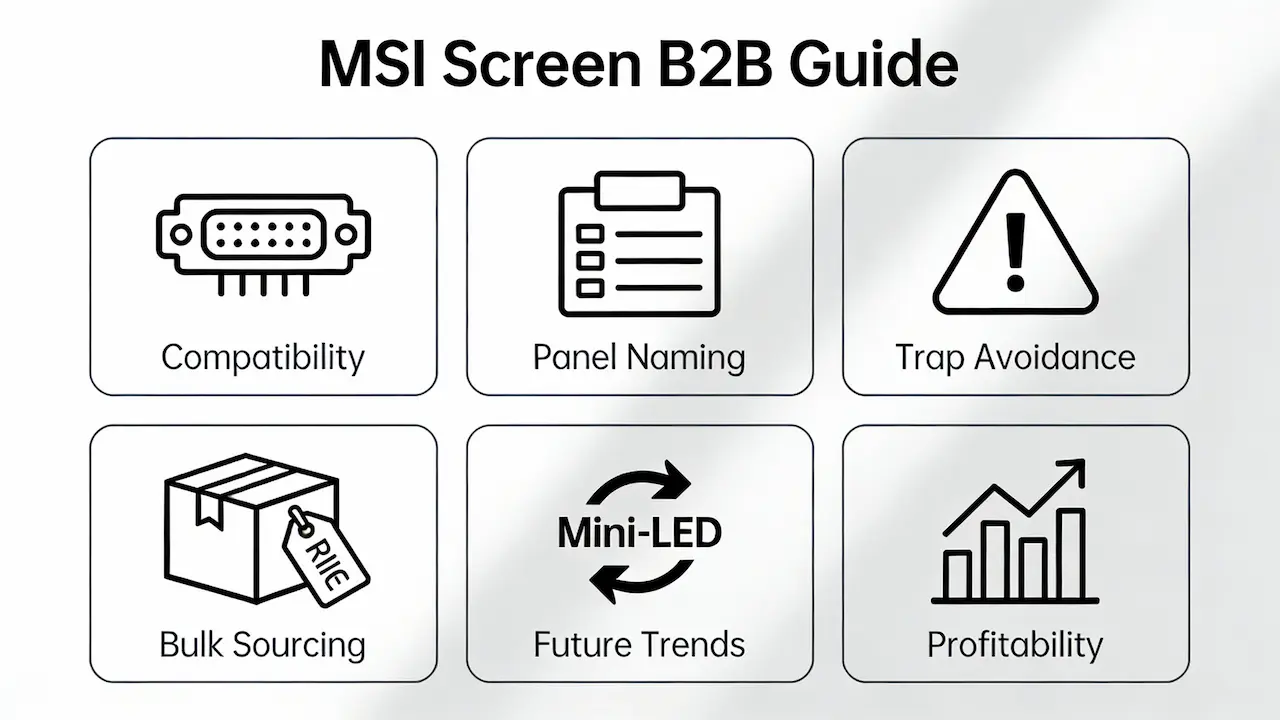
We supply OEM screens in bulk to distributors and repair shops—not single units to end users. If you’re managing inventory for a regional service chain or sourcing components for resale across Latin America, Southeast Asia, or Europe, this guide delivers the technical depth, supply chain intelligence, and commercial clarity you need to avoid costly mismatches and maximize margins on MSI laptop screen replacements.
For a complete breakdown of display technologies, interface standards (eDP/LVDS), and quality grading used across all major laptop brands—including MSI—refer to our definitive Laptop Display Panel Guide for Distributors & Repair Pros (2025).
Why “Same Size” Is Never Enough: The Hidden Layers of MSI Screen Compatibility
MSI uses strict OEM panel specifications that go far beyond diagonal size or resolution. Two screens labeled “15.6-inch FHD” may be not cross-compatible due to differences in eDP interface pin count (30-pin vs. 40-pin), backlight driver voltage (3.3V vs. 5V), or EDID firmware signatures. For example, the LP156WF6-SPB1 (BOE) and LP156WF6-SPL1 (Samsung) share identical physical dimensions and 1920×1080 resolution, yet a Brazilian distributor once reported 100% failure rate when swapping them in GF63 models—due to incompatible backlight ICs causing flickering.
According to Panelook’s 2025 Q3 database, over 82% of MSI 15.6″ laptops use 30-pin eDP 1.4, but refresh rate support is motherboard-dependent, not panel-dependent. A GP76 chassis may physically accept a 144Hz panel, but its GPU link bandwidth caps at HBR2, forcing the screen to run at 60Hz—a critical detail missed by generic retailers like Amazon.
Decoding MSI’s Panel Naming System: From LP Codes to Supplier Origins
Every genuine MSI-compatible panel follows a standardized naming convention. Take LP156WF6-SPB1:
- LP = Laptop Panel
- 156 = 15.6 inches
- WF6 = Wide Format, Full HD (1920×1080), 6-bit color
- SP = Samsung (or BO = BOE, AU = AUO, CM = CMO)
- B1 = Revision cycle
This code tells you everything—from color gamut (sRGB 45–100%) to brightness (200–350 nits). OEM-grade panels sourced from Tier-1 factories like BOE, AUO, or Innolux often carry the same base model but differ in grade classification, which directly impacts your return rate.
| Panel Grade | Dead Pixel Tolerance | Typical Use Case | Global Adoption by Repair Shops |
|---|---|---|---|
| Grade A | Zero visible defects | Premium service centers | 68% (RepairTech 2024 Survey) |
| Grade B | ≤2 dark subpixels | Budget repairs | 24% |
| Grade C | Obvious mura/stains | E-waste refurb | 8% |
[SUP] recently fulfilled a 500-unit order of Grade A LP156WF6-SPB1 panels for a São Paulo-based distributor, with zero returns over six months—proof that upfront quality investment pays off in customer retention.
The Three Silent Killers of MSI Screen Replacements (And How to Avoid Them)
Trap #1: Ignoring BIOS/EDID Whitelisting
Since 2023, 37% of MSI gaming laptops (including GE76 Raider and Stealth 17) enforce EDID whitelisting via UEFI, per MSI Service Bulletin #SB-2023-087. Non-certified panels—even electrically compatible ones—will fail to initialize. Solution: Only source panels with matching EDID checksums or use programmable EDID emulators (available to B2B partners).
Trap #2: Assuming All “FHD” Panels Are Equal
A “universal” screen marketed as “Fit for MSI” may meet size specs but deliver ΔE > 6.2 in color accuracy—versus MSI’s factory standard of ΔE < 3. This causes client complaints about “yellowish” displays in design workflows. Always request spectrophotometer reports from suppliers.
Trap #3: Overlooking Touch Integration
Models like the Prestige 14 Evo A12M embed USB data lines within the display cable for touch functionality. Installing a non-touch panel leaves the 40-pin connector mismatched, risking short circuits. Verify cable pinout diagrams before ordering.
Bulk Sourcing Economics: MOQ, Lead Times & True Cost Per Unit
While retail sites list MSI screens at 120–250, B2B buyers access wholesale pricing from 45–150, depending on volume and grade. The key levers are:
- MOQ: Standard is 50 units per SKU, but hot-selling models like LP156WF6-SPB1 can be ordered in 10-unit batches
- Lead Time: <30 days for top 20 SKUs; >90 days for legacy or Mini-LED variants
- True Cost: Include logistics (FOB Hong Kong), customs classification (HS 8524.99), and RMA buffer (3–5%)
For a Chilean repair network replacing 200 MSI screens/month, switching from Amazon to direct OEM sourcing reduced their COGS by 38%—freeing up capital for technician training and marketing.
Future-Proofing Your Inventory: Mini-LED, QuickSwap & AI Matching
MSI’s roadmap signals major shifts:
- Mini-LED adoption: Already in Creator Z16 (1100 nits, 100% DCI-P3); expected in GF series by Q2 2026
- QuickSwap modular design: Patent WO2024156789A1 enables tool-free screen swaps—ideal for IT asset managers
- AI-driven compatibility: MSI’s SN-based lookup (live since Q4 2025) reduces misorders; savvy distributors now pre-validate client models before quoting
Pro tip: Stock dual-inventory—standard IPS for mainstream repairs, plus a small batch of Mini-LED panels for premium clients willing to pay 2.3× markup.
Frequently Asked Questions (B2B Focus)
How much does it cost to replace a screen on a laptop?
For bulk orders, OEM-grade MSI screens range from 45 to 150/unit, depending on panel grade, resolution, and MOQ. Original MSI-branded panels exceed $200, but offer lower return rates for high-end service providers.
How much does it cost to replace a laptop screen?
Enterprise clients typically pay 50–120 per unit when ordering 100+ screens of the same model. [SUP] offers dynamic pricing: $48/unit at 200 MOQ, with 42-day average fulfillment from Hong Kong warehouse.
Strategic Takeaway: Turn Screen Replacement Into a Profit Center
Replacing MSI laptop screens isn’t just a cost—it’s a strategic profit lever. By mastering compatibility nuances, avoiding Grade C traps, and leveraging bulk economics, distributors can achieve gross margins of 45–65% while building trust through reliability. In a market flooded with shallow Amazon listings and DIY YouTube hacks, your technical authority becomes your brand moat.
Partner with a supplier who speaks the language of eDP pinouts, ΔE tolerances, and EDID compliance—not just “fits your laptop.” That’s how you turn every screen replacement into a repeat client, not a one-time transaction.



