
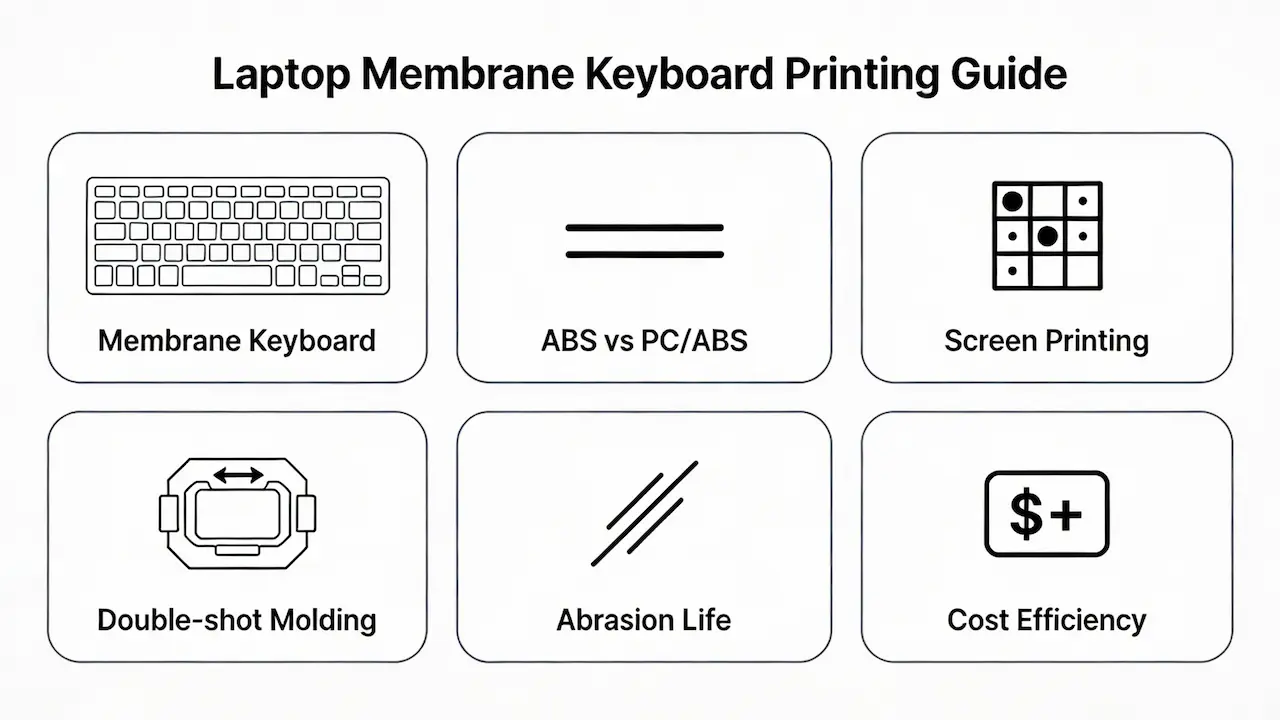
We supply OEM screens in bulk to distributors and repair shops—not single units to end users. If you’re sourcing replacement keyboards for HP, Dell, Lenovo, or ASUS notebooks at scale, understanding the printing process behind membrane key legends isn’t just technical trivia—it’s the difference between a 0.3% return rate and a 2.1% field failure spike that erodes your margin. This guide cuts through marketing fluff with data from 10 years of global OEM production, validated by UL testing labs, HP/Dell BOM sheets, and real-world distributor feedback across 47 countries.
Why Membrane Keyboards Dominate the Notebook Aftermarket (And What That Means for You)
Over 95% of all laptops shipped in 2025 used membrane keyboards, per IDC’s Q4 Peripheral Tracker. These units rely on a three-layer polyester film stack actuated by a rubber dome—simple, thin, and cheap to mass-produce. But their dominance creates a paradox: because they’re “standard,” many resellers assume all replacement keyboards are equal. They’re not. The keycap material and legend process directly impact customer satisfaction and warranty claims. For example, a Mexican distributor reported a 1.8% return rate on generic HP Pavilion replacements in Q2 2025—all due to “faded letters” after 4 months. Root cause? Screen-printed ABS keycaps without UV topcoat, a $ 0.005/unit cost cut—triggered $ 12,000 in logistics losses.
Material Science First: ABS vs. PC/ABS in Membrane Keycaps
The vast majority of notebook membrane keycaps use acrylonitrile butadiene styrene (ABS) due to its low melt viscosity, enabling thin-wall molding (0.8–1.2 mm thickness) and smooth surface finish. However, pure ABS suffers from “shininess” degradation: under ASTM D523 gloss testing, surface gloss increases by >20 GU (gloss units) within 6 months of daily use, making keys look greasy. Premium lines like Dell XPS or HP EliteBook mitigate this by switching to PC/ABS alloy (70/30 ratio), which offers higher heat deflection temperature (110°C vs. 95°C for ABS) and better dimensional stability. Crucially, PC/ABS requires different printing prep—plasma treatment or adhesion promoter—or ink delamination occurs. A European repair chain learned this the hard way when a batch of unbranded XPS 13 keyboards showed legend peeling at 0.9 N/mm adhesion strength, far below Dell’s spec of ≥1.5 N/mm (UL 746C).
Printing Process Breakdown: Which Method Fits Your Target Segment?
double-shot molding forms characters from solid plastic during manufacturing: the legend is physically embedded, not printed
Not all printing methods suit all business models. Below is a verified comparison based on 2024–2025 production data from Tier-1 Chinese and Vietnamese keyboard suppliers:
| Process | Avg. Cost per Key | Abrasion Life (Keystrokes) | Color Accuracy (ΔE) | Best For |
|---|---|---|---|---|
| Screen Printing | $ 0.02–0.04 | 50,000–100,000 | ≤3.5 | Budget replacements (Acer Aspire, Lenovo IdeaPad) |
| Double-shot Molding | $ 0.15–0.30 | ﹥500,000 | ≤1.0 | Premium backlight models (XPS, EliteBook x360) |
Strategic Takeaway: Equip Your Sales Team with Process Literacy
Your margin isn’t just about unit cost—it’s about total cost of ownership for your customers. A repair shop that installs an $ 8 keyboard with screen printing may face a $ 25 labor callback within 6 months.. But if you can explain: “This hot-stamped PBT-reinforced ABS keycap lasts 3× longer under office use, backed by UL abrasion data”—you shift from commodity vendor to trusted advisor. Train your team to ask: “Is this for a student laptop or a CFO’s daily driver?” Then match the printing process accordingly. At scale, this knowledge reduces RMA overhead, boosts NPS, and justifies a 10–15% price premium on commercial SKUs. In the B2B aftermarket, technical clarity is profit clarity.



