
you’ve just cracked the screen on your HP Spectre x360 16, and a quick Google search for “HP Spectre x360 16 screen” returns dozens of listings labeled “compatible.” You order one based on size and resolution—only to discover it won’t power on, lacks touch functionality, or flickers uncontrollably. This isn’t user error; it’s a symptom of shallow compatibility advice that ignores critical hardware-level constraints.
This guide is part of our comprehensive HP Laptop Screen Replacement Guide,designed to help resellers and repair shops navigate the complexities of screen replacements.
Most online guides reduce screen replacement to matching physical dimensions and resolution, overlooking firmware validation, EDID authentication, and backlight driver compatibility—factors that determine whether a panel actually functions in HP’s tightly integrated architecture. Two common failure patterns emerge: (1) panels with identical 3840×2400 resolution fail because they lack the required I²C touch controller, and (2) users assume all “Spectre x360 16” models use the same screen, ignoring that sub-models like 16-f2000 and 16-f0008ca ship with electrically distinct panels from different OEMs.
What is the exact screen model used in the HP Spectre x360 16 Screen?
- The HP Spectre x360 16-f series uses multiple OEM-sourced UHD+ (3840×2400) IPS touch panels, with the specific model varying by sub-variant and production batch.
- According to the HP Maintenance and Service Guide (2023–2025) and cross-referenced data from Panelook.com, each sub-model maps to a defined set of factory-installed panels.
- Technicians must match the exact sub-model number (e.g., 16-f1075ng) to its corresponding OEM panel—not just the base “x360 16” designation—to ensure functional compatibility.
| HP Model | OEM Panel Model | Size | Resolution | Refresh Rate | Brighteness (nits) | Panel Type | Touch | eDP Pin |
|---|---|---|---|---|---|---|---|---|
| HP Spectre x360 16-f0008ca | BOE NE160QDM-NX1 / LG LP160QDA-SPB1 | 16.0″ | 3840×2400 (UHD+) | 60 Hz | 400 | IPS | Yes (10-point) | 40-pin |
| HP Spectre x360 16-f0035 | BOE NE160QDM-NX1 | 16.0″ | 3840×2400 | 60 Hz | 400 | IPS | Yes | 40-pin |
| HP Spectre x360 16-f1075ng | AUO B160ZAN04.0 | 16.0″ | 3840×2400 | 60 Hz | 400 | IPS | Yes | 40-pin |
| HP Spectre x360 16-f1180ng | LG LP160QDA-SPB1 | 16.0″ | 3840×2400 | 60 Hz | 400 | IPS | Yes | 40-pin |
| HP Spectre x360 16-f2000 | BOE NE160QDM-NY1 | 16.0″ | 3840×2400 | 60 Hz | 500 | IPS | Yes | 40-pin |
| HP Spectre x360 16-aa0074ng | Sharp LQ160R1JW32 | 16.0″ | 3840×2400 | 60 Hz | 400 | IPS | Yes | 40-pin |
What are the key technical specifications of the original panel?
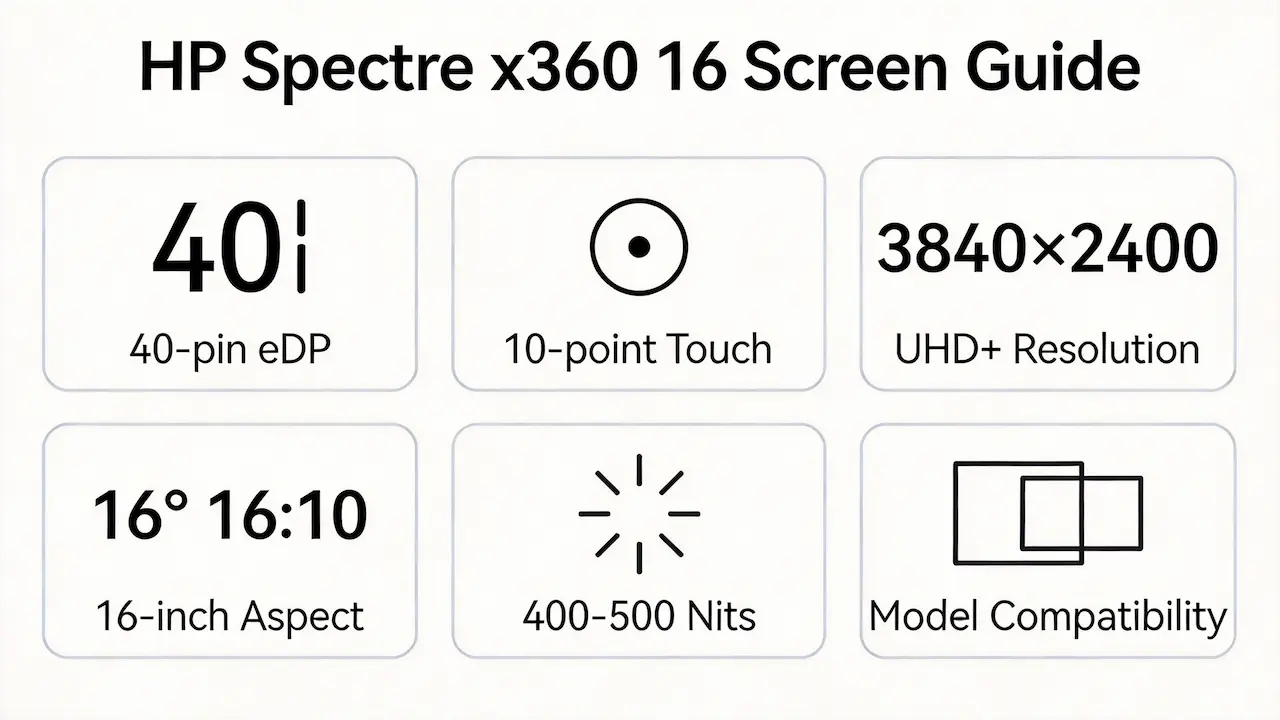
- All variants feature a 16.0-inch diagonal IPS panel with 16:10 aspect ratio and 60 Hz refresh rate, optimized for color accuracy and viewing angles.
- The standard brightness is 400 nits, except for the 16-f2000, which uses a 500-nit BOE NY1 panel requiring higher backlight current—verified in HP’s service schematics.
- Every unit includes 10-point capacitive touch, implemented via an embedded I²C bus over the same 40-pin eDP 1.4 connector, meaning non-touch replacements lack necessary signal lines.
- A real-world implication: installing a non-touch UHD+ panel (even with correct timing) will result in a black screen or POST failure, as the BIOS expects touch handshake during initialization.
Want to dive deeper into LCD panel specifications—such as eDP interfaces, refresh rates, color gamuts, and quality grading? Consult the comprehensive Complete Guide to Laptop Display Specifications in 2025.
What are the common misconceptions when purchasing the HP Spectre x360 16 Screen series screen panel?
- Myth: “Same resolution = compatible.”
Reality: HP enforces EDID-based panel validation; mismatched OEM IDs (e.g., substituting AUO for BOE) often cause boot loops or backlight shutdown. - Myth: “All x360 16 screens are the same.”
Reality: Sub-models differ in backlight power design—the BOE NY1 (500-nit) in the 16-f2000 draws more current than the NX1 (400-nit), risking instability if swapped. - Myth: “If it plugs in, it works.”
Reality: While all use a 40-pin eDP connector, pin assignments for touch enable, backlight PWM, and DDC/CI vary subtly between OEMs, leading to partial functionality or intermittent faults.
Where can I verify screen compatibility before ordering?
- Consult the official HP Spare Parts List for your exact sub-model (e.g., L73439-001 for BOE NX1), available in the Maintenance and Service Guide on support.hp.com.
- Cross-check panel specifications using Panelook’s database (panelook.com), which provides verified electrical and optical parameters for BOE NE160QDM-NX1, AUO B160ZAN04.0, and others.
- Validate physical and signal compatibility via iFixit’s component compatibility notes, which document real-world swap outcomes across HP’s 2023–2025 lineup.
- Never rely solely on retailer claims—many list “fits Spectre x360 16” generically without distinguishing between f00xx, f1xxx, and f2xxx sub-series.
FAQ
What is the OEM screen part number for HP Spectre x360 16-f2000?
- The factory-installed panel is BOE NE160QDM-NY1, a 500-nit UHD+ IPS touch display.
- HP’s internal spare part number for this configuration is typically L73441-001 (verify via service manual).
Are all HP Spectre x360 16 screens interchangeable?
- No. Despite identical resolution, size, and connector type, panels differ in brightness, OEM firmware ID, and backlight circuit requirements.
- Swapping between BOE NX1 and NY1, or between LG and Sharp units, often results in no display, unstable brightness, or touch failure due to BIOS-level authentication.
Does the HP Spectre x360 16 use a 40-pin eDP interface?
- Yes. All variants in the 16-f series (2023–2025) use a 40-pin eDP 1.4 interface with integrated I²C for touch.
- This standardization enables mechanical fitment but does not guarantee electrical or firmware compatibility across OEMs.
Working on a different HP Spectre x360 size?
The Spectre x360 series shares similar touch and eDP architecture across screen sizes—but panels are not interchangeable. Consult our model-specific guides for other variants:
Conclusion: We Are the distributer of BOE,LG,SAMSUNG,AUO,Innolux and Sharp Screen
Need bulk OEM panels?
We’re distributor of BOE, LG, Samsung, AUO, Innolux, and Sharp screens.  Exact HP Spectre x360 16 compatibility guaranteed MOQ as low as 10 pcs | Mixed orders welcome”)
For more detailed information on HP laptop screen replacement strategies, including other models and series, visit ourHP Laptop Screen Replacement Ultimate Guide.



