
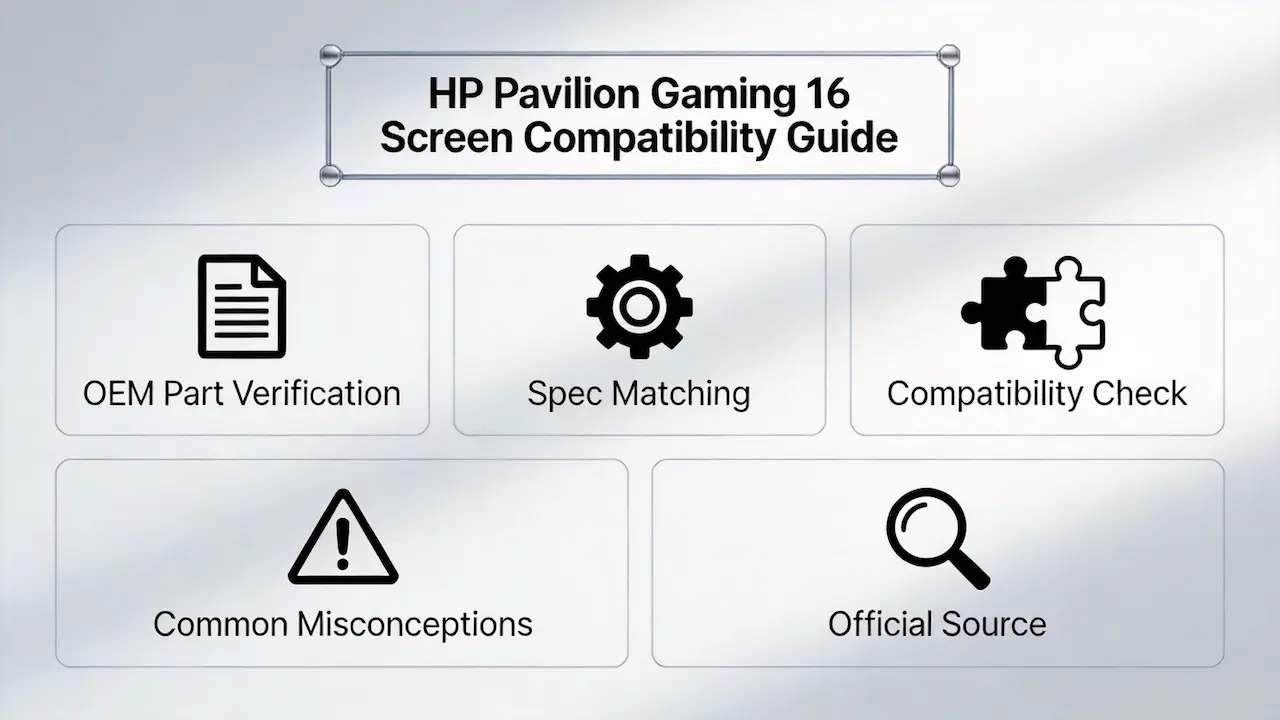
Imagine this: A customer returns a laptop screen you supplied, saying it doesn’t work with their HP Pavilion Gaming 16. You checked the size and resolution before shipping, but the issue isn’t obvious until you look deeper. The screen has a 30-pin eDP connector, while their laptop requires a 40-pin interface for its 144Hz refresh rate. This mismatch not only costs you time and money but also damages your reputation as a reliable supplier.
Most guides tell you to “search by size” or “match the brand,” but this oversimplification ignores the critical technical factors that determine true compatibility. For the HP Pavilion Gaming 16 series, the difference between a working replacement and a costly mistake often lies in details like eDP pin count, panel type, and specific OEM part numbers.
There are two common failure modes in screen replacement for this series:
- Physical dimensions match but electrical incompatibility (30-pin vs 40-pin eDP)
- Ignoring sub-model differences leading to missing features (non-touch vs touch screens)
Let’s break down what truly determines screen compatibility for the HP Pavilion Gaming 16, starting with its official specifications.
What is HP Pavilion Gaming 16 series overview?
- The HP Pavilion Gaming 16 series was launched in 2020 as a mid-range gaming laptop line targeting casual gamers and students.
- It features a 16.1-inch IPS panel with either 60Hz or 144Hz refresh rate options.
- Key models include the 16-a0000ns, 16-a0242ng, and 16-a0046ns configurations.
- According to the HP Maintenance and Service Guide (2020) , the series uses either 30-pin or 40-pin eDP interfaces depending on the refresh rate.
- A common use case for distributors is replacing damaged screens in bulk for educational institutions or gaming cafes.
How are HP Pavilion Gaming 16 models named?
- The naming convention follows the format: 16-aXXXXxx
- The “a” prefix indicates the base model series
- The four-digit number represents the specific configuration (processor, graphics, screen)
- The final two letters indicate the region or market (e.g., “ng” for Germany, “ns” for Spain)
- For example, 16-a0242ng is a German market model with 16GB RAM and GTX 1650 Ti graphics
What is exact screen model used in the HP Pavilion Gaming 16?
| Model Variant | Panel Model | Size | Resolution | Refresh Rate | Brightness | Panel Type | Touch? | Interface |
|---|---|---|---|---|---|---|---|---|
| HP Pavilion Gaming 16-a0242ng | BOE08F6 (NT161FHM-N41) | 16.1″ | 1920×1080 | 60Hz | 250 nits | IPS | No | eDP 30-pin |
| HP Pavilion Gaming 16-a0272ng | To be verified | 16.1″ | 1920×1080 | 60Hz | 250 nits | IPS | No | eDP 30-pin |
| HP Pavilion Gaming 16-a0000ns | BOE08F6 (NT161FHM-N41) | 16.1″ | 1920×1080 | 60Hz | 250 nits | IPS | No | eDP 30-pin |
| HP Pavilion Gaming 16-a0022ns | To be verified | 16.1″ | 1920×1080 | 60Hz | 250 nits | IPS | No | eDP 30-pin |
| HP Pavilion Gaming 16-a0025ns | To be verified | 16.1″ | 1920×1080 | 60Hz | 250 nits | IPS | No | eDP 30-pin |
| HP Pavilion Gaming 16-a0011ns | To be verified | 16.1″ | 1920×1080 | 60Hz | 250 nits | IPS | No | eDP 30-pin |
| HP Pavilion Gaming 16-a0027ns | To be verified | 16.1″ | 1920×1080 | 60Hz | 250 nits | IPS | No | eDP 30-pin |
| HP Pavilion Gaming 16-a0005ns | To be verified | 16.1″ | 1920×1080 | 60Hz | 250 nits | IPS | No | eDP 30-pin |
| HP Pavilion Gaming 16-a0006ns | To be verified | 16.1″ | 1920×1080 | 60Hz | 250 nits | IPS | No | eDP 30-pin |
| HP Pavilion Gaming 16-a0007ns | To be verified | 16.1″ | 1920×1080 | 60Hz | 250 nits | IPS | No | eDP 30-pin |
| HP Pavilion Gaming 16-A0008NS | To be verified | 16.1″ | 1920×1080 | 60Hz | 250 nits | IPS | No | eDP 30-pin |
| HP Pavilion Gaming 16-A0023NS | To be verified | 16.1″ | 1920×1080 | 60Hz | 250 nits | IPS | No | eDP 30-pin |
| HP Pavilion Gaming 16-A0029NS | To be verified | 16.1″ | 1920×1080 | 60Hz | 250 nits | IPS | No | eDP 30-pin |
| HP Pavilion Gaming 16-a0021ns | To be verified | 16.1″ | 1920×1080 | 60Hz | 250 nits | IPS | No | eDP 30-pin |
| HP Pavilion Gaming 16-a0033ns | To be verified | 16.1″ | 1920×1080 | 60Hz | 250 nits | IPS | No | eDP 30-pin |
| HP Pavilion Gaming 16-a0042ns | To be verified | 16.1″ | 1920×1080 | 60Hz | 250 nits | IPS | No | eDP 30-pin |
| HP Pavilion Gaming 16-a0044ns | To be verified | 16.1″ | 1920×1080 | 60Hz | 250 nits | IPS | No | eDP 30-pin |
| HP Pavilion Gaming 16-a0043ns | To be verified | 16.1″ | 1920×1080 | 60Hz | 250 nits | IPS | No | eDP 30-pin |
| HP Pavilion Gaming 16-a0010ns | To be verified | 16.1″ | 1920×1080 | 60Hz | 250 nits | IPS | No | eDP 30-pin |
| HP Pavilion Gaming 16-a0046ns | To be verified | 16.1″ | 1920×1080 | 60Hz | 250 nits | IPS | No | eDP 30-pin |
| HP Pavilion Gaming 16-a0024ns | To be verified | 16.1″ | 1920×1080 | 60Hz | 250 nits | IPS | No | eDP 30-pin |
| HP Pavilion Gaming 16-a0040ns | To be verified | 16.1″ | 1920×1080 | 60Hz | 250 nits | IPS | No | eDP 30-pin |
What are key technical specifications of the HP Pavilion Gaming 16 panel?
- Display Size: 16.1-inch diagonal (40.9 cm)
- Resolution: Full HD (1920 x 1080) with 137 PPI pixel density
- Refresh Rate: 60Hz standard, 144Hz optional for higher-end models
- Brightness: 250 nits (60Hz models) or 300 nits (144Hz models)
- Panel Type: IPS (In-Plane Switching) for wide viewing angles
- Color Gamut: 45% NTSC (60Hz models) or 72% NTSC (144Hz models)
- Touch Support: None for all models in this series
- Interface: eDP 30-pin for 60Hz models, eDP 40-pin for 144Hz models
- Backlight: WLED (White Light Emitting Diode)
- Aspect Ratio: 16:9 widescreen format
According to Panelook database, the NT161FHM-N41 panel used in most 60Hz models offers 178° viewing angles and 1000:1 contrast ratio.
What are common misconceptions when purchasing the HP Pavilion Gaming 16 series screen panel?
- Misconception 1: “All 16.1-inch screens fit all Pavilion Gaming 16 models”
- The reality: 60Hz models use 30-pin eDP while 144Hz models require 40-pin eDP connectors
- A distributor once shipped 50 30-pin screens to a customer with 144Hz models, resulting in a full return
- Misconception 2: “All Pavilion Gaming 16 models have the same screen specifications”
- The reality: Early 2020 models have 45% NTSC color gamut while later 2021 models offer 72% NTSC
- This difference is crucial for customers using the laptops for content creation
- Misconception 3: “OEM part numbers are interchangeable”
- The reality: HP uses different part numbers for the same physical panel depending on the region
- For example, the same BOE panel might have part number M02082-001 in the US and L85999-JQ1 in Europe
- Misconception 4: “You can upgrade a 60Hz screen to 144Hz by just swapping panels”
- The reality: Some models require BIOS updates or have motherboard limitations that prevent higher refresh rates
- Distributors should verify compatibility with HP PartSurfer before offering upgrades
Where can I verify screen compatibility before ordering?
- HP PartSurfer (https://partsurfer.hp.com/)
- Enter the product number to get exact part numbers and compatibility information
- This is the most reliable source for official HP specifications
- Panelook Database (https://www.panelook.com/)
- Search for the panel model number to get detailed technical specifications
- Compare pin configurations and interface types across different panels
- HP Maintenance and Service Guide
- Download the official service manual for your specific model
- Look for the “Display” section to find screen replacement part numbers
Frequently Asked Questions (FAQ)
How much does it cost to replace an HP Pavilion Gaming 16 screen?
DIY replacement parts generally cost between $50–$100, while professional service might cost $30–$300 depending on the region and model.
What screen does HP Pavilion Gaming 16 use?
Most models use the BOE NT161FHM-N41 IPS panel with 1920×1080 resolution and 60Hz refresh rate. 144Hz models use panels like the AUO B161HAN08.0.
Is HP Pavilion Gaming 16 screen touch?
No, none of the models in the Pavilion Gaming 16 series feature touchscreen displays.
What is the difference between 30-pin and 40-pin screens?
- 30-pin eDP supports up to 60Hz refresh rate with 2 lanes of data
- 40-pin eDP supports up to 240Hz refresh rate with 4 lanes of data
- The physical connectors are different and not interchangeable
Conclusion
When supplying replacement screens for the HP Pavilion Gaming 16 series, verifying exact specifications is critical to avoid costly returns and maintain customer trust. Distributors must look beyond basic dimensions and consider factors like eDP pin count, refresh rate compatibility, and regional part number variations.
For B2B customers, the procurement process should include:
- Verifying the exact model variant and region
- Checking the official HP part number
- Confirming the interface type and refresh rate
- Cross-referencing with Panelook for technical specifications
As a leading distributor of BOE, LG, Samsung, AUO, Innolux, and Sharp panels, we offer comprehensive compatibility verification services for HP Pavilion Gaming 16 screens. Our bulk ordering options provide competitive pricing with minimum order quantities as low as 10 units. Contact our sales team today to discuss your specific requirements and ensure seamless supply chain integration.



