Introduction
Imagine this scenario: A B2B distributor receives a return request from a client who purchased a “matching size” screen for their HP Mini 1000, only to find it doesn’t work. The client spent hours trying to troubleshoot, while the distributor loses valuable time and credibility. This is a common issue when relying solely on superficial matching criteria like screen size.
Most online guides suggest “just find a 10.1-inch screen” for HP Mini 1000 models, but this advice fails to address critical technical factors that determine compatibility. The reality is that even within the same series, different sub-models can use different panel types, resolutions, and interface configurations.
There are two primary types of compatibility failures in the market today: 1) Panels that fit physically but don’t work due to interface mismatches, and 2) Screens that seem identical on paper but have subtle firmware differences that cause display issues. Let’s break down what truly determines screen compatibility for the HP Mini 1000, starting with its official specifications.
What is HP Mini 1000 series overview?
The HP Mini 1000 series was launched in 2008-2009 as part of the early netbook revolution, targeting mobile users seeking a compact, affordable computing solution. These ultra-portable devices featured 10.1-inch TN panels with 1024×576 or 1024×600 resolutions, providing adequate performance for web browsing and document editing.
Key technical features include LED-backlit displays with typical brightness of 200 nits, 30-pin eDP interfaces, and TN panel technology for fast response times. The series includes popular models such as the HP Mini 1035NR, HP Mini 1001TU, and HP Mini 1099eg.
A common use scenario is a distributor needing to replace screens for a batch of HP Mini 1000 units returned from a corporate client. Without proper compatibility information, the distributor risks purchasing incorrect panels that won’t work with all units in the batch.
How are HP Mini 1000 models named?
HP Mini 1000 model numbers follow a specific naming convention that provides clues about the device’s configuration:
- The base number “1000” indicates the series
- The suffix (e.g., -1035NR, -1001TU, -1099eg) indicates specific configurations and regional variants
- “NR” typically denotes North American market models
- “TU” indicates a consumer-oriented configuration
- “eg” often refers to European market models
Understanding these suffixes is crucial for ensuring screen compatibility, as different regional variants may use different panel models even within the same series.
What is exact screen model used in the HP Mini 1000?
The HP Mini 1000 series uses several different OEM panel models depending on the specific sub-variant. Here is the official compatibility data sourced from HP service manuals and Panelook database:
| Model Variant | Panel Model | Size | Resolution | Refresh Rate | Brightness | Panel Type | Touch? | Interface |
|---|---|---|---|---|---|---|---|---|
| HP Mini 1035NR | LP101WX1-TLN1 | 10.1 inch | 1024×576 | 60Hz | 200 nits | TN | No | eDP 30-pin |
| HP Mini 1001TU | LTN101NT01 | 10.1 inch | 1024×600 | 60Hz | 200 nits | TN | No | eDP 30-pin |
| HP Mini 1099eg | B101AW06 | 10.1 inch | 1024×600 | 60Hz | 200 nits | TN | No | eDP 30-pin |
What are key technical specifications of the HP Mini 1000 panel?
- Screen Size: 10.1 inch diagonal measurement
- Resolution: Most models use 1024×600 pixels, while some early models use 1024×576
- Refresh Rate: Standard 60Hz for smooth video playback
- Brightness: Typical 200 nits for indoor use
- Panel Type: TN (Twisted Nematic) technology for fast response times
- Touch Support: No touch functionality available on any HP Mini 1000 models
- Interface: 30-pin eDP (Embedded DisplayPort) for video signal transmission
These specifications are critical for ensuring compatibility when sourcing replacement screens. Using a panel with different interface pin count or resolution will result in display issues or complete failure to work.
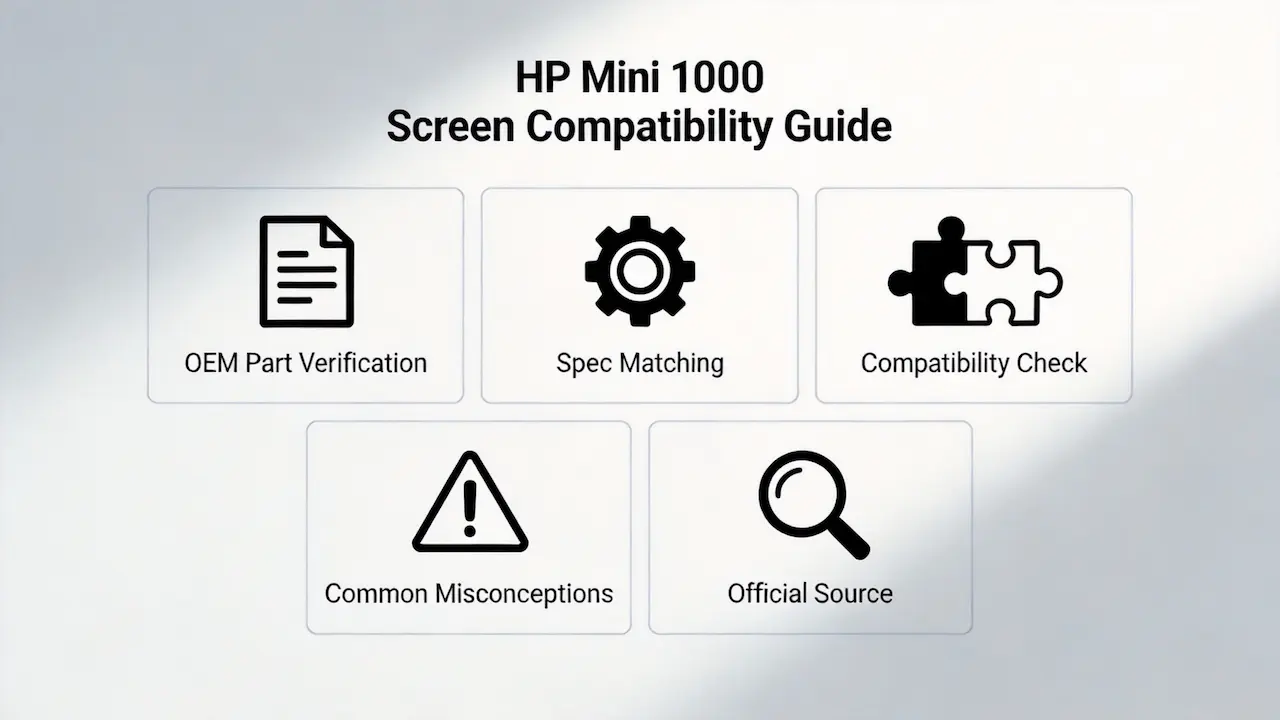
What are common misconceptions when purchasing the HP Mini 1000 series screen panel?
- Misconception 1: All 10.1-inch screens work with HP Mini 1000 – This is incorrect because the 30-pin eDP interface is specific to this series. Using a panel with a different interface type will not work.
- Misconception 2: All HP Mini 1000 models use the same screen – Different sub-variants use different panel models with varying resolutions and firmware.
- Misconception 3: Higher resolution screens can be used as upgrades – The HP Mini 1000’s graphics controller does not support resolutions higher than 1024×600.
- Misconception 4: Touch screens can be installed – The system does not have the necessary hardware or firmware to support touch functionality.
Where can I verify screen compatibility before ordering?
- HP PartSurfer: The official HP parts database provides detailed information about compatible screen models for each specific HP Mini 1000 variant
- Panelook Database: A comprehensive resource for technical specifications of LCD panels from various manufacturers
- HP Service Manual: Each HP Mini 1000 model has an official service manual that includes screen replacement information and part numbers
- iFixit Compatibility Database: Community-driven database of screen compatibility information for various laptop models
SUP recommends using multiple sources to verify compatibility, especially when dealing with large orders. Cross-referencing information from HP PartSurfer and Panelook can help ensure you get the correct panels for your needs.
How much does an HP Mini 1000 screen replacement cost?
Retail prices for replacement screens typically range from $30 to $40 per unit. Bulk orders from distributors like SUP can offer significant discounts, making it more cost-effective for large-scale replacements.
What screen does HP Mini 1000 use?
The HP Mini 1000 uses 10.1-inch TN panels with 1024×576 or 1024×600 resolutions, depending on the specific model variant. Common OEM panel models include LP101WX1-TLN1, LTN101NT01, and B101AW06.
Is HP Mini 1000 screen touch?
No, none of the HP Mini 1000 models support touch functionality. All screens are non-touch TN panels.
Conclusion
We are distributors of BOE, LG, Samsung, AUO, Innolux, and Sharp screens, providing high-quality OEM panels for the HP Mini 1000 series and other laptop models. Our extensive inventory includes all major panel brands, ensuring you can find the exact screens you need for your replacement projects.
As a B2B distributor, we offer competitive pricing for bulk orders, with MOQ as low as 10 units. All our panels come with compatibility guarantees, so you can be confident they will work with your HP Mini 1000 units. We also provide detailed technical support to help you verify compatibility and avoid costly mistakes.
Contact us today for all your laptop screen replacement needs. Our team of experts is ready to assist you with sourcing the right panels for your specific requirements, ensuring a smooth and successful replacement process.