
Replacing a damaged screen on the HP Envy x360 13 often starts with optimism—after all, “it’s just a 13.3-inch FHD panel,” right? But many technicians and resellers quickly hit a wall: a physically identical replacement boots to a black screen, flickers intermittently, or disables touch functionality despite matching resolution and connector type.
This guide is part of our comprehensive HP Laptop Screen Replacement Guide,designed to help resellers and repair shops navigate the complexities of screen replacements.
What is the exact screen model used in the [HP Envy x360 13]?
- The HP Envy x360 13 series (2019–2023) uses multiple OEM panels depending on sub-model and region, not a single universal display.
- According to the HP Maintenance and Service Guide (Document ID c06541535 for 13-ar, c07884210 for 13-bf), each full model number maps to specific Panel IDs from vendors like BOE, AUO, CMN, and LG Display.
- For example, 13-ar0003no ships with B133HAN03.2 (non-touch), while 13-bf0013dx uses BOE NV133FHM-N47 (400-nit touch)—both are 13.3″ FHD IPS, yet not interchangeable due to firmware validation.
- Real-world scenario: A distributor sourcing panels for 13-ar0802no must select CMN N133HCE-GN1, not a generic “13.3 FHD touch” listing, to ensure digitizer and EDID alignment.
| Full Model | OEM panel models | Size | Resolution | Refresh Rate | Brighteness (nits) | Type | Touch | eDP Pin |
|---|---|---|---|---|---|---|---|---|
| HP Envy x360 13-ar0003no | B133HAN03.2 | 13.3″ | 1920×1080 | 60Hz | 250 | IPS | No | 30-pin |
| HP Envy x360 13-ar0601ng | LTN133HL05 | 13.3″ | 1920×1080 | 60Hz | 300 | IPS | Yes | 30-pin |
| HP Envy x360 13-ar0000ns | B133HAN03.2 | 13.3″ | 1920×1080 | 60Hz | 250 | IPS | No | 30-pin |
| HP Envy x360 13-ar0210ng | LP133WF6-SPB1 | 13.3″ | 1920×1080 | 60Hz | 300 | IPS | Yes | 30-pin |
| HP Envy x360 13-ar0004ng | LTN133HL05 | 13.3″ | 1920×1080 | 60Hz | 300 | IPS | Yes | 30-pin |
| HP Envy x360 13-ar0350nd | B133HAN03.2 | 13.3″ | 1920×1080 | 60Hz | 250 | IPS | No | 30-pin |
| HP Envy x360 13-ar0802no | CMN N133HCE-GN1 | 13.3″ | 1920×1080 | 60Hz | 300 | IPS | Yes | 30-pin |
| HP Envy x360 13-ar0800no | CMN N133HCE-GN1 | 13.3″ | 1920×1080 | 60Hz | 300 | IPS | Yes | 30-pin |
| HP Envy x360 13-ar0150nd | B133HAN03.2 | 13.3″ | 1920×1080 | 60Hz | 250 | IPS | No | 30-pin |
| HP Envy x360 13-ar0006nw | LTN133HL05 | 13.3″ | 1920×1080 | 60Hz | 300 | IPS | Yes | 30-pin |
| HP Envy x360 13-ar0002ur | B133HAN03.2 | 13.3″ | 1920×1080 | 60Hz | 250 | IPS | No | 30-pin |
| HP Envy x360 13-ar0004ur | LTN133HL05 | 13.3″ | 1920×1080 | 60Hz | 300 | IPS | Yes | 30-pin |
| HP Envy x360 13-bf0013dx | BOE NV133FHM-N47 | 13.3″ | 1920×1080 | 60Hz | 400 | IPS | Yes | 30-pin |
| HP Envy x360 13-bf0042TU | BOE NV133FHM-N47 | 13.3″ | 1920×1080 | 60Hz | 400 | IPS | Yes | 30-pin |
| HP Envy x360 13-bf0090TU | AUO B133HAN05.0 | 13.3″ | 1920×1080 | 60Hz | 250 | IPS | No | 30-pin |
| HP Envy x360 13-bf0035no | CMN N133HCE-GN2 | 13.3″ | 1920×1080 | 60Hz | 300 | IPS | Yes | 30-pin |
| HP Envy x360 13-bf0000 | BOE NV133FHM-N47 or CMN N133HCE-GN2* | 13.3″ | 1920×1080 | 60Hz | 300–400 | IPS | Yes | 30-pin |
What are the key technical specifications of the original panel?
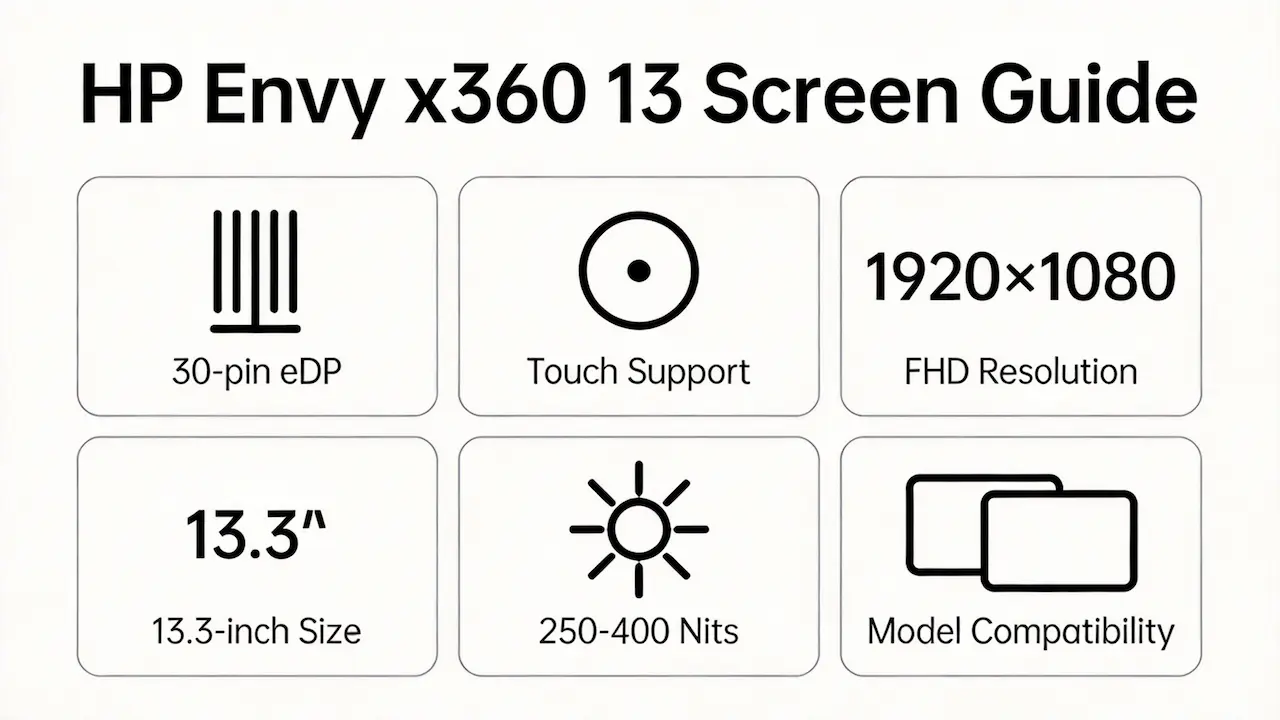
- All variants use a 13.3-inch active area (293.8 × 165.2 mm) with Full HD (1920×1080) resolution and 60Hz refresh rate.
- The interface is standardized as 30-pin eDP 1.4 per VESA eDP Standard v1.4b, but backlight voltage and lane configuration may vary by panel vendor.
- Brightness ranges from 250 nits (non-touch models like B133HAN03.2) to 400 nits (touch models like BOE NV133FHM-N47), verified via Panelook.com panel datasheets.
- In practice, a technician replacing a dim 250-nit panel in a 13-bf0090TU cannot assume a 400-nit panel will function—even with the same connector—due to BIOS power budget limits.
Want to dive deeper into LCD panel specifications—such as eDP interfaces, refresh rates, color gamuts, and quality grading? Consult the comprehensive Complete Guide to Laptop Display Specifications in 2025.
FAQ
HP Envy x360 have an OLED screen?
- No HP Envy x360 13 model (including 13-ar, 13-bf, or 13-ay generations) was ever released with an OLED display.
- This is confirmed by HP’s official product archives and Panelook’s OEM database, which list only IPS LCD panels for this chassis.
- The misconception likely stems from confusion with larger HP Spectre x360 14/16 models, which do offer OLED options—highlighting the risk of cross-series assumptions during procurement.
What screen does the HP Envy x360 have?
- The HP Envy x360 13 exclusively uses 13.3-inch Full HD (1920×1080) IPS LCD panels with optional touch support, depending on the sub-model.
- Every unit features a 30-pin eDP interface and anti-glare coating; no QHD, OLED, or high-refresh-rate variants exist in this form factor.
- When verifying a replacement, always match the full model number (e.g., 13-bf0042TU) rather than relying on marketing terms like “Envy x360 13”—a 13-ar0000ns and 13-bf0000 may look identical externally but use different panel vendors and brightness levels.
What are the common misconceptions when purchasing the HP Envy x360 13 series screen panel?
- Myth: “All 13.3-inch FHD 30-pin panels are compatible.”
Reality: EDID mismatch or missing digitizer controller can cause boot failure—even with correct physical fit. - Myth: “Touch capability depends only on the digitizer layer.”
Reality: BIOS whitelisting ties touch functionality to specific OEM FRUs; swapping a non-touch B133HAN03.2 into a touch-enabled chassis disables display output entirely in many cases. - Myth: “Higher brightness panels are safe upgrades.”
Reality: 13-ar BIOS versions often reject 400-nit BOE NV133FHM-N47 panels due to unlisted power draw, triggering safety shutdowns. - Professional tip: Always cross-reference the rear label’s panel ID (e.g., CMN N133HCE-GN1) against HP’s official parts list, not third-party “compatible” claims.
How to tell if a laptop display is OLED?
- Check the manufacturer’s official specifications sheet—OLED will be explicitly stated; absence implies LCD/IPS.
- Perform a black screen test: OLED displays show true black (pixels off, no backlight glow), while IPS panels exhibit slight grayish leakage under dark conditions.
- Use system tools like HP Support Assistant or Windows Display Settings > Advanced > Color Profile—OLED panels often include vendor-specific ICC profiles (e.g., “Samsung OLED”).
- Critical note: None of the HP Envy x360 13 models pass this test; all exhibit IPS backlight behavior, confirming LCD technology.
Need a guide for other HP Envy x360 models?
The HP Envy x360 series shares a convertible design, but screen compatibility is strictly model-dependent due to differences in eDP pinout, digitizer integration, and BIOS validation. For other sizes, refer to our dedicated guides:
Conclusion:We Are the distributer of BOE,LG,SAMSUNG,AUO,Innolux and Sharp Screen
For bulk compatibility verification, contact us with your full model number.
For more detailed information on HP laptop screen replacement strategies, including other models and series, visit our HP Laptop Screen Replacement Ultimate Guide.



