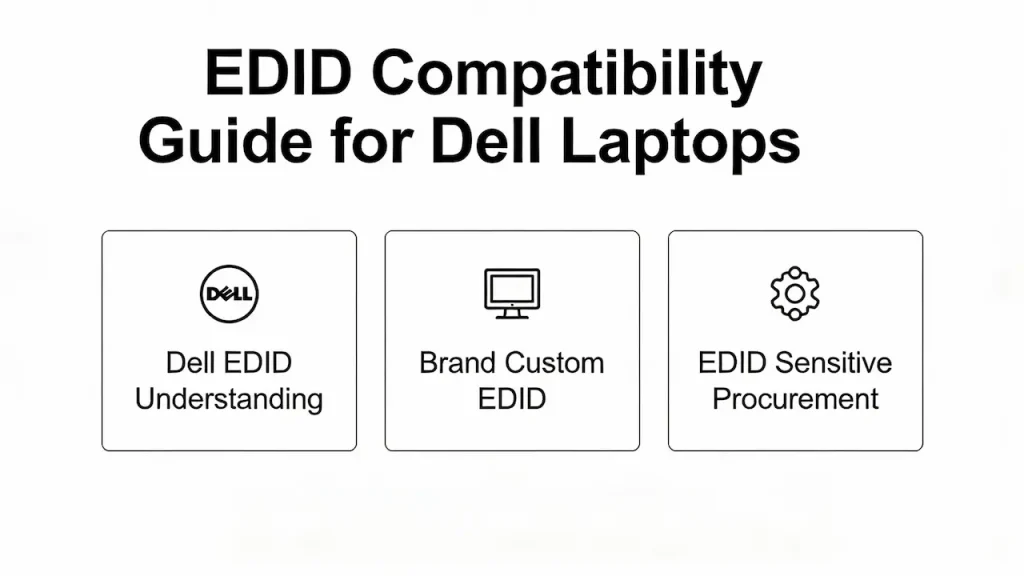
When replacing LCD panels in Dell laptops, matching the physical connector and resolution is not enough. Many models—from the Latitude 7000 series to the XPS 15—enforce EDID (Extended Display Identification Data) validation at boot. A mismatched or generic EDID can cause black screens, resolution fallbacks, or “Non-Dell Display” warnings that block corporate deployment. This guide explains how EDID works in Dell systems, which models enforce it, and how to ensure 100% compatibility using pre-validated panels from BOE, LG, AUO, and Samsung.
1. Understanding EDID in Dell Systems
1.1 What Is EDID—and Why Does Dell Care?
EDID is a data structure stored in the panel’s EEPROM that tells the GPU:
- Native resolution and refresh rate
- Supported timings (e.g., CVT, GTF)
- Manufacturer ID and product code
- Color characteristics
Dell uses this data to verify display authenticity, especially in enterprise (Latitude) and premium (XPS) lines. If the EDID doesn’t match Dell’s internal whitelist, the system may:
- Limit resolution to 1024×768
- Disable Optimus GPU switching
- Log a hardware compliance violation (visible in Dell Command | Monitor)
1.2 Models That Enforce EDID Strictly
| Series | Enforcement Level | Examples |
|---|---|---|
| Latitude 7000 | ⚠️ Strict | 7420, 7620, 7440 |
| XPS (2015–2023) | ⚠️ Strict | XPS 13 9310, XPS 15 9520 |
| Inspiron 5000 | ✅ Moderate | 5558, 5570 (may warn but work) |
| Inspiron 3000 | ❌ None | 3520, 3537 (no EDID check) |
| Gaming (G15/G3) | ❌ None | All models (plug-and-play) |
💡 Rule of Thumb: If the laptop has vPro, TPM 2.0, or BIOS security profiles, assume EDID matters.
1.3 Common EDID-Related Failure Symptoms
- Boot hangs at Dell logo with external monitor working
- “Unknown Display” in Windows Display Settings
- Screen flickers only after OS loads (driver-level rejection)
- NVIDIA Control Panel shows “Generic PnP Monitor”
These are not hardware faults—they’re EDID mismatches. Understanding display specifications like EDID, interface standards, and quality grades is essential for reliable B2B panel sourcing—learn the full framework in our comprehensive 2025 guide.
2.EDID by Panel Brand & Customization Options
2.1 How OEM Panels Differ in EDID Structure
Even panels with identical specs (e.g., FHD 300 nits) have unique EDID if from different brands—which is why sourcing the correct OEM panel by brand (BOE, LG, Samsung, AUO, etc.) is critical for Dell compatibility.
| Panel Model | Supplier | Dell FRU | EDID Manufacturer ID |
|---|---|---|---|
| LP156WF6-SPB1 | LG | 0Y8Y5K | LGD (0x4C47) |
| NV156WUM-N61 | BOE | 0M7W9H | BOE (0x424F) |
| B156HAN04.0 | AUO | 0VH8C2 | AUO (0x4155) |
Dell BIOS often checks both product code AND manufacturer ID. Swapping an AUO panel into an LG-designated system = failure.
2.2 Our EDID Validation & Pre-Flashing Service
We solve this by:
- Matching your Dell model to its original FRU and panel PN
- Sourcing the correct OEM brand (LG for LG slots, BOE for BOE slots)
- Pre-flashing EDID using Dell’s original checksum algorithm
- Testing on real units before shipment
For bulk orders (>50 pcs), we offer custom EDID cloning from your sample unit.
2.3 Can You Flash EDID Yourself?
Technically yes—but risky:
- Requires CH341A programmer + EEPROM desoldering
- Wrong checksum → permanent “Display Not Found”
- Void warranty on refurbished units
We recommend pre-validated panels for commercial repairs. DIY only for hobbyists.
3.Procurement & Support for EDID-Sensitive Deployments
3.1 How to Order EDID-Safe Panels
To guarantee compatibility, provide one of the following:
- Dell Service Tag (we look up original FRU)
- Original panel part number (e.g., LP156WF6-SPB1)
- Photo of old panel label + motherboard model
We respond within 24 hours with: Confirmed panel model EDID validation status Pricing and lead time
3.2 Volume Program for MSPs & Enterprise Repair Centers
- MOQ: 5 pcs
- EDID cloning: Free for orders ≥100 pcs
- API integration: Real-time EDID compatibility check via service tag
- Documentation: Certificate of EDID conformity included
Ideal for IT asset disposition (ITAD) and depot repair partners.