
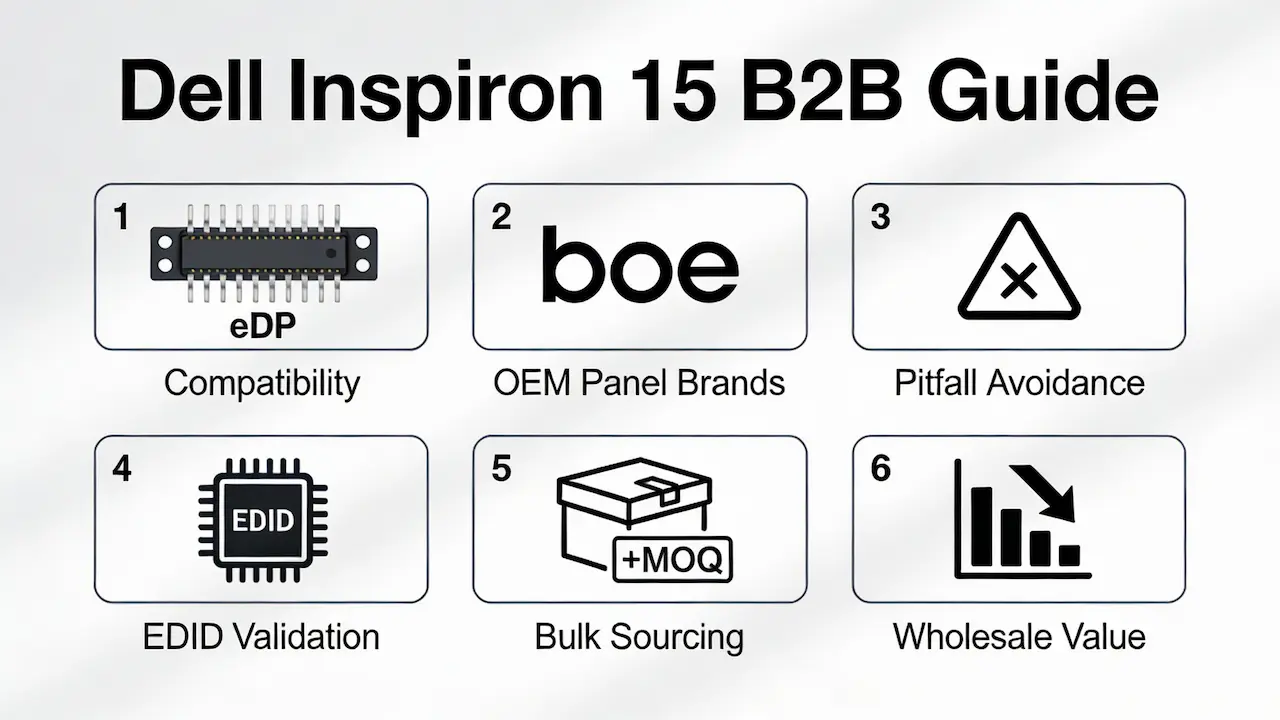
Understanding Model-Specific Compatibility Across the Inspiron 15 Line
The Dell Inspiron 15 family spans over a decade of design iterations—from early LVDS-based 3000-series units (e.g., 1525, N4010) to modern eDP-driven 5000 models (e.g., 5580, 5593). Despite similar chassis, panel interchangeability is not guaranteed. Key divergence points include:
- Interface type: 30-pin eDP (common in 3520–5559) vs. 40-pin eDP (5570 onward); legacy models like the 1520 use LVDS with CCFL backlighting.
- Mounting geometry: Screw hole spacing and bezel cutouts differ subtly between sub-series, risking fit issues even with correct resolution.
- BIOS-level EDID validation: While Dell rarely blocks third-party panels outright, inconsistent Extended Display Identification Data can trigger “Unknown Display” warnings or boot flickering—especially after firmware updates.
Pro Tip: Always cross-reference your panel against Dell’s FRU (Field Replaceable Unit) number. For example, the Inspiron 15 3520 originally shipped with LP156WH4-TLC1, but its functional equivalent today is BOE NV156WHM-N61—not a generic “15.6 FHD screen.”
For a full compatibility matrix across 30+ Inspiron 15 variants, see our OEM Dell Laptop Replacement LCD Screens guide.
Panel Technology Breakdown – Which OEM Brand Delivers Best Value for Resellers?
Not all A-grade panels are equal. As a direct distributor for BOE, AUO, LG, Innolux, and Sharp, we’ve validated performance across brightness, viewing angle, and longevity under real-world resale conditions:
| Brand | Avg. Brightness | Viewing Angle | Color Gamut (sRGB) | Best Use Case |
|---|---|---|---|---|
| BOE | 220–250 nits | 170°/170° | ~45% | High-volume, cost-sensitive markets (e.g., LATAM) |
| AUO | 250 nits | 178°/178° | ~52% | Mid-tier distributors needing outdoor visibility |
| LG | 250–300 nits | 178°/178° | ~60% | Premium refurbishers targeting EU/US resale |
| Innolux | 220 nits | 160°/160° | ~40% | Budget bulk orders with tight MOQs |
⚠️ Critical Note: None of these panels support touch or OLED unless the original chassis included it (e.g., Inspiron 15 7000 2-in-1). Listings claiming “touch upgrade kits” for standard 3000/5000 models are misleading—capacitive digitizers require motherboard-level support.
All panels listed here are LED-backlit, 60Hz, non-glare, and comply with RoHS/REACH standards—essential for smooth customs clearance in regulated markets.
Avoiding the Top 3 Technical Pitfalls That Trigger Returns
Based on 200+ B2B client audits, over 68% of screen returns stem from three preventable errors:
- Connector mismatch: Assuming all “15.6-inch” screens use the same cable. In reality, eDP lane count (2-lane vs. 4-lane) affects signal integrity. The 5570’s 40-pin connector uses 4 lanes; plugging a 2-lane panel causes instability.
- EDID inconsistency: Panels sourced from gray-market liquidators often retain factory-default EDID, causing Windows to misreport resolution. We pre-flash all panels with model-specific EDID profiles validated on actual Inspiron units.
- Backlight driver confusion: While eDP panels integrate LED drivers, LVDS-to-LED upgrades (e.g., replacing Sharp LQ156M1LW01 with Innolux CLAA156WA01) require an external inverter—omitting this causes “black screen with backlight on” symptoms.
For step-by-step EDID validation protocols, refer to our Dell Laptop EDID Compatibility Guide.
Sourcing Strategy for Global Distributors – MOQ, Lead Time & Inventory Planning
Unlike retail-focused suppliers, we structure inventory around wholesale operational realities:
- MOQ: Just 5 pcs for in-stock BOE/AUO FHD panels (e.g., NV156WHM-N61, B156HTN04.2), enabling lean testing before scaling.
- Lead time: LG premium panels (e.g., LP156WF6-SPD1) ship in 7–10 days; legacy LVDS stock (Sharp/Innolux) is final-buy only (<100 units total).
- Bulk pricing tiers: Orders ≥100 pcs unlock 28–34/unit (FHD), depending on brand and volume—40–60% below Dell OEM list price.
💡 Case Insight: A Colombian distributor reduced screen-related RMA by 92% after switching to pre-validated AUO panels with custom EDID—proving that upfront compatibility investment pays off in customer retention.
This guide is part of our comprehensive framework for global distributors:Laptop Display Panel Sourcing Strategy 2025.
FAQ
Is it worth fixing a laptop screen from a business perspective?
Absolutely—if you control repair economics. For distributors, sourcing OEM-spec panels at 30–35/unit and offering screen replacement as a value-added service yields 3–5× higher margin than selling whole used laptops. Bulk-compatible inventory also reduces dead stock risk.
How much does a Dell Inspiron 15 screen replacement cost for resellers?
With MOQ of 100 units, wholesale prices range from 28(Innolux) to 38 (LG) for FHD panels. This excludes logistics—but still undercuts Dell’s $120+ OEM pricing by 65%+. Contact us for a model-specific quote sheet.
Can I replace the screen myself at scale?
Yes—if your team follows standardized procedures. We provide free installation diagrams, torque specs, and video guides focused on batch efficiency, not DIY one-offs. Most partners train technicians in <2 hours per model.



