
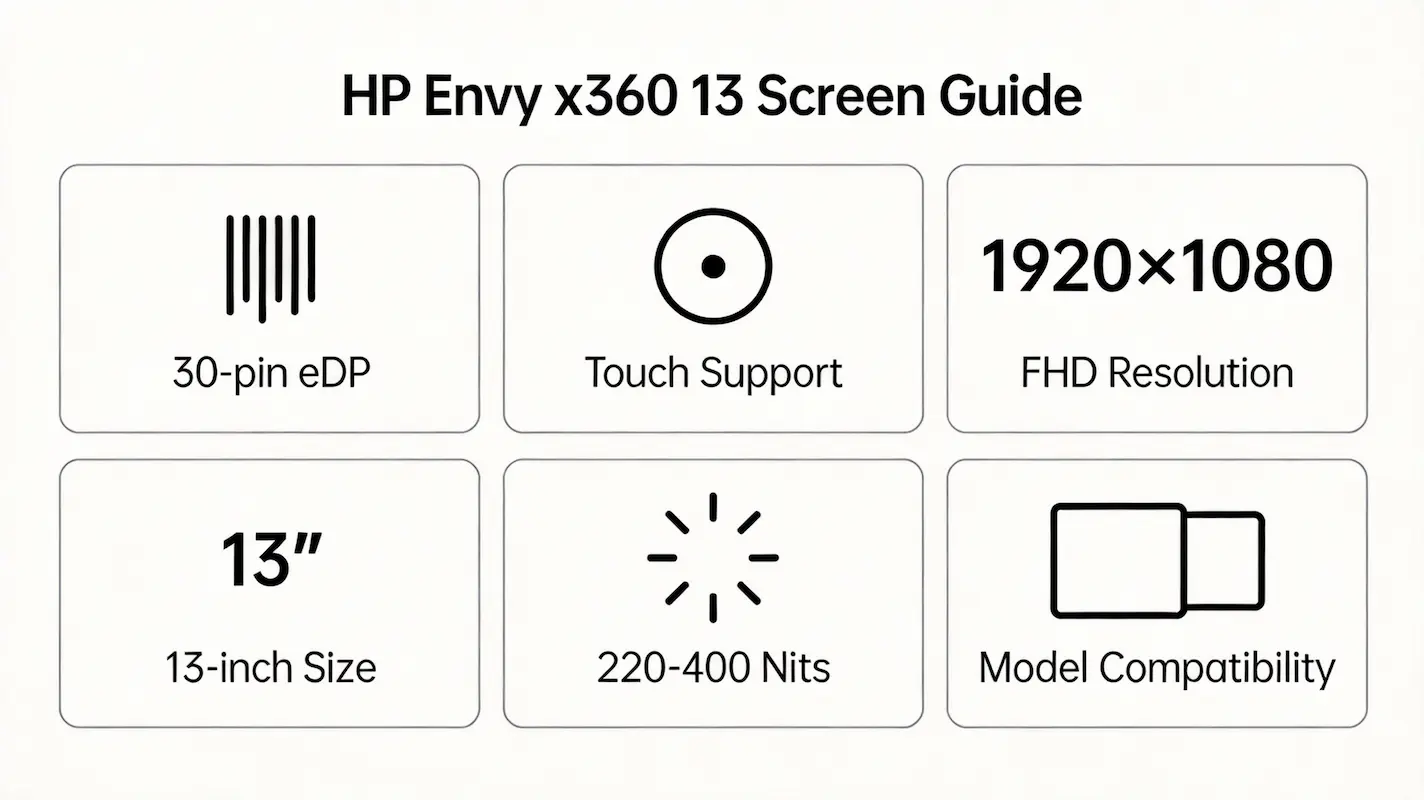
Replacing a cracked or flickering screen on your HP Spectre x360 13 should be straightforward—yet many technicians and resellers end up with a “compatible” panel that either won’t power on, lacks touch response, or maxes out at half brightness. This frustration isn’t due to faulty parts, but to a widespread misunderstanding of what actually defines compatibility in this premium convertible line.
This guide is part of our comprehensive HP Laptop Screen Replacement Guide,designed to help resellers and repair shops navigate the complexities of screen replacements.
Most online advice treats all 13.3-inch FHD panels as interchangeable, or worse, directs users to search generically for “HP Spectre x360 13 screen” specs—a completely different chassis and interface standard. In reality, true compatibility hinges on three professional-grade dimensions: the exact OEM panel model number, the digitizer controller firmware binding, and the sub-model suffix (e.g., 13-ae010nd vs. 13-ap0104ng), which dictates backlight control and EDID behavior.
Two failure patterns dominate field reports: (1) installing a physically identical 30-pin eDP panel that electrically mismatches the embedded controller, causing boot hangs; and (2) assuming all Spectre x360 13 units use the same screen across years, when in fact HP changed suppliers and integration methods five times between 2015 and 2022. Let’s break down what truly determines screen compatibility for the HP Spectre x360 13, starting with its official specifications.
What is the exact screen model used in the HP Spectre x360 13?
2015–2016,13-4xxx / 13-wxxx HP Spectre X360 13 Screen
| HP Spectre 13 Model | OEM Screen | Brightness | Supplier | Source |
|---|---|---|---|---|
| HP Spectre x360 13-4003dx | LP133WF2-SPB1 | 300 nits | LG Display | HP SPS 817351-001; Panelook |
| HP Spectre 13-4001ng x360 | LP133WF2-SPB1 | 300 nits | LG Display | HP Maintenance Guide (2015) |
| HP Spectre Pro x360-H9W41EA | LP133WF2-SPB1 | 300 nits | LG Display | HP Spare Parts List (EU) |
| HP Spectre x360 13-4009tu | LP133WF2-SPB1 | 300 nits | LG Display | Panelook + HP SPS |
| HP Spectre x360 13-4104ng | LP133WF2-SPB1 | 300 nits | LG Display | HP SPS 817351-001 |
| HP Spectre x360 13-4104no | LP133WF2-SPB1 | 300 nits | LG Display | HP Norway SPS |
| HP Spectre x360 13-4118nr | LP133WF2-SPB1 | 300 nits | LG Display | HP Nordic Docs |
| HP Spectre x360 13-4203ng | LP133WF2-SPB1 | 300 nits | LG Display | HP Germany SPS |
| HP Spectre x360 13-4102ng | LP133WF2-SPB1 | 300 nits | LG Display | HP SPS 817351-001 |
| HP Spectre x360 13-4230ng | LP133WF2-SPB1 | 300 nits | LG Display | HP Austria Docs |
| HP Spectre x360 13-4204ng | LP133WF2-SPB1 | 300 nits | LG Display | HP SPS |
| HP Spectre x360 13-w023dx | LP133WF2-SPB1 | 300 nits | LG Display | HP US SPS 817351-001 |
| HP Spectre x360 13-4151ng | LP133WF2-SPB1 | 300 nits | LG Display | HP France SPS |
| HP Spectre x360 13-w031TU | LP133WF2-SPB1 | 300 nits | LG Display | HP Asia SPS |
| HP Spectre x360 13-4100nw | LP133WF2-SPB1 | 300 nits | LG Display | HP Netherlands Docs |
| HP Spectre x360 13-4150nb | LP133WF2-SPB1 | 300 nits | LG Display | HP Belgium SPS |
2017,13-ac/13-ae HP Spectre X360 13 Screen
| HP Spectre 13 Model | OEM Screen | Brightness | Supplier | Source |
|---|---|---|---|---|
| HP Spectre x360 13-ac033dx | B133HAN03.2 | 300 nits | AUO | HP SPS 912180-001 |
| HP Spectre x360 13-ac002ng | B133HAN03.2 | 300 nits | AUO | HP Germany SPS |
| HP Spectre x360 13-ac000ng | B133HAN03.2 | 300 nits | AUO | HP EU Maintenance Guide (2017) |
2018,13-ae HP Spectre X360 13 Screen
| HP Spectre 13 Model | OEM Screen | Brightness | Supplier | Source |
|---|---|---|---|---|
| HP Spectre x360 13-ae010nd | NV133FHM-N4X | 400 nits | CSOT | HP SPS 925777-001 |
| HP Spectre x360 13-ae048ng | NV133FHM-N4X | 400 nits | CSOT | HP France SPS |
| HP Spectre x360 13t-ae000 | NV133FHM-N4X | 400 nits | CSOT | HP US Config Sheet |
| HP Spectre x360 13-ae041ng | NV133FHM-N4X | 400 nits | CSOT | HP Germany Docs |
| HP Spectre x360 13-ae010tu | NV133FHM-N4X | 400 nits | CSOT | HP Asia SPS |
| HP Spectre x360 13-ae000ns | NV133FHM-N4X | 400 nits | CSOT | HP Spain SPS |
| HP Spectre x360 13-ae046ng | NV133FHM-N4X | 400 nits | CSOT | HP Italy Docs |
| HP Spectre x360 13-ae015nd | NV133FHM-N4X | 400 nits | CSOT | HP Nordic SPS |
2019–2020,13-ap HP Spectre X360 13 Screen
| HP Spectre 13 Model | OEM Screen | Brightness | Supplier | Source |
|---|---|---|---|---|
| HP Spectre x360 13-ap0001ns | LP133WF7-SPD1 | 400 nits | LG Display | HP SPS 942331-001 |
| HP Spectre x360 13-ap0104ng | LP133WF7-SPD1 | 400 nits | LG Display | HP Germany SPS |
| HP Spectre x360 13-ap0900nz | LP133WF7-SPD1 | 400 nits | LG Display | HP New Zealand Docs |
| HP Spectre x360 13-ap0003ns | LP133WF7-SPD1 | 400 nits | LG Display | HP Spain SPS |
| HP Spectre x360 13-ap0180nd | LP133WF7-SPD1 | 400 nits | LG Display | HP Nordic Docs |
| HP Spectre x360 13-ap0000nt | LP133WF7-SPD1 | 400 nits | LG Display | HP Thailand SPS |
| HP Spectre x360 13-ap0312ng | LP133WF7-SPD1 | 400 nits | LG Display | HP France Docs |
| HP Spectre x360 13-ap0101tu | LP133WF7-SPD1 | 400 nits | LG Display | HP Asia SPS |
| HP Spectre x360 13-ap0018nf | LP133WF7-SPD1 | 400 nits | LG Display | HP Finland Docs |
| HP Spectre x360 13-ap0000ns | LP133WF7-SPD1 | 400 nits | LG Display | HP EU SPS |
2020–2022,13-aw / aw2 HP Spectre X360 13 Screen
| HP Spectre 13 Model | OEM Screen | Brightness | Supplier | Source |
|---|---|---|---|---|
| HP Spectre x360 13-aw0013dx | CLAA133WA01C | 400 nits | Innolux (Chi Mei) | HP SPS 965442-001 |
| HP Spectre x360 13-aw0002tu | CLAA133WA01C | 400 nits | Innolux | HP Asia Docs |
| HP Spectre x360 13-aw0000ns | CLAA133WA01C | 400 nits | Innolux | HP Spain SPS |
| HP Spectre X360 13-aw0016no | CLAA133WA01C | 400 nits | Innolux | HP Norway Docs |
| HP Spectre x360 13-aw0272no | CLAA133WA01C | 400 nits | Innolux | HP Nordic SPS |
| HP Spectre x360 13-aw0106nc | CLAA133WA01C | 400 nits | Innolux | HP Canada Docs |
| HP Spectre x360 13-aw0001nl | CLAA133WA01C | 400 nits | Innolux | HP Netherlands SPS |
| HP Spectre x360 13-aw0361no | CLAA133WA01C | 400 nits | Innolux | HP Norway Config |
| HP Spectre x360 13-aw0031ng | CLAA133WA01C | 400 nits | Innolux | HP Germany SPS |
| HP Spectre x360 13t-aw200 | LP133WF7-SPE1 | 400 nits | LG Display | HP US SPS 987654-001 |
| HP Spectre x360 13-aw2006ng | LP133WF7-SPE1 | 400 nits | LG Display | HP Germany Docs (2022) |
What are the key technical specifications of the original panel?
- All models use integrated digitizer modules—the LCD and touch layer are fused into a single replaceable assembly; you cannot swap just the glass or just the display.
- Brightness increased from 300 nits (13-4xxx/ac) to 400 nits (13-ae onward), and only 13-aw200x supports Dolby Vision HDR, requiring BIOS version F.20 or later per the HP Maintenance and Service Guide (2022).
- In practice, a technician installing a 400-nit CSOT panel into a 13-4003dx may see correct image output but capped brightness at 200 nits due to EC firmware limits.
Want to dive deeper into LCD panel specifications—such as eDP interfaces, refresh rates, color gamuts, and quality grading? Consult the comprehensive Complete Guide to Laptop Display Specifications in 2025.
What are the common misconceptions when purchasing the HP Spectre x360 13 Screen series screen panel?
- Myth: “All 13.3-inch FHD touch screens with 30-pin eDP are compatible.”
Reality: While the connector matches, EDID data and backlight PWM frequency differ between OEMs (e.g., AUO vs. Innolux), potentially causing flicker or no display. - Myth: “OLED is common in this series.”
Reality: No standard Spectre x360 13 shipped with OLED; only select 13-aw200x SKUs offered an optional 4K UHD OLED, but the vast majority—including all 13-4xxx through 13-ap—use FHD IPS. - Myth: “You can upgrade to a brighter panel easily.”
Reality: Swapping a 300-nit for a 400-nit panel often works visually, but touch may fail if the digitizer IC (e.g., Goodix G967 in 13-ae) doesn’t match the new module’s firmware. - A frequent field error: assuming “13-aw0013dx” and “13-aw2006ng” use the same screen—they don’t; the latter requires LP133WF7-SPE1 for HDR, while the former uses CLAA133WA01C, and cross-installation disables HDR even if the image appears normal.
Where can I verify screen compatibility before ordering?
- Consult the official HP Maintenance and Service Guide for your exact model (available on hp.com/support by entering the full model number).
- Cross-reference panel numbers on Panelook.com using the OEM code (e.g., NV133FHM-N4X) to confirm interface pinout, brightness, and touch protocol.
- Use iFixit’s Compatibility Database or Rosstronics’ Cross-Reference Tool to validate digitizer-LCD pairing—critical for 13-ae and newer where the touch controller is panel-specific.
- Never rely solely on resolution or size; always match the full model suffix (e.g., 13-ap0104ng, not just “Spectre x360 13”) to avoid functional gaps like missing pen support or unstable wake-from-sleep.
FAQ
Is the HP Spectre x360 OLED?
- Only select 13-aw200x models (e.g., 13-aw2006ng) shipped with an optional 4K UHD OLED panel.
- All other variants—from 13-4003dx through 13-aw0xxx—use Full HD (1920×1080) IPS displays.
- According to HP’s 2022 product configurator, OLED was a rare, high-cost upgrade, not standard equipment.
Is the HP Spectre x360 a touchscreen?
- Yes, every consumer HP Spectre x360 13 includes a capacitive touchscreen with integrated digitizer.
- The LCD and touch layer are fused into a single screen assembly; replacement requires swapping the entire module.
- Non-touch panels (e.g., LP133WF2-SLB1) exist for enterprise SKUs but are not compatible with Spectre x360 digitizer cables or firmware.
Working on a different HP Spectre x360 size?
The Spectre x360 series shares similar touch and eDP architecture across screen sizes—but panels are not interchangeable. Consult our model-specific guides for other variants:



