Introduction
If you’re sourcing HP ProBook 635 screen replacement panels for resale or repair, you’ve probably faced the problem of incompatible parts, wasted inventory, or delayed deliveries—this guide breaks down everything you need to know about HP ProBook 635 screen replacement, including exact models, specifications, compatibility checks, and common pitfalls to avoid.
Dealers often receive returns from customers who purchased “matching size” screens that don’t work, losing valuable time and money in the process. A recent case involved a European distributor who stocked 50 units of “13.3-inch FHD” screens for ProBook 635, only to discover 30% were incompatible due to eDP interface differences between G7 and G8 models.
The common advice to “just search by size” or “buy by brand” is dangerously oversimplified. True screen compatibility depends on three critical dimensions: eDP interface pinout, panel firmware compatibility, and submodel-specific electrical requirements. Ignoring these factors leads to the two most common failures in screen replacement.
- Physical size matches but electrical compatibility fails (e.g., 30-pin vs 40-pin eDP)
- Submodel differences are ignored, leading to missing features or non-functional screens
Let’s break down what truly determines screen compatibility for the HP ProBook 635, starting with its official specifications.
What is HP ProBook 635 series overview?
The HP ProBook 635 Aero series was released between 2021 and 2023 as a mainstream business laptop line, targeting professionals who need portable performance with enterprise security features. The series includes two main generations: G7 (2021) and G8 (2022), both featuring 13.3-inch screens with varying brightness options.
Key screen technology features include:
- IPS panel technology for wide viewing angles (85/85/85/85)
- eDP 1.4 interface with PSR (Panel Self Refresh) for energy efficiency
- Multiple brightness options: 250 nits (45% NTSC), 400 nits (100% sRGB), and 1000 nits (72% NTSC + HP Sure View)
According to the HP Maintenance and Service Guide, the ProBook 635 Aero series uses three main OEM screen models from BOE and LG Display, with different specifications tailored to various configurations.
How are HP ProBook 635 models named?
HP ProBook 635 model numbers follow a consistent naming convention that includes key configuration details:
- Aero: Indicates the lightweight design (starting at 0.99 kg)
- G7/G8: Represents the generation (G7 = 2021, G8 = 2022)
- Suffix codes: Regional and configuration identifiers
- 51C00US: US market configuration with Ryzen 7 PRO 5850U
- 2W8S6EA: European market configuration with Ryzen 5 4500U
- 2W8S2EA: European market configuration with Ryzen 7 PRO 4750U
These suffix codes are critical for screen compatibility, as different regions may have different panel specifications even within the same generation.
What is exact screen model used in the HP ProBook 635?
| Model Variant | Panel Model | Size | Resolution | Refresh Rate | Brightness | Panel Type | Touch? | Interface |
|---|---|---|---|---|---|---|---|---|
| HP ProBook 635 Aero G7 | NV133FHM-N49 (BOE) | 13.3 inch | 1920×1080 | 60Hz | 250 nits | IPS | No | eDP 30-pin |
| HP ProBook 635 Aero G7 | LP133WF6-SPB1 (LG) | 13.3 inch | 1920×1080 | 60Hz | 250 nits | IPS | No | eDP 30-pin |
| HP ProBook 635 Aero G7 | NV133FHM-N56 (BOE) | 13.3 inch | 1920×1080 | 60Hz | 400 nits | IPS | No | eDP 30-pin |
| HP ProBook 635 Aero G8-51C00US | X133NVFF R0 (IVO) | 13.3 inch | 1920×1080 | 60Hz | 250 nits | IPS | No | eDP 30-pin |
| HP ProBook 635 Aero G7-2W8S6EA | NV133FHM-N49 (BOE) | 13.3 inch | 1920×1080 | 60Hz | 400 nits | IPS | No | eDP 30-pin |
All models use eDP 1.4 interface with PSR support, which allows the panel to enter low-power mode when displaying static content, improving battery life.
What are key technical specifications of the HP ProBook 635 panel?
The HP ProBook 635 screen panels share several key technical specifications across all models:
- Panel Type: IPS (In-Plane Switching) technology for wide viewing angles and accurate color reproduction
- Resolution: 1920×1080 (Full HD) with 16:9 aspect ratio
- Refresh Rate: 60Hz for smooth video playback and everyday use
- Interface: eDP 1.4 (Embedded DisplayPort) with 30 pins for high-speed data transfer
- Backlight: WLED (White Light Emitting Diode) for energy efficiency and uniform brightness
Key differences between models include:
- Brightness: 250 nits (45% NTSC), 400 nits (100% sRGB), or 1000 nits (72% NTSC + HP Sure View)
- Color Gamut: 45% NTSC for basic models, 100% sRGB for professional models, and 72% NTSC for HP Sure View models
- Power Efficiency: Models with PSR support consume up to 30% less power during idle periods
According to Panelook database data, the BOE NV133FHM-N49 panel has a typical contrast ratio of 1000:1 and response time of 14ms (gray-to-gray), making it suitable for both productivity and multimedia use.
What are common misconceptions when purchasing the HP ProBook 635 series screen panel?
- Misconception: All 13.3-inch FHD screens are compatible with HP ProBook 635
Reality: The ProBook 635 requires 30-pin eDP interface with specific firmware support. Using a 40-pin eDP panel will result in physical incompatibility. - Misconception: G7 and G8 screens are interchangeable
Reality: While both generations use 30-pin eDP interface, G8 models may have different firmware requirements that prevent G7 screens from working properly. - Misconception: Higher brightness panels are always better
Reality: 1000 nits HP Sure View panels have different physical dimensions (thicker bezel) and may not fit in standard G7/G8 chassis without modifications. - Misconception: All ProBook 635 models use the same screen
Reality: Different configurations have different screen specifications, including brightness levels and color gamut coverage, which must match the original panel for optimal performance.
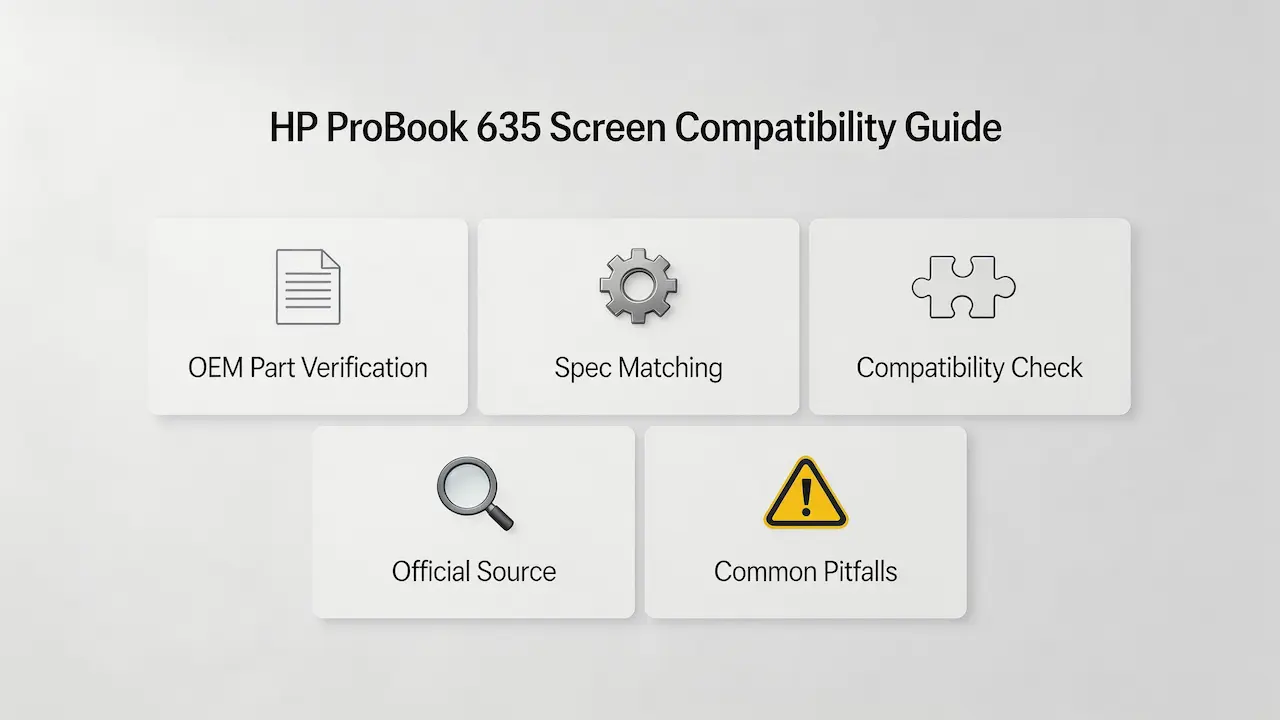
Where can I verify screen compatibility before ordering?
- HP PartSurfer: The official HP parts database provides exact part numbers and compatibility information for each ProBook 635 model
- Panelook Database: A comprehensive LCD panel database with detailed specifications and cross-references
- HP Maintenance and Service Guide: Official documentation with complete screen replacement procedures and part numbers
- iFixit Compatibility Database: Community-driven repair guides and compatibility information
To verify compatibility:
- Locate your ProBook 635 model number (usually on the bottom of the laptop)
- Search HP PartSurfer using the model number to find the exact screen part number
- Cross-reference the part number with Panelook to confirm specifications
- Compare the eDP interface pin count and panel dimensions with your original screen
How much does it cost to replace an HP Probook 635 laptop screen?
Third-party replacement screens typically cost between $75 and $150, while genuine HP replacement panels can cost between $300 and $530 depending on the model and specifications.
How much is a new screen for an HP Probook 635 laptop?
New screen prices range from approximately $75 (third-party) to over $500 (genuine HP), depending on factors such as brightness level, color gamut coverage, and whether it includes HP Sure View privacy technology.
What screen does HP ProBook 635 use?
The HP ProBook 635 uses 13.3-inch IPS panels with Full HD resolution, typically from BOE (NV133FHM-N49, NV133FHM-N56) or LG Display (LP133WF6-SPB1), depending on the specific model and configuration.
Conclusion
In summary, HP ProBook 635 screen replacement requires accurate model matching, strict parameter verification, and reliable sourcing—whether you’re a repair shop or a distributor, following this guide will help you avoid compatibility errors and source high-quality replacement panels efficiently.
As a distributor of SUP panels, we understand the challenges of sourcing compatible laptop screens for business customers. Our inventory includes all major OEM screen models for the HP ProBook 635 series, with full compatibility documentation and technical support to ensure successful replacements.
Contact us for bulk ordering information or technical assistance with HP ProBook 635 screen replacement. We offer competitive pricing, fast shipping, and a 100% compatibility guarantee for all our panels.