Introduction
A laptop screen replacement gone wrong is a costly mistake that many resellers and technicians have learned the hard way. Imagine receiving a returned HP Omen 15-ce laptop from a customer, where the replacement screen they purchased “matched the size” but failed to work due to electrical incompatibility. This scenario plays out daily because of oversimplified search strategies that ignore the critical technical specifications that truly determine screen compatibility.
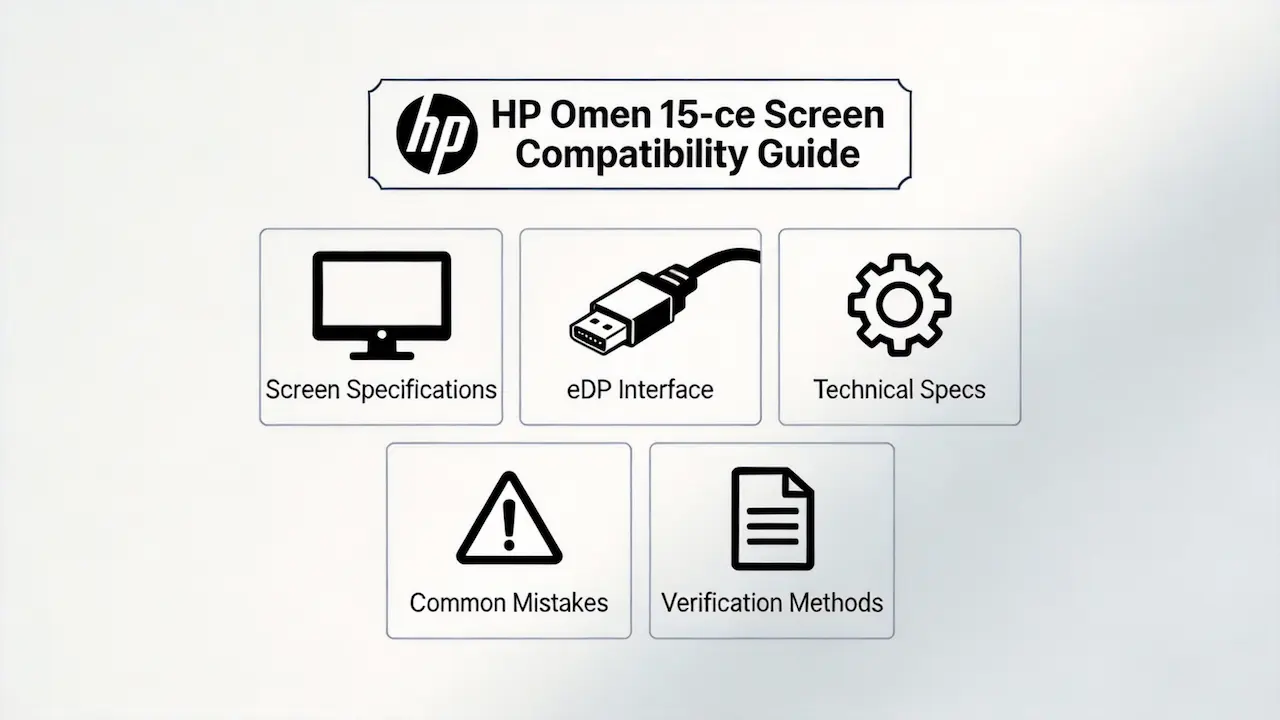
Most online guides suggest searching for laptop screens by “size” or “brand,” but this approach overlooks the complex technical requirements that ensure a successful replacement. The real compatibility factors lie in the eDP interface pin count, panel type, backlight interface, and sub-model variations. For the HP Omen 15-ce series, these details can mean the difference between a working replacement and a costly return.
There are two common failure scenarios in the market today: screens that match physically but fail electrically (such as 30-pin vs 40-pin eDP interfaces), and replacements that ignore sub-model differences leading to lost functionality (such as non-touch to touch screen conversions that don’t work). Let’s break down what truly determines screen compatibility for the HP Omen 15-ce series, starting with its official specifications.
What is HP Omen 15-ce series overview?
The HP Omen 15-ce series is a line of high-performance gaming laptops introduced by HP in 2017. These laptops were designed for gamers and content creators who demand powerful hardware and immersive displays. The series features a 15.6-inch screen with Full HD resolution and IPS technology, providing wide viewing angles and accurate color reproduction.
- Design Philosophy: The Omen 15-ce series was built with a focus on gaming performance, featuring powerful Intel Core i7 processors and NVIDIA GeForce GTX graphics cards.
- Display Options: The series offered both 60Hz and 120Hz refresh rate options to cater to different gaming needs.
- Build Quality: The laptops featured a durable aluminum chassis with a sleek, aggressive design that reflected their gaming focus.
- Connectivity: The series included a range of connectivity options, including USB 3.1, HDMI, and Thunderbolt 3 ports.
How are HP Omen 15-ce models named?
The HP Omen 15-ce series uses a specific naming convention that indicates the model’s configuration and region. Understanding this naming convention is essential for identifying the correct screen replacement.
- Model Prefix: “HP Omen 15-ce” – This indicates the series and screen size (15.6 inches).
- Model Number: “000” – This three-digit number indicates the specific configuration within the series.
- Region Suffix: “ng” or “ns” – This two-letter suffix indicates the region where the model was sold (e.g., “ng” for Germany, “ns” for Spain).
Example: “HP Omen 15-ce002ng”
- “15-ce” – Series and screen size
- “002” – Configuration number
- “ng” – Region (Germany)
What is exact screen model used in the HP Omen 15-ce?
The HP Omen 15-ce series uses several different screen models from various manufacturers. The most common OEM panel models include:
- AUO B156HAN04.2 – This is the most common panel used in the series, featuring a 15.6-inch IPS display with Full HD resolution and 60Hz or 120Hz refresh rates.
- Chi Mei N156HHE-GA1 – This panel is also widely used in the series, offering similar specifications to the AUO B156HAN04.2.
- AUO B156ZAN02.3 – This is a UHD 4K panel used in select models of the series.
What are key technical specifications of the HP Omen 15-ce panel?
| Specification | Details |
|---|---|
| Screen Size | 15.6 inches |
| Resolution | 1920×1080 (Full HD) or 3840×2160 (UHD 4K) |
| Panel Type | IPS |
| Refresh Rate | 60Hz or 120Hz |
| Brightness | 220 nits (typical) |
| Interface | 30-pin eDP (most models) or 40-pin eDP (UHD models) |
| Touch Support | No |
| Backlight | WLED |
What are common misconceptions when purchasing the HP Omen 15-ce series screen panel?
There are several common misconceptions that can lead to failed screen replacements for the HP Omen 15-ce series:
- “All 15.6-inch screens are compatible” – This is the most common misconception. While the physical size may match, the electrical interface and panel specifications must also match for the screen to work properly.
- “You can upgrade from FHD to UHD” – This is not possible for most models of the HP Omen 15-ce series due to BIOS and hardware limitations.
- “All HP Omen 15-ce screens are the same” – This is incorrect. Different sub-models of the series may use different screen models with varying specifications.
- “You can replace a non-touch screen with a touch screen” – This is not possible for the HP Omen 15-ce series, as the laptops are not equipped with the necessary touch control hardware.
Where can I verify screen compatibility before ordering?
There are several reliable sources where you can verify screen compatibility for the HP Omen 15-ce series:
- HP PartSurfer – This is HP’s official online database that allows you to search for compatible parts by product number.
- HP Service Manual – The official service manual for the HP Omen 15-ce series contains detailed information about screen specifications and compatibility.
- Panelook – This is a comprehensive database of LCD panel specifications that can help you identify compatible replacement screens.
- iFixit – This is a community-driven repair guide website that provides detailed information about laptop screen replacements and compatibility.
- Reputable Screen Suppliers – Reputable screen suppliers often provide compatibility information for their products, including which laptop models they are compatible with.
Can I upgrade the refresh rate on HP Omen 15-ce?
Yes, some models of the HP Omen 15-ce series can be upgraded to a 120Hz refresh rate screen. However, this requires purchasing a compatible 120Hz screen that matches the laptop’s interface and specifications.
How do I identify the screen model on HP Omen 15-ce?
You can identify the screen model on your HP Omen 15-ce by:
- Checking the HP PartSurfer database using your laptop’s product number
- Looking for the model number on the screen panel itself (requires disassembling the laptop)
- Using third-party software to read the screen’s EDID information
Conclusion
Choosing the right screen replacement for the HP Omen 15-ce series requires more than just matching the screen size. It requires understanding the complex technical specifications that determine compatibility, including the eDP interface pin count, panel type, refresh rate, and sub-model variations.
By following the guidelines outlined in this article, you can avoid the common pitfalls of laptop screen replacement and ensure a successful repair. Remember to always verify compatibility using reliable sources like HP PartSurfer, the official service manual, and reputable screen suppliers.
For resellers and technicians, having this level of detailed knowledge is essential for providing accurate recommendations and avoiding costly returns. By focusing on the technical specifications that truly determine compatibility, you can build trust with your customers and establish yourself as a reliable source for laptop screen replacements.