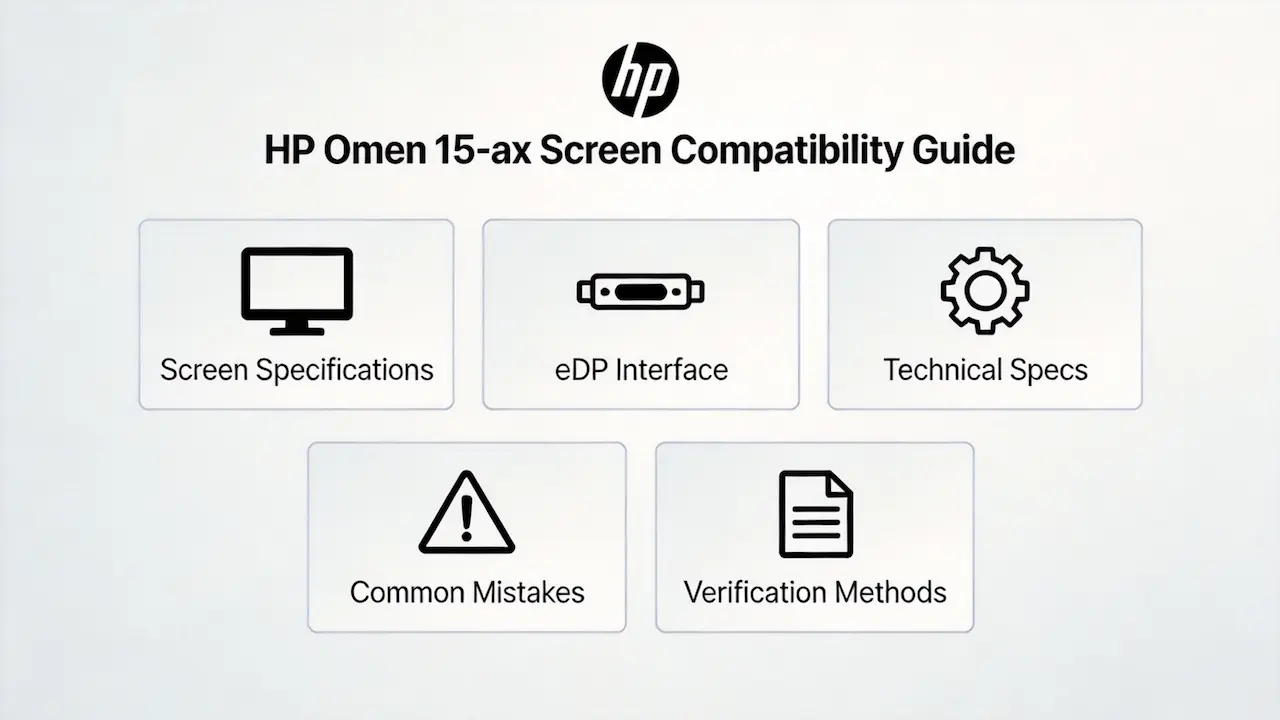
introduce
Imagine this scenario: A laptop parts distributor receives a return request from a customer who purchased a “matching size” screen for their HP Omen 15-ax. The customer claims the screen doesn’t work, even though it fits physically. Upon inspection, the distributor discovers the screen has a 40-pin eDP interface while the customer’s model requires a 30-pin eDP interface. This simple mistake leads to lost revenue, wasted time, and damaged customer trust.
Many online guides suggest “just search by size” or “buy any screen with the same brand.” This oversimplification ignores the critical technical details that determine true compatibility. In reality, screen compatibility depends on multiple factors including eDP interface pin count, panel type, backlight technology, and even BIOS restrictions.
There are two common types of failures in screen replacement: 1) Physical size matches but electrical compatibility fails (e.g., 30-pin vs 40-pin eDP), and 2) Ignoring sub-model differences leads to missing features (e.g., non-touch screen installed in a touch-enabled laptop). Let’s break down what truly determines screen compatibility for the HP Omen 15-ax, starting with its official specifications.
What is HP Omen 15-ax series overview?
The HP Omen 15-ax series was released between 2016 and 2017, targeting high-end gaming users who demand both performance and portability. This series features IPS panels with wide viewing angles and accurate color reproduction, making it suitable for both gaming and content creation.
Key screen technology features include:
- 15.6-inch diagonal display with 16:9 aspect ratio
- Full HD resolution (1920×1080) for sharp visuals
- Anti-glare coating to reduce reflections in bright environments
- WLED backlighting for energy efficiency and uniform brightness
Popular models in this series include:
- HP Omen 15-ax000
- HP Omen 15-ax200
According to the HP Maintenance and Service Guide (2017) , all models in the Omen 15-ax series use eDP (Embedded DisplayPort) technology for video signal transmission, which provides higher bandwidth and lower power consumption compared to older LVDS interfaces.
How are HP Omen 15-ax models named?
The HP Omen 15-ax series uses a specific naming convention to identify different configurations:
- 15-ax: Base series identifier for 15.6-inch gaming laptops
- 000/200: Major configuration generation (000 for Skylake processors, 200 for Kaby Lake)
- nd/ns: Regional suffix (nd for Netherlands, ns for Spain)
Example:
- HP Omen 15-ax010nd: 15.6-inch gaming laptop, Skylake generation, Netherlands market
- HP Omen 15-ax204ns: 15.6-inch gaming laptop, Kaby Lake generation, Spain market
What is exact screen model used in the HP Omen 15-ax?
| Model Variant | Panel Model | Size | Resolution | Refresh Rate | Brightness | Panel Type | Touch? | Interface |
|---|---|---|---|---|---|---|---|---|
| HP Omen 15-ax010nd | B156HAN04.1 | 15.6″ | 1920×1080 | 60Hz | 220 nits | IPS | No | eDP 30-pin |
| HP Omen 15-ax204ns | B156HAN04.1 | 15.6″ | 1920×1080 | 60Hz | 220 nits | IPS | No | eDP 30-pin |
| HP Omen 15-ax013ns | To be verified | 15.6″ | 1920×1080 | 60Hz | 220 nits | IPS | No | eDP 30-pin |
| HP Omen 15-ax014ns | To be verified | 15.6″ | 1920×1080 | 60Hz | 220 nits | IPS | No | eDP 30-pin |
| HP Omen 15-ax201ns | B156HAN04.1 | 15.6″ | 1920×1080 | 60Hz | 220 nits | IPS | No | eDP 30-pin |
According to Panelook database, the most commonly used panel in the Omen 15-ax series is the B156HAN04.1 from AU Optronics, which offers 72% NTSC color gamut and 178° wide viewing angles.
What are key technical specifications of the HP Omen 15-ax panel?
The HP Omen 15-ax series screens share several key technical specifications:
- Panel Type: IPS (In-Plane Switching) technology provides consistent color reproduction across wide viewing angles
- Resolution: 1920×1080 (Full HD) with 141 PPI pixel density for sharp images
- Refresh Rate: 60Hz standard refresh rate suitable for gaming and multimedia
- Brightness: 220 nits typical brightness, sufficient for indoor use
- Interface: 30-pin eDP (Embedded DisplayPort) for high-speed video transmission
- Touch Support: All models in this series use non-touch screens
- Color Gamut: 72% NTSC color coverage for accurate color representation
According to the HP Service Manual (2017) , the Omen 15-ax series screens use WLED (White Light Emitting Diode) backlighting technology, which offers better energy efficiency and longer lifespan compared to CCFL backlighting.
What are common misconceptions when purchasing the HP Omen 15-ax series screen panel?
There are several common misconceptions that lead to compatibility issues when purchasing replacement screens for the HP Omen 15-ax series:
- Misconception: “All 15.6-inch screens are compatible with HP Omen 15-ax”
- Reality: While physical size matches, the eDP interface pin count and panel specifications must also match. Using a screen with the wrong interface will result in no display or unstable performance.
- Misconception: “All HP Omen 15-ax models use the same screen”
- Reality: Different sub-models may use different panel manufacturers or specifications. Always verify the exact model number and check the official service manual for compatibility.
- Misconception: “Higher resolution screens will work as upgrades”
- Reality: The HP Omen 15-ax series has BIOS restrictions that prevent upgrading to higher resolution screens. Attempting to install a 4K screen will likely result in compatibility issues.
- Misconception: “Touch screens can replace non-touch screens”
- Reality: The HP Omen 15-ax series does not have touch screen models. Installing a touch screen will not work due to missing touch controller hardware and BIOS support.
Where can I verify screen compatibility before ordering?
To ensure you get the correct screen for your HP Omen 15-ax, use these reliable verification methods:
- HP PartSurfer: Official HP parts database where you can search by product number to find compatible screen part numbers
- HP Service Manual: Download the official service manual for your specific model to find detailed screen specifications
- Panelook Database: Online panel specifications database where you can search by panel model to verify technical details
- iFixit Compatibility Guide: Community-driven database with screen replacement guides and compatibility information
When verifying compatibility, always check:
- Exact model number (e.g., 15-ax010nd, 15-ax204ns)
- Panel model (e.g., B156HAN04.1)
- Interface type and pin count (e.g., 30-pin eDP)
- Touch support (non-touch for all Omen 15-ax models)
What is the cost of HP OMEN 15-ax screen?
Retail prices for HP Omen 15-ax screens typically range from $50 to $120 USD. Bulk purchases from distributors like SUP can offer significant discounts.
How much does it cost to replace an HP OMEN 15-ax screen?
DIY replacement costs include only the screen itself ($50-$120). Professional repair services may charge an additional $50-$100 for labor.
What screen does HP OMEN 15-ax use?
The HP Omen 15-ax uses a 15.6-inch IPS panel with 1920×1080 resolution and 30-pin eDP interface. The most common OEM panel is the B156HAN04.1 from AU Optronics.
Is HP OMEN 15-ax screen touch?
No, all models in the HP Omen 15-ax series use non-touch screens. There are no touch-enabled variants available.
Conclusion
Verifying screen specifications is crucial for B2B distributors to avoid costly returns and maintain customer trust. The HP Omen 15-ax series has specific requirements that must be met for successful screen replacement, including 30-pin eDP interface and IPS panel technology.
SUP is a trusted distributor of OEM laptop screens from leading manufacturers including BOE, LG, Samsung, AUO, Innolux, and Sharp. We provide accurate compatibility information and high-quality screens to ensure your customers get the right product every time.
Our B2B services offer several advantages:
- Exact compatibility guarantee for all listed models
- MOQ as low as 10 pieces with mixed orders welcome
- Competitive pricing for bulk purchases
- Fast shipping to meet your business needs
Contact us today to discuss your HP Omen 15-ax screen replacement requirements and experience the SUP difference in quality and service.