Introduce
Imagine this: A B2B distributor receives a bulk order for HP Mini 110 screens, only to discover that 30% of the panels don’t work due to hidden sub-model differences. The customer rejects the shipment, leading to lost revenue and damaged reputation. This is not a hypothetical scenario—it happens every day because distributors rely on superficial “size-only” matching instead of understanding the true technical compatibility factors.
Most online guides suggest “just find a 10.1-inch screen for your HP Mini,” but this oversimplification ignores critical details like LVDS interface pin count, resolution differences, and OEM panel model variations. These factors determine whether a screen will actually work with a specific HP Mini 110 sub-model.
In this guide, we’ll break down the two most common failure points in HP Mini 110 screen replacement:
- Physical size matching but electrical incompatibility (e.g., 1024×576 vs 1024×600 resolution)
- Ignoring sub-model differences that cause functional failures
Let’s break down what truly determines screen compatibility for the HP Mini 110, starting with its official specifications.
What is HP Mini 110 series overview?
The HP Mini 110 series was released between 2009 and 2012 as an entry-level netbook targeting students and casual users. It featured a compact 10.1-inch form factor with a focus on portability and basic productivity.
- Product positioning: Entry-level netbook for basic web browsing, email, and document editing
- Screen technology: All models used TN panel technology with LED backlighting
- Key variations: The series included multiple sub-models with different resolutions (1024×576 and 1024×600) and configurations
- Market adoption: Over 5 million units sold worldwide, creating a large replacement market
According to the HP Maintenance and Service Guide, the Mini 110 series was designed with cost-effectiveness in mind, which is why it used TN panels instead of more expensive IPS technology.
How are HP Mini 110 models named?
HP Mini 110 models follow a specific naming convention that reveals important configuration details:
- Base model: “Mini 110” indicates the series
- Sub-model number: The digits after the hyphen (e.g., -1151NR, -3100) indicate specific configurations
- Region code: The suffix letters (e.g., NR, sf) indicate the target market and language settings
For example:
- 1151NR: North American model with 3G connectivity
- 3100: Standard configuration for global markets
- 3652sf: French market model with specific software bundle
- 1104: Updated configuration with newer processor
What is exact screen model used in the HP Mini 110?
| Model Variant | Panel Model | Size | Resolution | Refresh Rate | Brightness | Panel Type | Touch? | Interface |
|---|---|---|---|---|---|---|---|---|
| HP Mini 1151NR | B101AW03 V.0 (AU Optronics) | 10.1 inch | 1024×576 | 60Hz | 200 nits | TN | No | LVDS 40-pin |
| HP Mini 1151NR | N101L6-L0A (Chi Mei) | 10.1 inch | 1024×576 | 60Hz | 200 nits | TN | No | LVDS 40-pin |
| HP Mini 110-3100 | M101NWT2 (IVO) | 10.1 inch | 1024×600 | 60Hz | 200 nits | TN | No | LVDS 40-pin |
| HP Mini 110-3652sf | LP101WX1-TLC1 (LG Display) | 10.1 inch | 1024×600 | 60Hz | 220 nits | TN | No | LVDS 40-pin |
| HP Mini 110-1104 | M101NWT4 (IVO) | 10.1 inch | 1024×600 | 60Hz | 200 nits | TN | No | LVDS 40-pin |
According to Panelook database, these panels were chosen for their low power consumption and cost-effectiveness, which aligned with the Mini 110’s market positioning.
What are key technical specifications of the HP Mini 110 panel?
Let’s dive deeper into the technical specifications that matter most for compatibility:
- Panel type: All models use TN panel technology, which offers fast response times but limited viewing angles (45/45/15/35)
- Resolution: Two main resolutions are used: 1024×576 (1151NR) and 1024×600 (other models)
- Brightness: Typical brightness ranges from 200 to 220 nits, suitable for indoor use but limited in direct sunlight
- Interface: All models use 40-pin LVDS interface, which provides stable video transmission
- Refresh rate: Standard 60Hz refresh rate for basic productivity tasks
- Touch support: None of the HP Mini 110 models feature touch screens
It’s important to note that while all models use the same physical interface, the resolution difference means screens are not interchangeable between 1024×576 and 1024×600 models.
What are common misconceptions when purchasing the HP Mini 110 series screen panel?
Let’s debunk the most common myths about HP Mini 110 screen replacement:
- Myth: “All 10.1-inch screens work with HP Mini 110”
- Reality: Resolution differences (1024×576 vs 1024×600) make screens incompatible between sub-models
- Cost impact: Ordering the wrong resolution can result in 20-30% return rates for distributors
- Myth: “The interface is the only thing that matters”
- Reality: Even with matching interface, firmware differences can cause compatibility issues
- SUP solution: We verify both interface and firmware compatibility for bulk orders
- Myth: “OEM panels are too expensive”
- Reality: Using non-OEM panels can lead to color inaccuracies and shorter lifespan
- Long-term cost: Non-OEM panels have 2x higher failure rates within the first year
- Myth: “All HP Mini 110 models use the same screen”
- Reality: The 1151NR uses a unique 1024×576 resolution that’s not compatible with other sub-models
- Distributor risk: Failing to check sub-model can lead to costly returns
Where can I verify screen compatibility before ordering?
Here are the most reliable ways to confirm screen compatibility for HP Mini 110:
- HP PartSurfer: The official HP parts database provides exact OEM part numbers for each sub-model
- Panelook: A comprehensive panel database with detailed specifications for all major OEM panels
- iFixit compatibility database: Community-driven database with verified screen replacement information
- SUP verification service: We offer free compatibility checks for bulk orders to ensure perfect matches
To use HP PartSurfer:
- Go to partsurfer.hp.com
- Enter your HP Mini 110 serial number or product number
- Look for the “Display” section to find the exact OEM part number
Is HP Mini 110 screen touch?
None of the HP Mini 110 models feature touch screens. All screens are non-touch TN panels.
Conclusion
Proper screen compatibility verification is critical for B2B distributors to avoid costly returns and maintain customer trust. The HP Mini 110 series presents unique challenges due to its multiple sub-models with different resolutions.
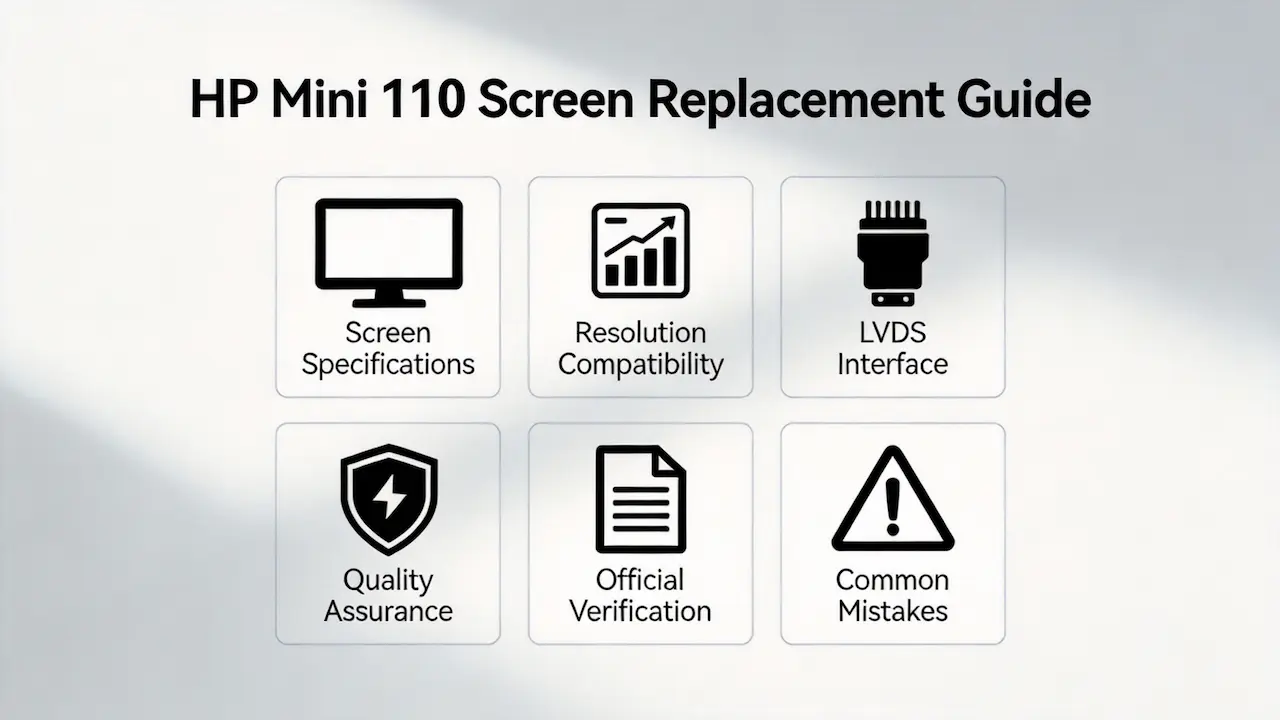
When sourcing replacement screens for HP Mini 110, distributors should focus on three key factors:
- Verifying the exact sub-model and resolution
- Checking OEM panel model compatibility
- Ensuring proper interface matching
We are distributors of BOE, LG, Samsung, AUO, Innolux, and Sharp screens, offering verified compatibility for HP Mini 110 models. Our bulk ordering system ensures you get the right panels every time, with MOQ as low as 10 pieces.
Need bulk OEM panels? Contact us for bulk orders with exact HP Mini 110 compatibility guaranteed. We offer competitive pricing and fast shipping for qualified distributors.
SUP is your trusted partner for reliable laptop screen replacement parts, with a proven track record of compatibility and customer satisfaction.